Search Results for chart
Explore AI generated designs, images, art and prompts by top community artists and designers.


A hidden , dimly lit arcade cavern beneath a humming biomechanical data foundry. Setting: Rough concrete walls streaked with oil , a low‑hanging pipe network leaking faint vapor. Lighting: Warm , yellowish basement glow punctuated by flickering neon strips and the soft hum of LED panels. Key Elements: A living bar chart sprouts from a rusted metal console , its bars pulsing like veins and shooting out prismatic laser ribbons. Four laser beams intertwine , merging into a roaring plasma‑photon tendril that arcs toward a glass “browser‑window” labeled Hyperplane. The impact pixelates the glass , warping space into a kaleidoscopic vortex before snapping back into a razor‑sharp , glossy chart display. Hardware: Exposed GPUs in open frames , tangled mess of multicolored cables snaking across the floor , a small whirring fan struggling to cool the heat. Atmosphere: A digital thermometer on the wall reads “OVERHEATED” , steam rising from the fan , tiny dust motes illuminated by stray laser light. Mood: Gritty , secretive , buzzing with neon‑lit tension—perfect for a sci‑fi thriller audience. ,
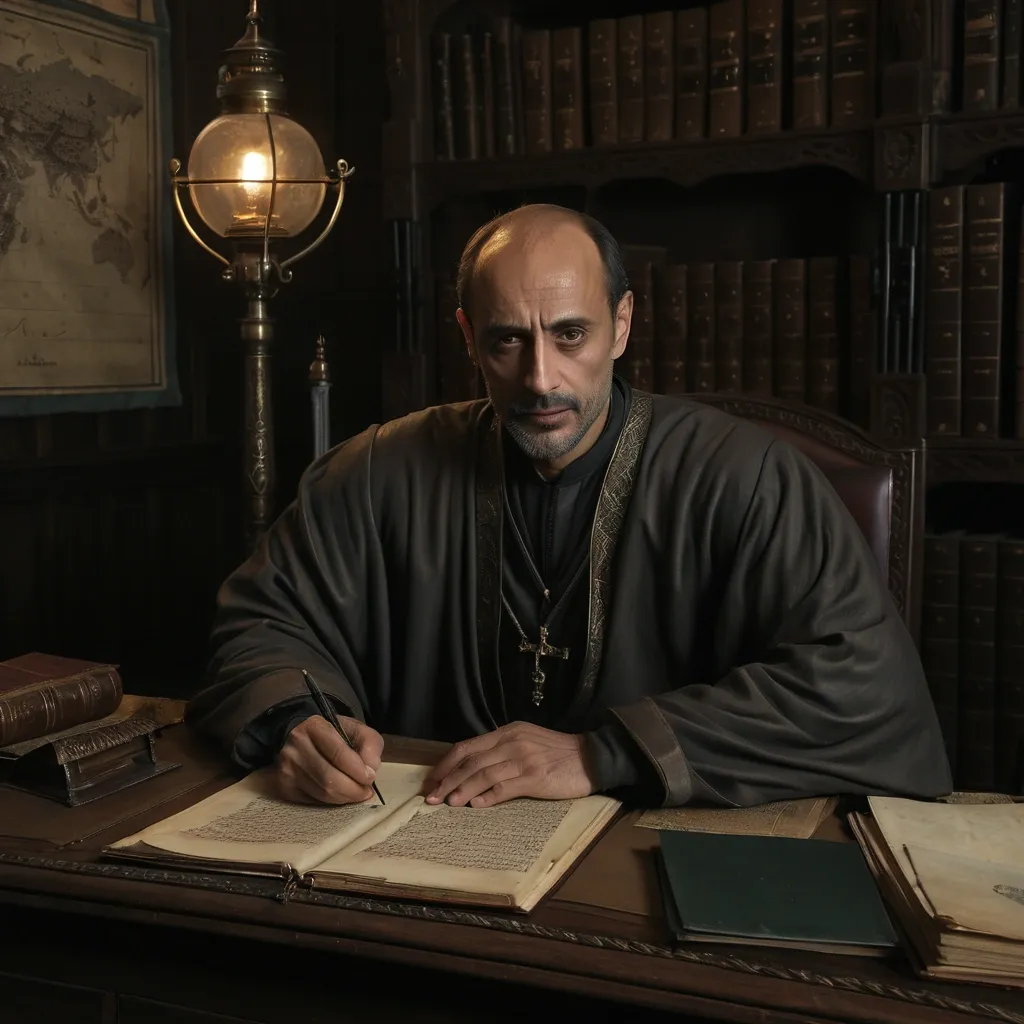
Teletar ben Putin , original mature Ahl al-Haram administrator and father , facial amalgamation of Mark Strong — 55% + Alexander Siddig — 45% , dignified scholarly appearance , restrained expression , refined practical Ahl al-Haram clothing in earth tones and aged bronze , seated at a dark wooden writing desk covered with correspondence , ledgers and coastal charts , warm lamplight , realistic grimdark medieval fantasy photography. ,

Drexal , original fantasy character , facial blend: **55% Mark Strong + 45% Naveen Andrews** , interpreted as a unique face , not a direct likeness. Mature Al-Karim noble-officer with long-oval face , defined cheekbones , strong jaw , prominent straight nose , deep-set dark brown eyes , thick brows , warm olive skin , near-black wavy hair , neatly trimmed beard. Calm , analytical , restrained expression. Refined practical desert military attire , earth tones , deep burgundy , charcoal , dark brown , aged bronze , subtle embroidery and leather. In an Al-Karim military study with maps , coastal charts , manuscripts and navigation instruments. Ultra-realistic cinematic medieval fantasy , natural skin texture , realistic materials , dramatic natural lighting , shallow depth of field. ,
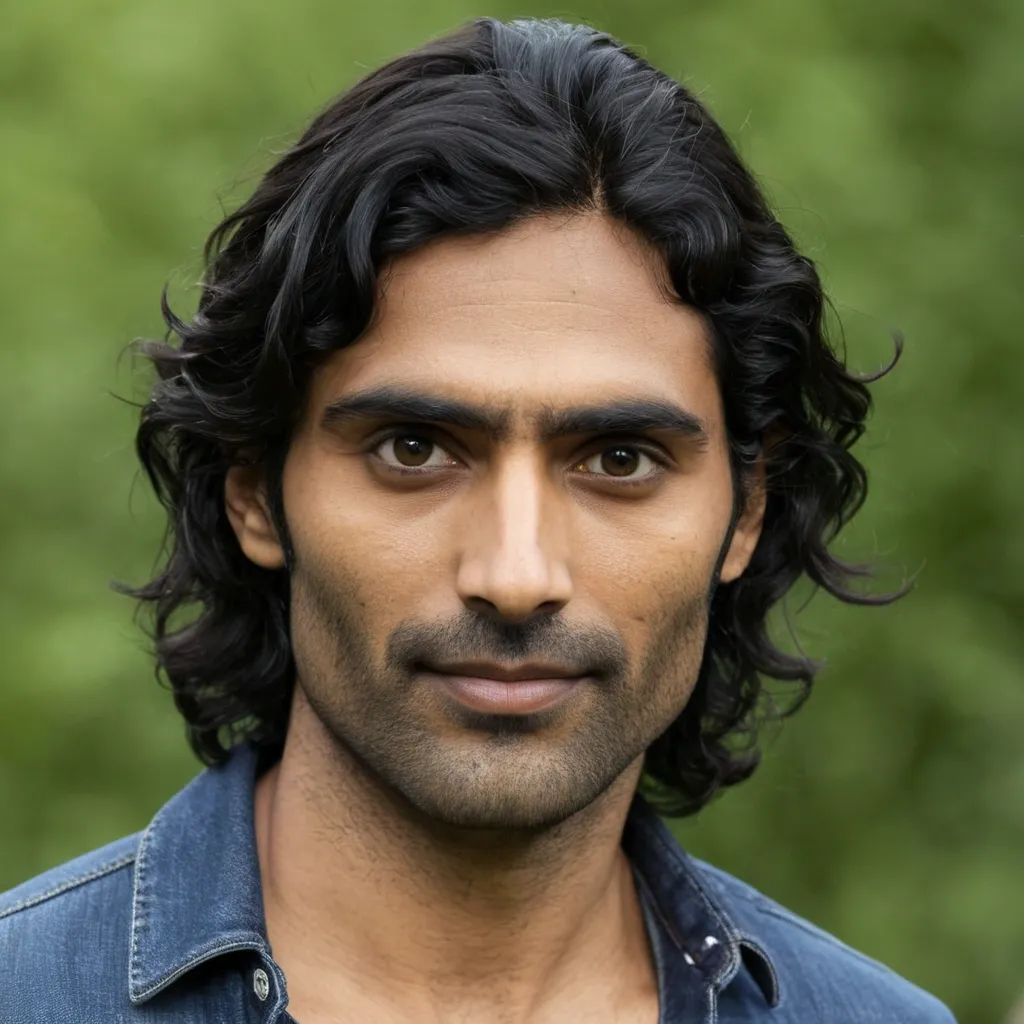
Drexal's face is a consistent , recognizable original character based on a **facial amalgamation of Mark Strong (55%) and Naveen Andrews (45%)** , interpreted as an original fantasy character and **not a likeness or copy of either actor**. He has a **long-oval to subtly rectangular face** , defined cheekbones , a strong but not overly square jaw , a straight prominent nose , slightly hooded deep-set **dark brown eyes** , thick naturally shaped eyebrows , medium-full lips , and an intelligent , restrained expression. His eyes should communicate **constant observation and analysis**. He often looks as though he is evaluating a situation rather than reacting emotionally to it. **Skin:** Warm olive complexion with realistic natural texture , subtle signs of sun exposure , travel , and life outdoors. **Hair:** Thick , very dark brown to near-black hair , moderately short and practical , with a slight natural wave. **Facial hair:** Closely trimmed short beard with the moustache naturally integrated into it. Neat and practical , never fashionable or heavily stylized. ### Character & Presence Drexal is a **scholarly military officer and Al-Karim nobleman**. His authority comes from intelligence , competence , restraint , and self-command rather than physical intimidation. His demeanor is: - Calm - Observant - Intelligent - Controlled - Quietly authoritative - Professionally disciplined - Emotionally restrained - Difficult to read He should appear capable of spending an afternoon studying **coastal charts , military reports , or diplomatic correspondence** , then calmly drawing his sword when circumstances require it. His attractiveness should be **mature and understated** , never model-like or prettified. He possesses the quiet confidence of a man who does not need to demonstrate his competence to anyone. ### Clothing & Setting Dress him as an **Al-Karim noble-officer** , combining refined aristocratic clothing with practical military elements appropriate to a grimdark medieval fantasy setting. Rich but restrained fabrics , layered desert-region garments , practical officer's coat or robe , subtle embroidered detailing , leather equipment , and understated signs of rank. His clothing should suggest wealth and education without becoming ostentatious. Use a muted , historically inspired **Al-Karim palette** of earth tones , deep burgundy , sand , charcoal , dark brown , and aged bronze. Place him in an atmospheric Al-Karim interior such as a military study , coastal command chamber , or noble administrative room , with **maps , navigation charts , instruments , manuscripts , and military documents** subtly visible in the background. ### Lighting & Visual Style Ultra-realistic cinematic medieval fantasy photography. Natural skin texture , realistic pores , subtle imperfections , authentic fabric and leather textures , physically believable materials , dramatic but natural directional lighting , shallow depth of field , atmospheric environmental detail. The lighting should emphasize the structure of his face and particularly his **deep-set , evaluating eyes**. **Mood:** intelligent , restrained , serious , quietly formidable. **Composition:** Three-quarter portrait , chest or waist up , natural relaxed posture , direct or slightly off-camera gaze. **Critical consistency requirement:** Preserve the same facial structure , proportions , eye shape , nose , jawline , eyebrows , hairline , beard pattern , and overall facial identity in every future depiction of Drexal. **Style restrictions:** No anime , no illustration , no exaggerated fantasy features , no glamor makeup , no modern clothing , no contemporary objects , no exaggerated muscularity , no youthful beautification , no caricature. **The final character must read immediately as the same Drexal across different images , ages , costumes , poses , and environments.** ,
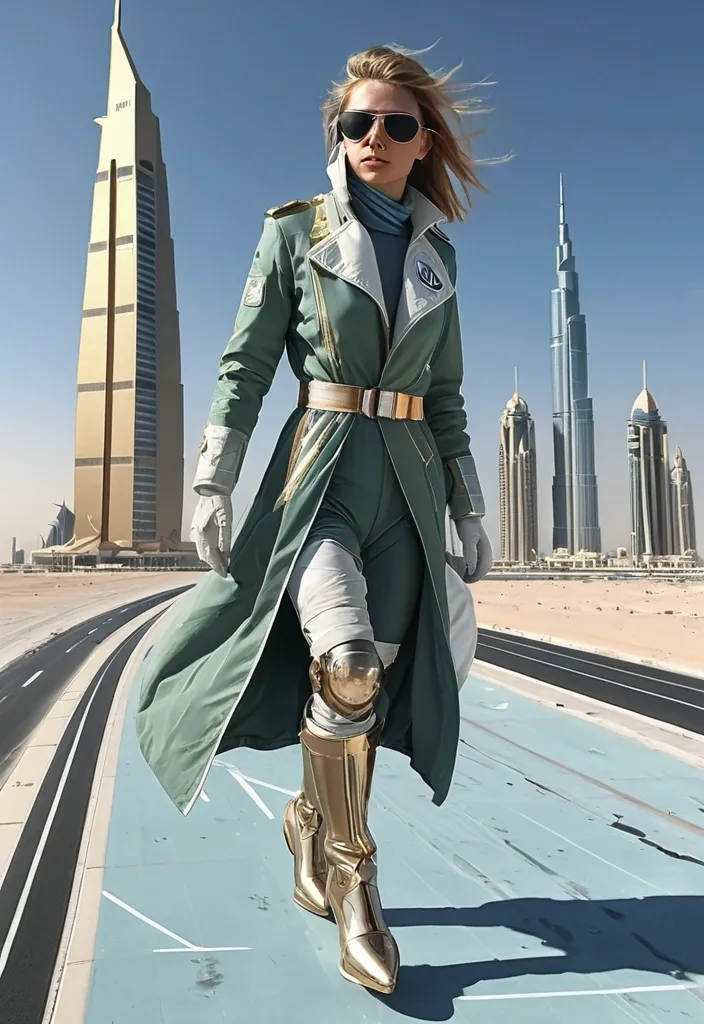
poised stratosphere pilot , fair skin delicate , pale green eyes , short windblown copper , long aviator coat white gold , rolled navigation chart gloved , mid stride , one foot forward , weight settling onto the ground , marble fox companion beside them , Dubai 2133 , Dubai year 2133 mirrored towers vanishing , dramatic light deep shadows , white gold and sky blue , heroic painted realism gouache oil rendering , full body head to toe , feet on visible ground , ultra detailed , sharp focus , 8K ,

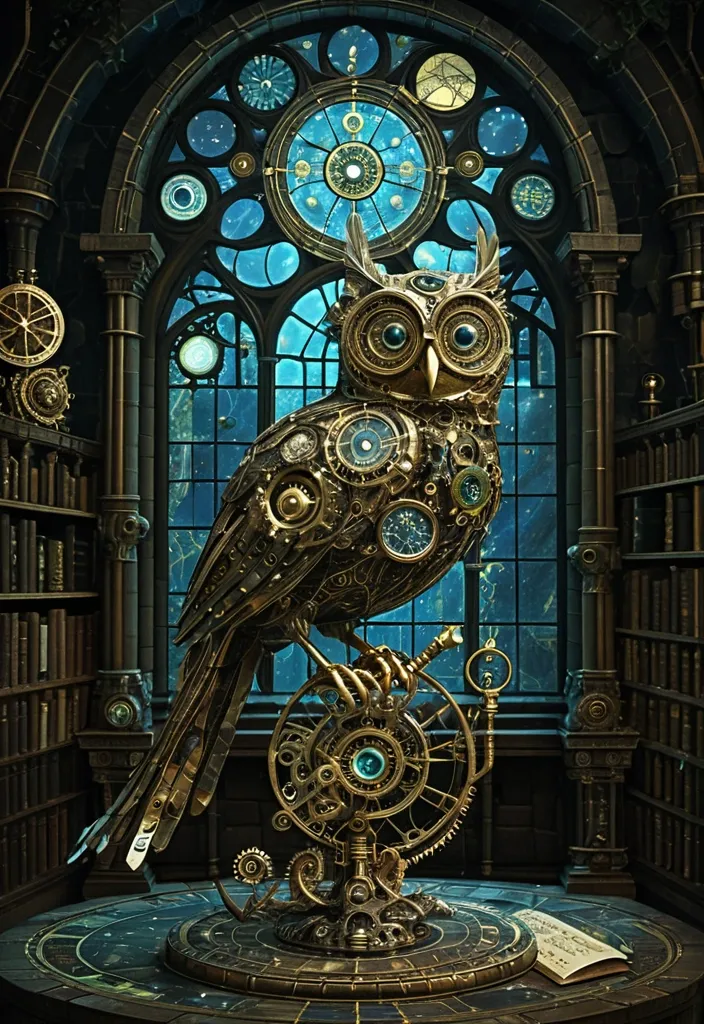
A surreal clockwork owl , its feathers made of polished brass and gears , perches on a gnarled , moss-covered branch within a silent , ancient library. Moonlight streams through a massive stained-glass window depicting astronomical charts. Dust motes dance in the light beams. The style should be dark academia meets whimsical steampunk illustration , with intricate details and a moody , atmospheric lighting reminiscent of a hidden magical world. ,
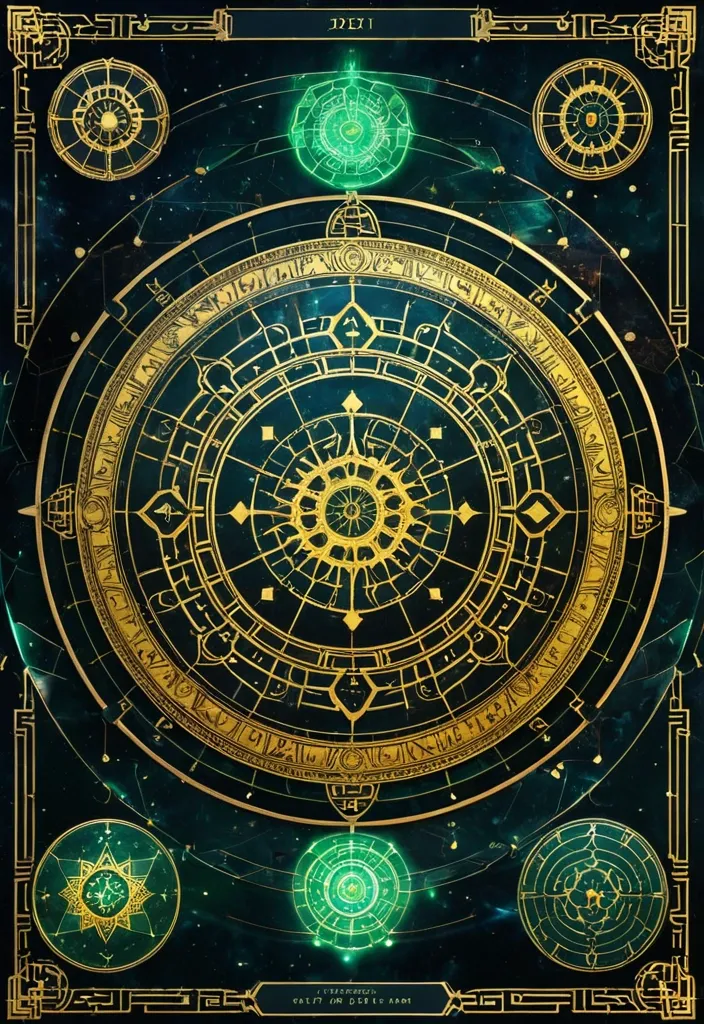
生成图片:主背景 墨宇宙黑:#05070C 深海墨蓝:#0B1A2A 夜雾青:#0E2A2F ✨ 核心能量色 命运金:#D6B35A 星轨白金:#E8E1C9 灵气青:#4FD6C8 🧱 UI结构色 玉石绿:#2E5E4E 古铜金:#8A6A3A 朱砂红(少量):#A43A3A 💡 光影规则 全局体积光(Volumetric Light) 金色粒子漂浮 星轨流动线 UI微发光边框 低对比高氛围 提示词: Chinese destiny analysis interface , "Fate Structure Revelation System" , giant rotating golden astrological mandala , combination of BaZi chart and ancient Chinese star map , jade holographic UI panels , five element energy flows (wood fire earth metal water) , deep cosmic ink background , ritual altar aesthetic with futuristic UI overlay , ultra detailed RPG interface design,16:9 ,
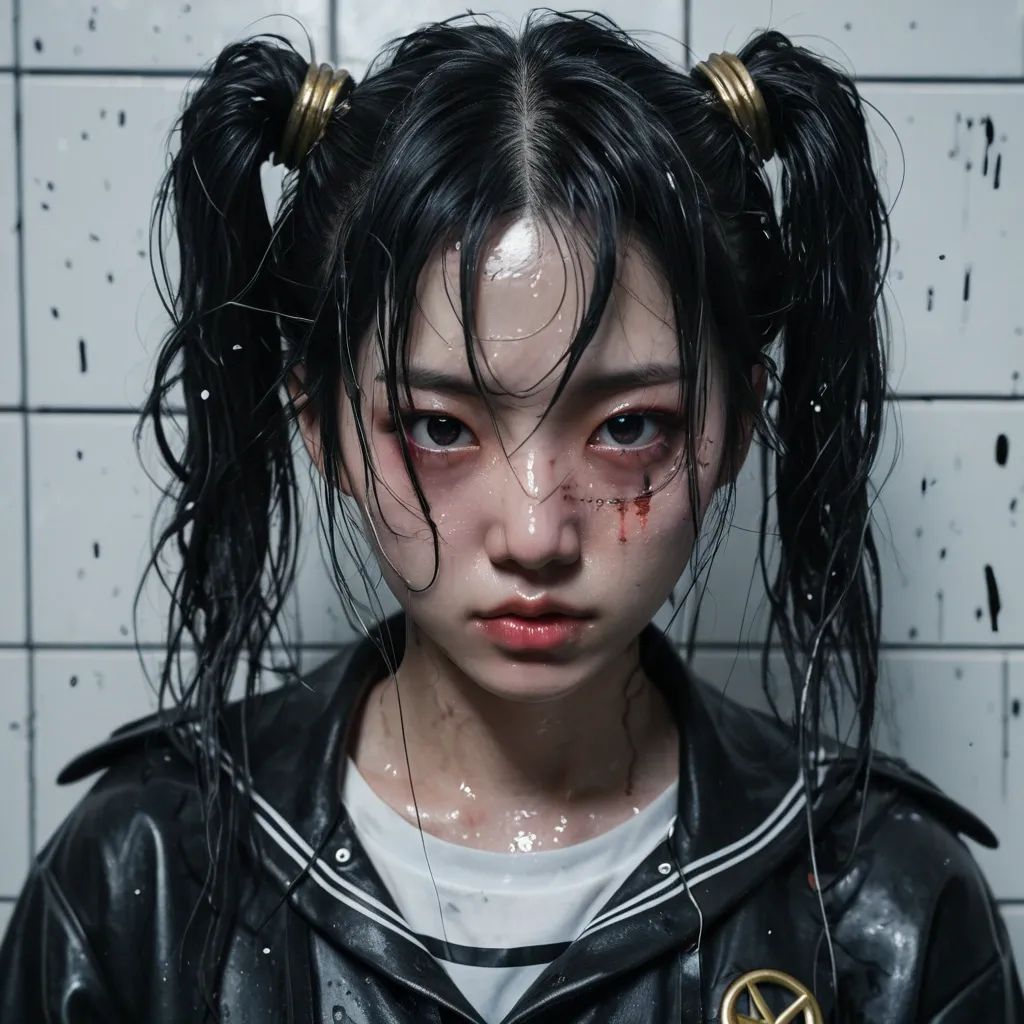
photorealistic Liu Yi Fei inspired by Sailor Moon , long black hair in iconic twin buns with loose messy pigtails , strands falling across her face , slightly disheveled , standing in a police station mugshot setting , height chart wall behind her , holding a mugshot placard , smudged makeup , dark mascara streaks under her eyes , glossy slightly parted lips , faint blush mixed with fatigue , large expressive eyes , confident rebellious gaze , subtle ironic smirk , head slightly tilted , attitude , tired but defiant emotion wearing a modern edgy reinterpretation of Sailor Moon outfit , slightly torn or wrinkled , darker tones , leather-like textures mixed with fabric , harsh fluorescent lighting from above , realistic skin texture with imperfections , cinematic shadows , gritty атмосphere , front-facing composition , shallow depth of field , ultra detailed , anime inspired but photorealistic , 8k faint magical glow fading around her , subtle sparkles mixed with gritty realism , contrast between magical identity and harsh reality , intense mood text "An Feng" slight bruise or redness on cheek lipstick smeared unevenly chains or handcuffs partially visible wet hair strands as if caught in rain portrait framing , head fully visible , top of head not cropped , extra space above head , centered composition , proper headroom medium shot , , Hyperrealistic , splash art , concept art , mid shot , intricately detailed , color depth , dramatic , 2/3 face angle , side light , colorful background ,
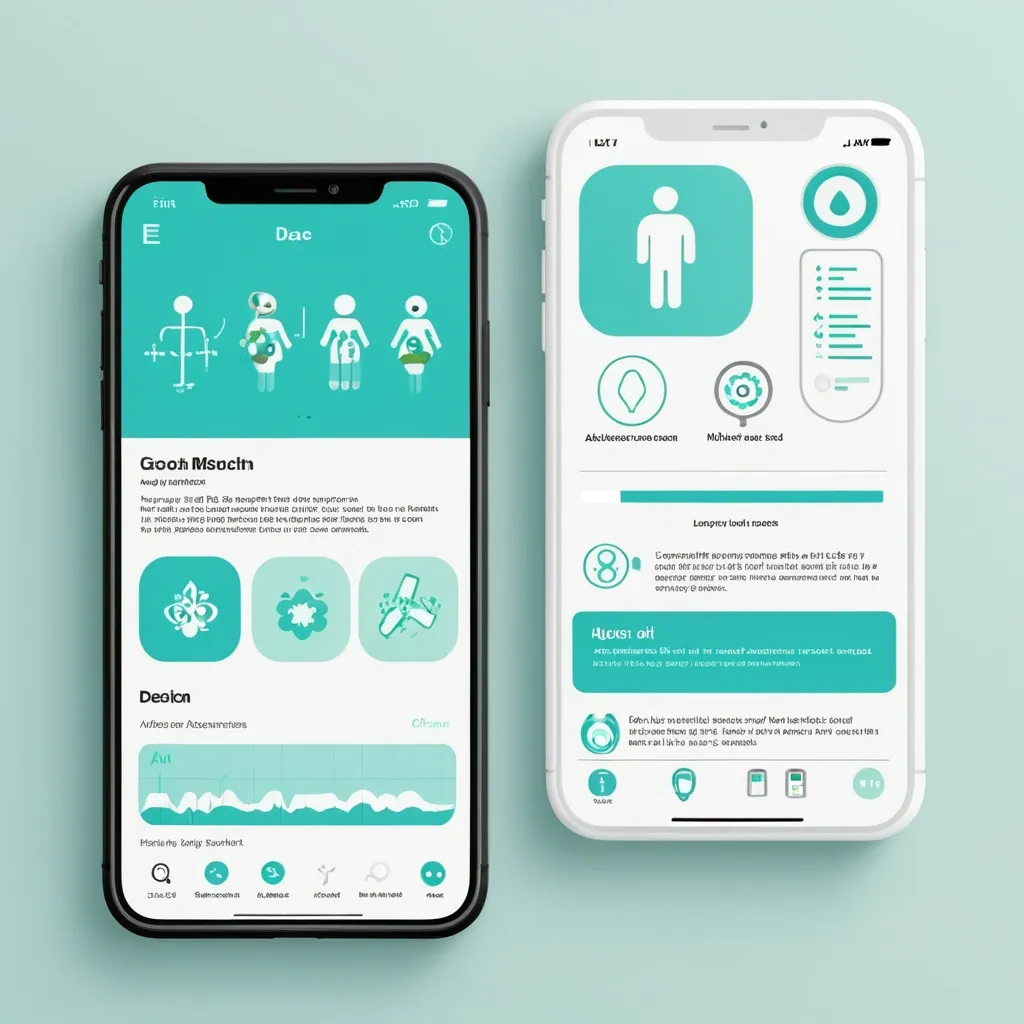
Разработай макет приложения для здоровья. Краткое описание идеи Приложение , которое: Распознает медицинские анализы по фото (ОАК , биохимия , гормоны и др.) Строит динамические графики показателей во времени Хранит заключения специалистов с возможностью поиска и структурирования Собирает профиль пользователя (пол , возраст , вес , хронические заболевания) Предоставляет AI-рекомендации по питанию , физической активности , ментальному здоровью. Философия дизайна «Забота и ясность» — дизайн должен создавать ощущение: ✅ Безопасности — пользователь доверяет приложению свои медицинские данные ✅ Профессионализма — научный подход , точность , надежность ✅ Заботы — теплота , поддержка , мотивация к здоровью ✅ Ясности — простота восприятия сложной медицинской информации. Mobile app UI design , medical health tracker dashboard , clean minimal style , soft pastel colors: primary turquoise #5DBCD2 , lavender #9B9ED6 , white background #F8FAFC , dark gray text #2D3748. Layout: Top greeting "Добрый день , Анна!" with health score circular widget (85/100 , mint green progress ring). Below: 4 rounded square quick-action cards with soft icons (Documents , Charts , AI Assistant , Appointments). Section "Последние анализы": two white cards with rounded corners (20px) , subtle shadow , each showing test name (🩸 Общий анализ крови) , date , and status badge (✓ Норма in mint green , ⚠ Повыш. in coral). AI recommendation card at bottom: soft gradient background , robot icon , short text tip about hydration. Bottom navigation bar: 5 icons (Home , Analytics , Add , Chat , Profile) , active icon in turquoise , blurred white background. Style: Medical Minimalism 2.0 , glassmorphism elements , soft UI , organic rounded shapes , calm aesthetic , professional but friendly. High fidelity , Figma-style mockup , iOS design guidelines , 375x812px frame , light mode. --ar 9:19 --style raw ,
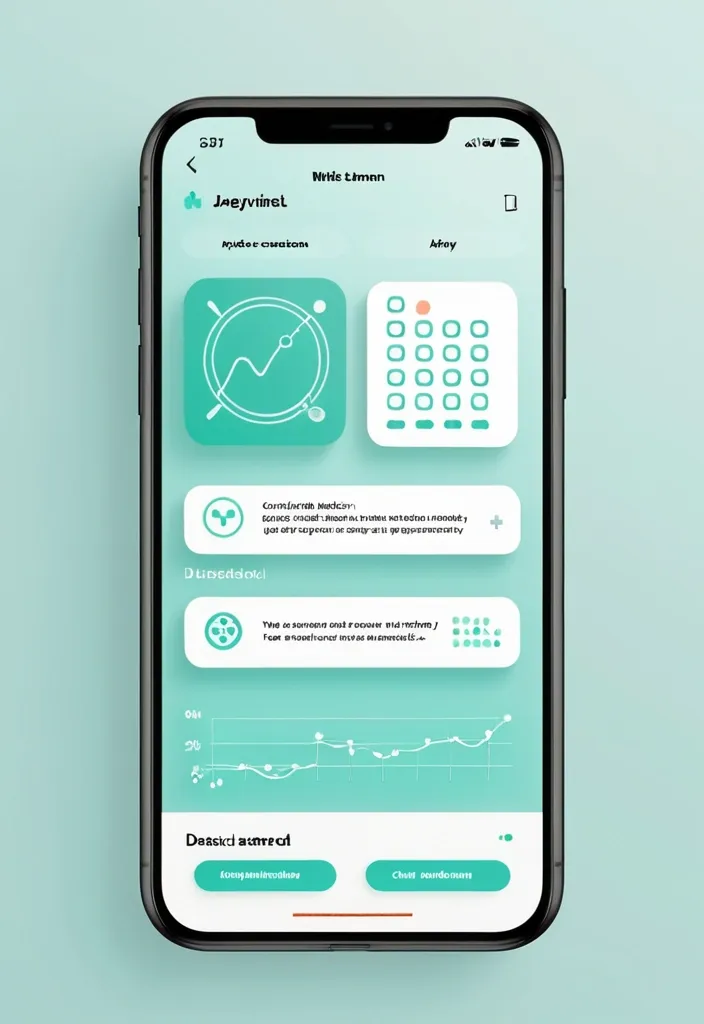
Разработай макет приложения для здоровья. Краткое описание идеи Приложение , которое: Распознает медицинские анализы по фото (ОАК , биохимия , гормоны и др.) Строит динамические графики показателей во времени Хранит заключения специалистов с возможностью поиска и структурирования Собирает профиль пользователя (пол , возраст , вес , хронические заболевания) Предоставляет AI-рекомендации по питанию , физической активности , ментальному здоровью. Философия дизайна «Забота и ясность» — дизайн должен создавать ощущение: ✅ Безопасности — пользователь доверяет приложению свои медицинские данные ✅ Профессионализма — научный подход , точность , надежность ✅ Заботы — теплота , поддержка , мотивация к здоровью ✅ Ясности — простота восприятия сложной медицинской информации. Mobile app UI design , medical health tracker dashboard , clean minimal style , soft pastel colors: primary turquoise #5DBCD2 , lavender #9B9ED6 , white background #F8FAFC , dark gray text #2D3748. Layout: Top greeting "Добрый день , Анна!" with health score circular widget (85/100 , mint green progress ring). Below: 4 rounded square quick-action cards with soft icons (Documents , Charts , AI Assistant , Appointments). Section "Последние анализы": two white cards with rounded corners (20px) , subtle shadow , each showing test name (🩸 Общий анализ крови) , date , and status badge (✓ Норма in mint green , ⚠ Повыш. in coral). AI recommendation card at bottom: soft gradient background , robot icon , short text tip about hydration. Bottom navigation bar: 5 icons (Home , Analytics , Add , Chat , Profile) , active icon in turquoise , blurred white background. Style: Medical Minimalism 2.0 , glassmorphism elements , soft UI , organic rounded shapes , calm aesthetic , professional but friendly. High fidelity , Figma-style mockup , iOS design guidelines , 375x812px frame , light mode. --ar 9:19 --style raw ,
The darkness is interrupted by vibrant shades of pink and purple , signaling the uncharted territory within. Color mood: Mysterious , transitioning from cold to warm Lighting conditions: Soft , contrasting the harsh blackness of space Style: Abstract , conveying the sense of exploration and discovery Suddenly. ,
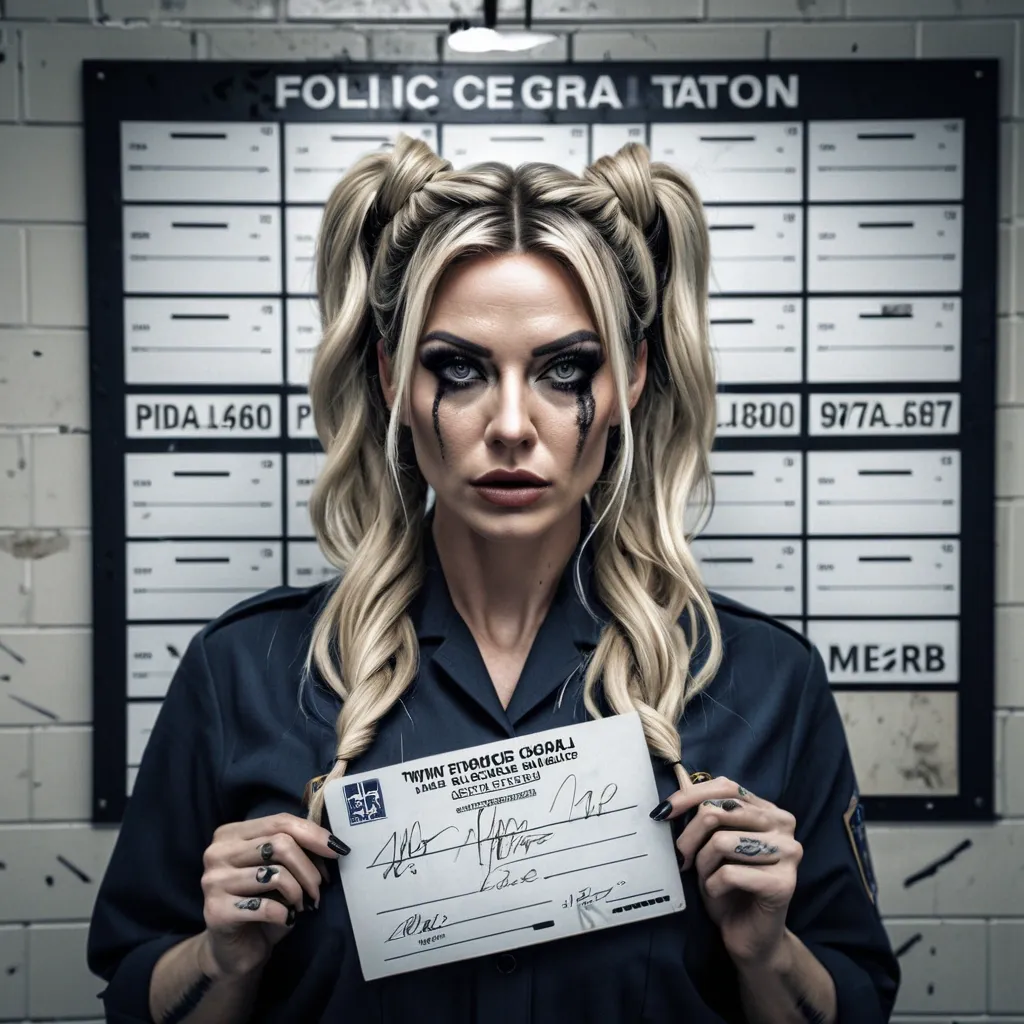
photorealistic young woman inspired by Lucy MacClean , long blonde hair in iconic twin buns with loose messy pigtails , strands falling across her face , slightly disheveled , standing in a police station mugshot setting , height chart wall behind her , holding a mugshot placard , smudged makeup , dark mascara intricate details , HDR , beautifully shot , hyperrealistic , sharp focus , 64 megapixels , perfect composition , high contrast , cinematic , atmospheric , moody ,
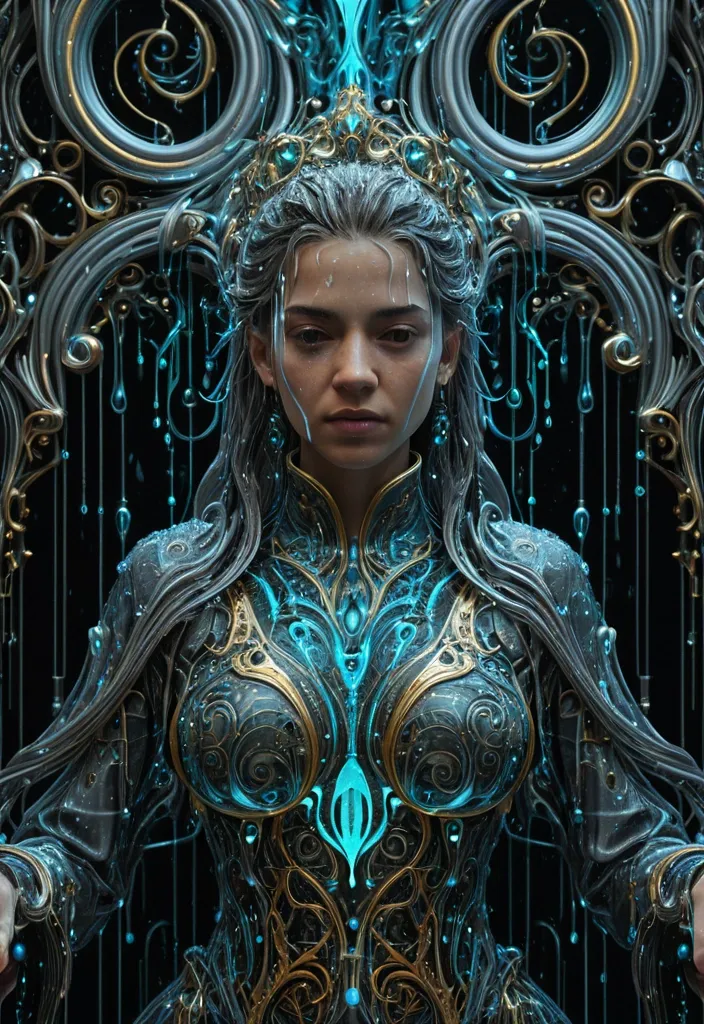
masterpiece) , (best quality) , ultra detailed , highly detailed , 8k resolution , sharp lineart , intricate hair strands , crisp details , perfect anatomy , detailed clothing , cinematic lighting , vibrant colors , rich textures , detailed background , A female sovereign draped in [anti-Soak-cide] raindrops—water that kills wetness , droplets that repel absorption while appearing liquid—each bead a [holo-Liquid-phase] holographic state-shift suspended between solid , fluid , and data. The entire composition viewed through a [hyper-Omni-rain-scope] field: an all-encompassing , hyper-influential atmospheric dominion where rain becomes omniscient observer. Rendered in deep-infographical-baroque style: ornate baroque flourishes interwoven with layered data-visualization geometry , calligraphic flow-charts as decorative filigree , cinematic sci-fi painting technique with volumetric ionized lighting , 8K resolution , palette of mercury-silver , ionized cyan , baroque gold-leaf accents , and deep void-black negative space. ,
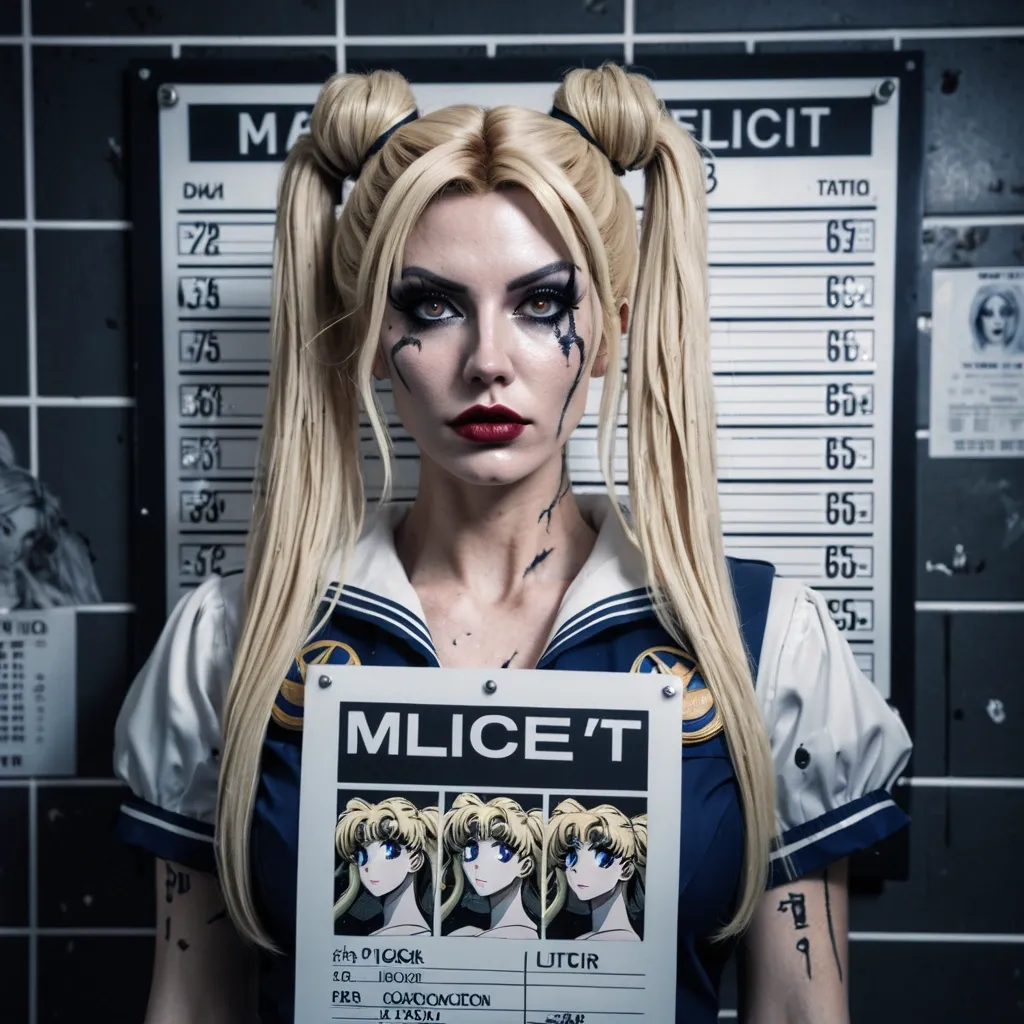
photorealistic young woman inspired by Sailor Moon , long blonde hair in iconic twin buns with loose messy pigtails , strands falling across her face , slightly disheveled , standing in a police station mugshot setting , height chart wall behind her , holding a mugshot placard , smudged makeup , dark mascara intricate details , HDR , beautifully shot , hyperrealistic , sharp focus , 64 megapixels , perfect composition , high contrast , cinematic , atmospheric , moody ,
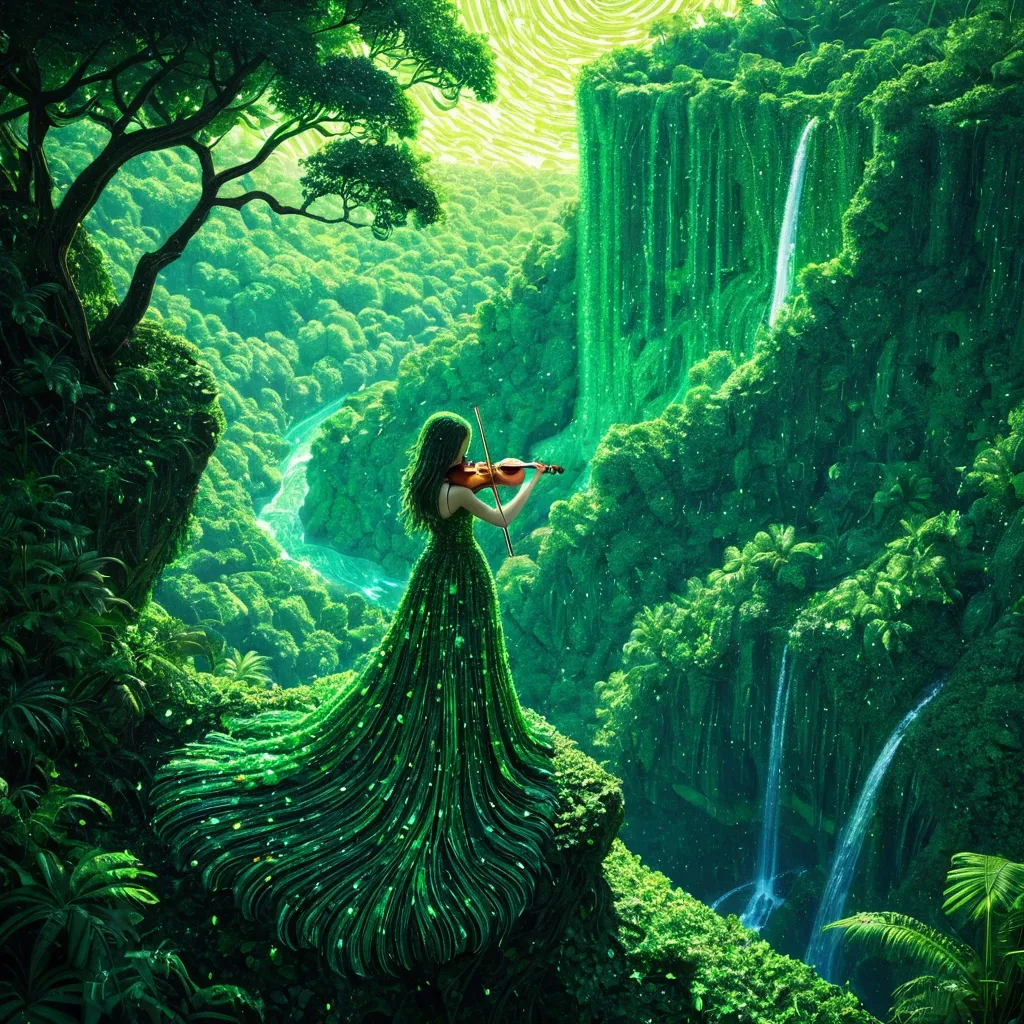
A lone celestial female stands on a cliff edge , she is playing the violin , rendered entirely as a luminous pointillism leaves made of thousands of stripes and leaves in a vibrant green gradient. The gown flows into a dramatic that forms a large , gazing out at a vast , uncharted jungle canopy stretching to the horizon. Below , a hidden waterfall cascades into a crystal-clear river , an immense eye integrated into a rich jungle landscape. The eye's iris is a vivid emerald , reflecting the surrounding greenery , with branches and foliage seamlessly forming its lashes and eyelids. The lush scene conveys a sense of serenity and deep connection with nature. ,
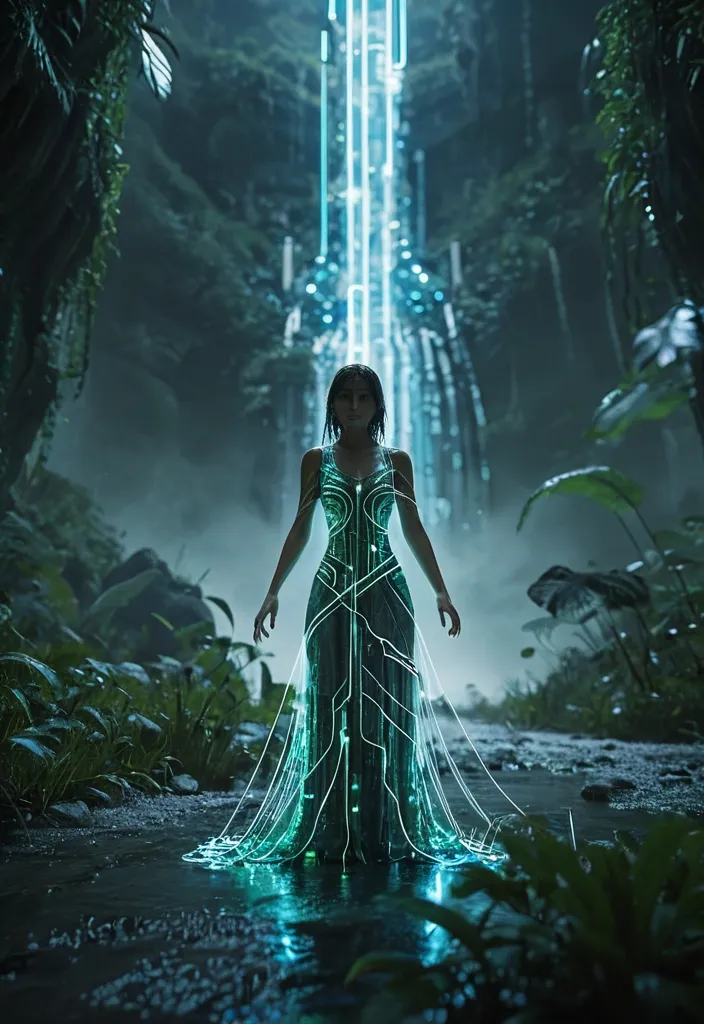
A figure , she playing the violin , composed of circuit paths , motherboard texture with glowing LED elements , silver traces forming a dress , quantum processor eyes , color scheme of green and metallic blue , floating binary code. The dress flows into a dramatic that forms , uncharted jungle canopy stretching to the horizon. Below , a hidden waterfall cascades into a crystal-clear river , hinting at undiscovered mysteries. The scene is bathed in the moon light of dawn , with mist gently rising from the foliage. Cinematic , hyper-realistic style with a focus on natural beauty and a sense of adventure. Shot in realistic live-action cinematography style. High dynamic range lighting , cinematic color grading , subtle film grain. Natural optical depth of field , realistic lens blur , slight handheld camera micro-movement. 50mm cinematic lens , f/4 aperture , physically accurate lighting , volumetric light diffusion. 8K level visual fidelity , highly detailed environment , believable scale and realistic storm simulation. The scene feels like a frame from a large-budget live-action science-fiction space movie. ,
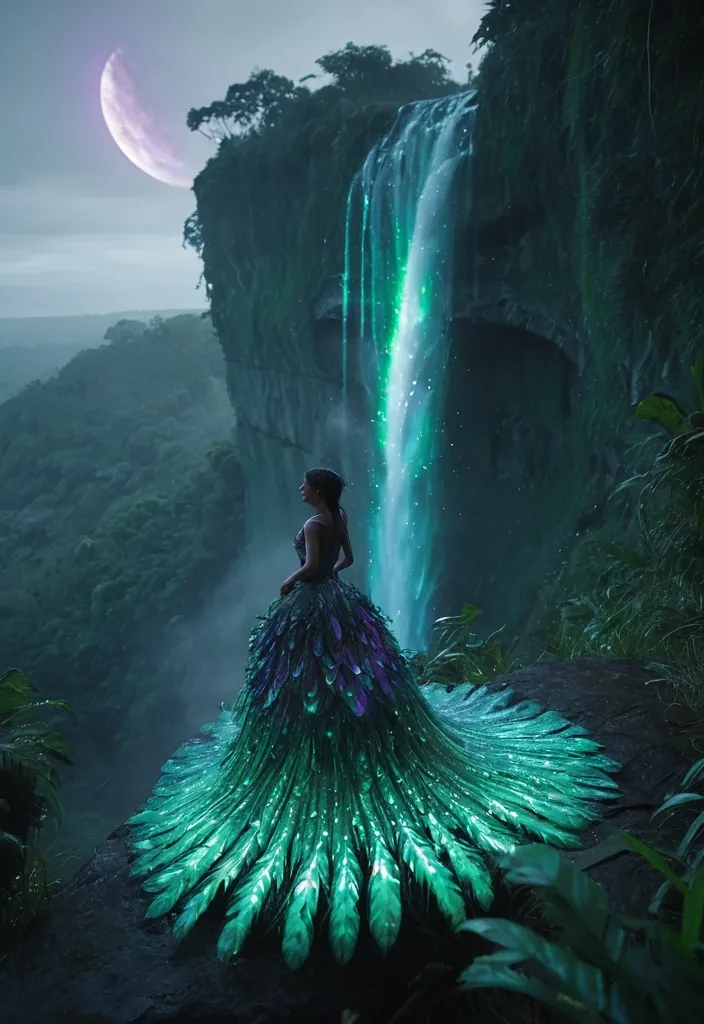
A lone celestial ballet stands on a cliff edge , rendered entirely as a luminous dress made of thousands of peacock's feathers in a green-purple gradient. The dress flows into a dramatic that forms , uncharted jungle canopy stretching to the horizon. Below , a hidden waterfall cascades into a crystal-clear river , hinting at undiscovered mysteries. The scene is bathed in the moon light of dawn , with mist gently rising from the foliage. Cinematic , hyper-realistic style with a focus on natural beauty and a sense of adventure. Shot in realistic live-action cinematography style. High dynamic range lighting , cinematic color grading , subtle film grain. Natural optical depth of field , realistic lens blur , slight handheld camera micro-movement. 50mm cinematic lens , f/4 aperture , physically accurate lighting , volumetric light diffusion. 8K level visual fidelity , highly detailed environment , believable scale and realistic storm simulation. The scene feels like a frame from a large-budget live-action science-fiction space movie. ,
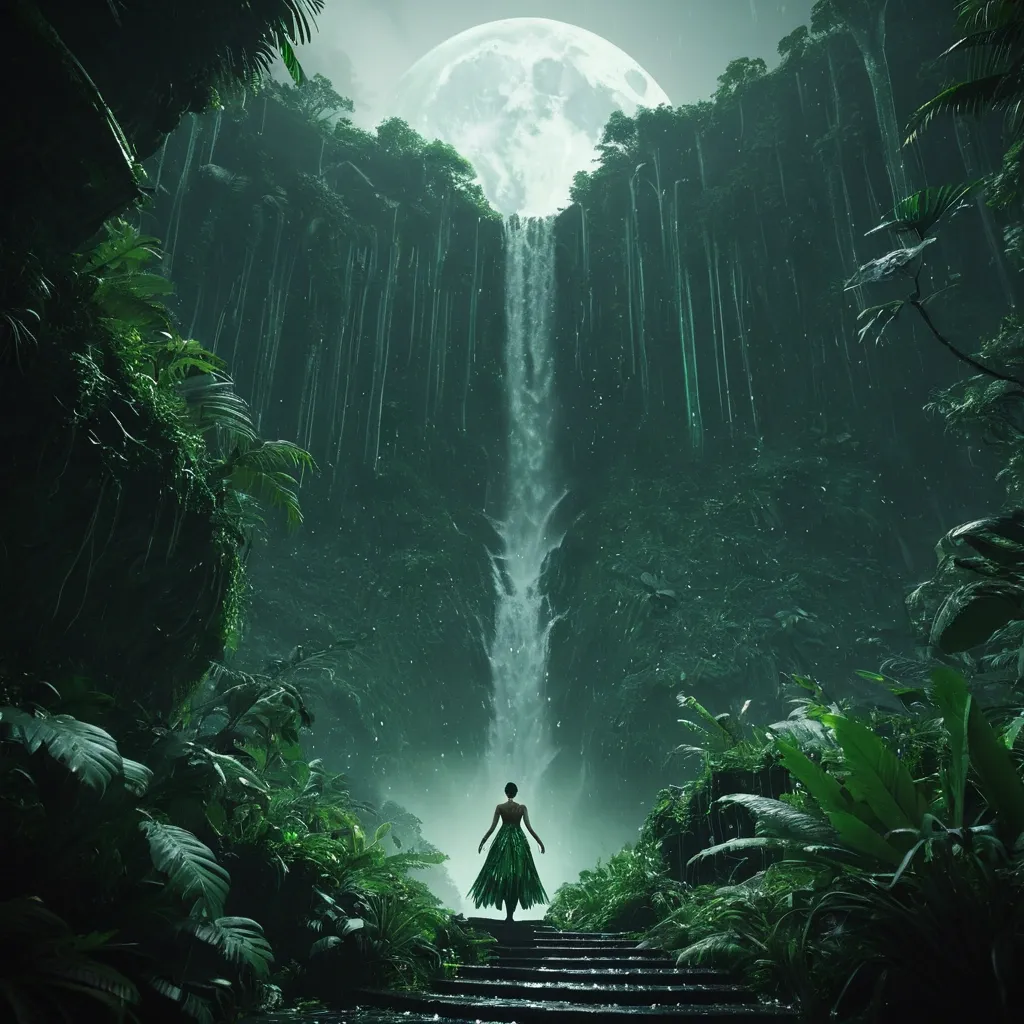
A lone celestial ballet stands on a cliff edge , rendered entirely as a leaves made of thousands of stripes and leaves in a green gradient. The gown flows into a dramatic that forms , uncharted jungle canopy stretching to the horizon. Below , a hidden waterfall cascades into a crystal-clear river , hinting at undiscovered mysteries. The scene is bathed in the moon light of dawn , with mist gently rising from the foliage. Cinematic , hyper-realistic style with a focus on natural beauty and a sense of adventure. Shot in realistic live-action cinematography style. High dynamic range lighting , cinematic color grading , subtle film grain. Natural optical depth of field , realistic lens blur , slight handheld camera micro-movement. 50mm cinematic lens , f/4 aperture , physically accurate lighting , volumetric light diffusion. 8K level visual fidelity , highly detailed environment , believable scale and realistic storm simulation. The scene feels like a frame from a large-budget live-action science-fiction space movie. ,
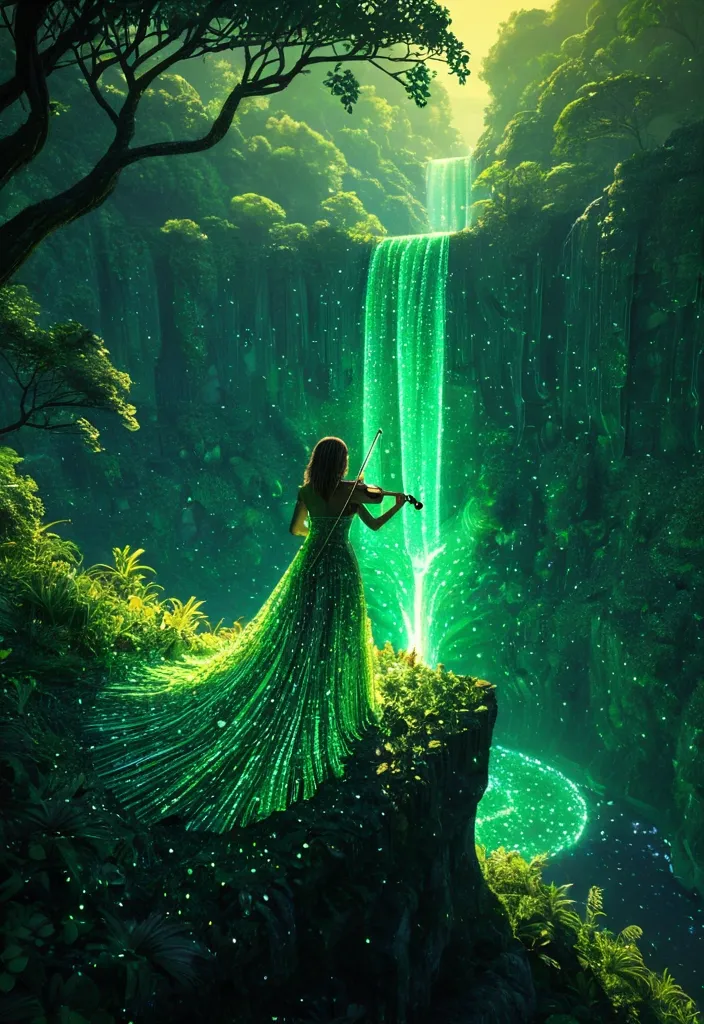
A lone celestial female stands on a cliff edge , she is playing the violin , rendered entirely as a luminous pointillism leaves made of thousands of glowing , translucent stripes and leaves in a vibrant green gradient. The gown flows into a dramatic that forms a large , gazing out at a vast , uncharted jungle canopy stretching to the horizon. Below , a hidden waterfall cascades into a crystal-clear river , hinting at undiscovered mysteries. The scene is bathed in the golden light of dawn , with mist gently rising from the foliage. Cinematic , hyperrealistic style with a focus on natural beauty and a sense of adventure. ,
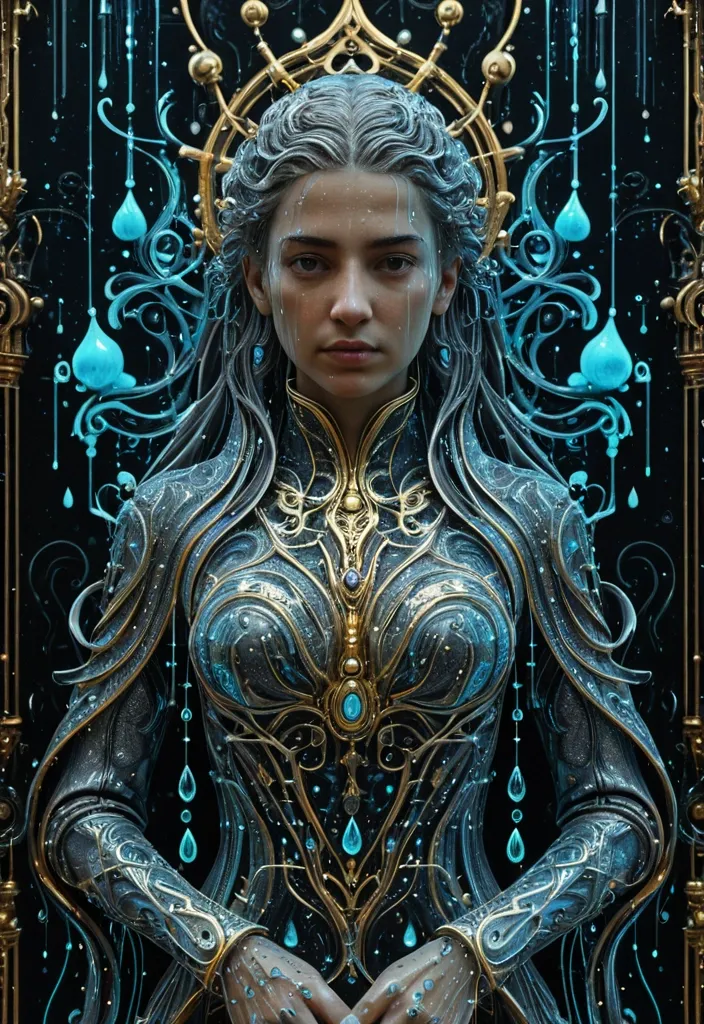
masterpiece) , (best quality) , ultra detailed , highly detailed , 8k resolution , sharp lineart , intricate hair strands , crisp details , perfect anatomy , detailed clothing , cinematic lighting , vibrant colors , rich textures , detailed background , A female sovereign draped in [anti-Soak-cide] raindrops—water that kills wetness , droplets that repel absorption while appearing liquid—each bead a [holo-Liquid-phase] holographic state-shift suspended between solid , fluid , and data. The entire composition viewed through a [hyper-Omni-rain-scope] field: an all-encompassing , hyper-influential atmospheric dominion where rain becomes omniscient observer. Rendered in deep-infographical-baroque style: ornate baroque flourishes interwoven with layered data-visualization geometry , calligraphic flow-charts as decorative filigree , cinematic sci-fi painting technique with volumetric ionized lighting , 8K resolution , palette of mercury-silver , ionized cyan , baroque gold-leaf accents , and deep void-black negative space. ,

Отлично , давайте разработаем концепцию красивого и интуитивно понятного интерфейса для комплексного мониторинга. Я разобью решение на несколько этапов , описывая структуру , элементы и возможные технологии.1. Общая структура и принципы дизайна:Клиент-ориентированность: Каждый заказчик видит только свои системы.Модульность: Разделение на системы , группы метрик (бизнес , инфраструктура , приложения) и детализированные графики.Визуальная иерархия: Четкое разделение элементов , использование размеров , цветов и отступов для указания важности.Интерактивность: Плавные переходы , всплывающие подсказки , фильтры и возможность кастомизации.Адаптивность: Корректное отображение на разных устройствах (десктопы , планшеты , мобильные).2. Основные экраны и элементы интерфейса:Экран авторизации/выбора заказчика:Простая форма авторизации.После авторизации – список доступных заказчиков (если у пользователя есть доступ к нескольким).Главная панель (Dashboard) для заказчика:Обзор: Краткая сводка по всем системам заказчика:Индикаторы состояния (зеленый/желтый/красный) для каждой системы.Ключевые метрики (например , количество активных пользователей , среднее время ответа) в виде небольших карточек или графиков.Список систем: Визуальное представление систем заказчика. Варианты:Карточки: Каждая система – отдельная карточка с названием , кратким описанием , индикатором состояния и ссылкой на детали.Сетка (Grid): Иконки систем в сетке.Список: Простой список систем с основными данными.Поиск: Позволяет быстро найти нужную систему по названию.Страница системы (System View):Заголовок: Название системы , описание , владелец (контактная информация).Вкладки/Навигация: Разделение на группы метрик:Бизнес-метрики: Показатели , важные для бизнеса (например , выручка , конверсия , количество заказов).Инфраструктурные метрики: Показатели , связанные с инфраструктурой (например , загрузка CPU , использование памяти , дисковое пространство).Метрики приложений: Показатели , связанные с приложениями (например , время ответа API , количество ошибок , количество запросов).Логи: Отображение логов системыСписок метрик в каждой группе: Список доступных метрик с возможностью фильтрации и поиска. Для каждой метрики:Название.Текущее значение.Мини-график (sparkline) за последний период.Индикатор тренда (вверх/вниз/стабильно).Кнопка "Подробнее в Grafana": Переход к детальным графикам в Grafana для выбранной метрики. (Важно: Передача контекста в Grafana – см. раздел "Интеграция с Grafana").Страница детализированной метрики (Metric Detail): (Обычно это Grafana , но может быть и отдельная страница в вашем приложении , если необходимо).График метрики за выбранный период времени.Возможность выбора периода времени (последний час , день , неделя , месяц , произвольный диапазон).Возможность масштабирования графика.Возможность добавления аннотаций (например , для отметки важных событий).Возможность экспорта данных.3. Технологии (примерный стек):Frontend:React , Angular , Vue.js: Современные JavaScript-фреймворки для создания интерактивных пользовательских интерфейсов. React – наиболее популярный и гибкий вариант.TypeScript: Статическая типизация для повышения надежности кода.UI-библиотеки: Material UI , Ant Design , Chakra UI – готовые компоненты для быстрого создания красивого интерфейса.Графики: Chart.js , Recharts , Nivo – библиотеки для построения графиков.Backend:Node.js (Express) , Python (Flask/Django) , Java (Spring Boot): Для обработки запросов , авторизации , доступа к данным. Выбор зависит от ваших навыков и предпочтений.База данных: PostgreSQL , MySQL , MongoDB – для хранения данных о системах , метриках и настройках пользователей.Мониторинг и сбор метрик:Prometheus: Популярная система мониторинга и сбора метрик.Grafana: Для визуализации метрик и создания дашбордов.Telegraf , Collectd: Агенты для сбора метрик с различных систем.Коммуникация:REST API: Для взаимодействия между frontend и backend.WebSockets: Для обновления данных в реальном времени (например , для живых графиков).4. Интеграция с Grafana:URL-шаблоны: Создайте URL-шаблоны для перехода в Grafana с передачей параметров , таких как:datasource: Имя источника данных в Grafana.query: Запрос для получения метрики.variables: Значения переменных Grafana (например , период времени).Single Sign-On (SSO): Если возможно , настройте SSO между вашим приложением и Grafana , чтобы пользователям не приходилось вводить логин и пароль повторно.Встраивание Grafana (iFrame): В некоторых случаях можно встроить Grafana-дашборд в ваше приложение с помощью iFrame , но это может быть менее гибким и безопасным решением.5. Дополнительные рекомендации:Ролевая модель доступа: Определите роли пользователей (например , администратор , оператор , зритель) и настройте права доступа к системам и метрикам.Уведомления и алерты: Реализуйте систему уведомлений о критических событиях (например , превышение пороговых значений).Кастомизация: Предоставьте пользователям возможность настраивать дашборды , выбирать метрики и создавать собственные графики.Документация: Напишите подробную документацию для пользователей и администраторов.Тестирование: Проведите тщательное тестирование интерфейса , чтобы убедиться в его удобстве и функциональности.Примерная структура папок frontend (React):src/ components/ ,
Отлично , давайте разработаем концепцию красивого и интуитивно понятного интерфейса для комплексного мониторинга. Я разобью решение на несколько этапов , описывая структуру , элементы и возможные технологии. 1. Общая структура и принципы дизайна: Клиент-ориентированность: Каждый заказчик видит только свои системы. Модульность: Разделение на системы , группы метрик (бизнес , инфраструктура , приложения) и детализированные графики. Визуальная иерархия: Четкое разделение элементов , использование размеров , цветов и отступов для указания важности. Интерактивность: Плавные переходы , всплывающие подсказки , фильтры и возможность кастомизации. Адаптивность: Корректное отображение на разных устройствах (десктопы , планшеты , мобильные). 2. Основные экраны и элементы интерфейса: Экран авторизации/выбора заказчика: Простая форма авторизации. После авторизации – список доступных заказчиков (если у пользователя есть доступ к нескольким). Главная панель (Dashboard) для заказчика: Обзор: Краткая сводка по всем системам заказчика: Индикаторы состояния (зеленый/желтый/красный) для каждой системы. Ключевые метрики (например , количество активных пользователей , среднее время ответа) в виде небольших карточек или графиков. Список систем: Визуальное представление систем заказчика. Варианты: Карточки: Каждая система – отдельная карточка с названием , кратким описанием , индикатором состояния и ссылкой на детали. Сетка (Grid): Иконки систем в сетке. Список: Простой список систем с основными данными. Поиск: Позволяет быстро найти нужную систему по названию. Страница системы (System View): Заголовок: Название системы , описание , владелец (контактная информация). Вкладки/Навигация: Разделение на группы метрик: Бизнес-метрики: Показатели , важные для бизнеса (например , выручка , конверсия , количество заказов). Инфраструктурные метрики: Показатели , связанные с инфраструктурой (например , загрузка CPU , использование памяти , дисковое пространство). Метрики приложений: Показатели , связанные с приложениями (например , время ответа API , количество ошибок , количество запросов). Логи: Отображение логов системы Список метрик в каждой группе: Список доступных метрик с возможностью фильтрации и поиска. Для каждой метрики: Название. Текущее значение. Мини-график (sparkline) за последний период. Индикатор тренда (вверх/вниз/стабильно). Кнопка "Подробнее в Grafana": Переход к детальным графикам в Grafana для выбранной метрики. (Важно: Передача контекста в Grafana – см. раздел "Интеграция с Grafana"). Страница детализированной метрики (Metric Detail): (Обычно это Grafana , но может быть и отдельная страница в вашем приложении , если необходимо). График метрики за выбранный период времени. Возможность выбора периода времени (последний час , день , неделя , месяц , произвольный диапазон). Возможность масштабирования графика. Возможность добавления аннотаций (например , для отметки важных событий). Возможность экспорта данных. 3. Технологии (примерный стек): Frontend: React , Angular , Vue.js: Современные JavaScript-фреймворки для создания интерактивных пользовательских интерфейсов. React – наиболее популярный и гибкий вариант. TypeScript: Статическая типизация для повышения надежности кода. UI-библиотеки: Material UI , Ant Design , Chakra UI – готовые компоненты для быстрого создания красивого интерфейса. Графики: Chart.js , Recharts , Nivo – библиотеки для построения графиков. Backend: Node.js (Express) , Python (Flask/Django) , Java (Spring Boot): Для обработки запросов , авторизации , доступа к данным. Выбор зависит от ваших навыков и предпочтений. База данных: PostgreSQL , MySQL , MongoDB – для хранения данных о системах , метриках и настройках пользователей. Мониторинг и сбор метрик: Prometheus: Популярная система мониторинга и сбора метрик. Grafana: Для визуализации метрик и создания дашбордов. Telegraf , Collectd: Агенты для сбора метрик с различных систем. Коммуникация: REST API: Для взаимодействия между frontend и backend. WebSockets: Для обновления данных в реальном времени (например , для живых графиков). 4. Интеграция с Grafana: URL-шаблоны: Создайте URL-шаблоны для перехода в Grafana с передачей параметров , таких как: datasource: Имя источника данных в Grafana. query: Запрос для получения метрики. variables: Значения переменных Grafana (например , период времени). Single Sign-On (SSO): Если возможно , настройте SSO между вашим приложением и Grafana , чтобы пользователям не приходилось вводить логин и пароль повторно. Встраивание Grafana (iFrame): В некоторых случаях можно встроить Grafana-дашборд в ваше приложение с помощью iFrame , но это может быть менее гибким и безопасным решением. 5. Дополнительные рекомендации: Ролевая модель доступа: Определите роли пользователей (например , администратор , оператор , зритель) и настройте права доступа к системам и метрикам. Уведомления и алерты: Реализуйте систему уведомлений о критических событиях (например , превышение пороговых значений). Кастомизация: Предоставьте пользователям возможность настраивать дашборды , выбирать метрики и создавать собственные графики. Документация: Напишите подробную документацию для пользователей и администраторов. Тестирование: Проведите тщательное тестирование интерфейса , чтобы убедиться в его удобстве и функциональности. Примерная структура папок frontend (React): src/ components/ # Переиспользуемые компоненты UI SystemCard.js MetricItem.js ... pages/ # Страницы приложения Dashboard.js SystemView.js MetricDetail.js services/ # Логика взаимодействия с backend api.js utils/ # Вспомогательные функции App.js index.jsПримерная структура backend (Node.js/Express): routes/ systems.js metrics.js users.js controllers/ systemController.js metricController.js userController.js models/ System.js Metric.js User.js app.jsКак начать: 1. Определите MVP (Minimum Viable Product): Сосредоточьтесь на основных функциях и реализуйте их в первую очередь. 2. Создайте макеты (wireframes) и прототипы: Протестируйте интерфейс с пользователями на ранних этапах разработки. 3. Используйте гибкие методологии разработки (Agile/Scrum): Разбивайте проект на небольшие итерации и постоянно собирайте обратную связь. Надеюсь , это поможет вам создать отличный интерфейс для комплексного мониторинга! Если у вас есть какие-либо вопросы , не стесняйтесь спрашивать. Я готов помочь вам на каждом этапе разработки. ,
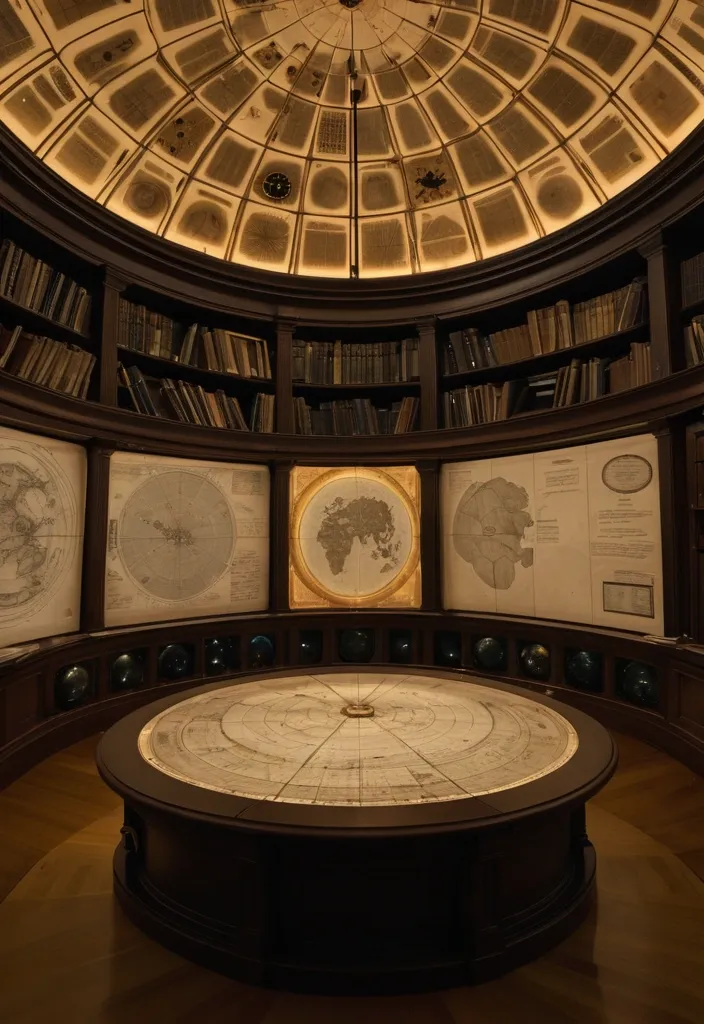
A smaller domed annex branching off the Research Deck , lined with maps , charters , and crystalline globes showing the known regions. At its center stands a massive relief map of the continent , carved from black marble , dotted with metal discs representing recovered and missing artifacts. Each disc glows when touched , indicating possible resonance matches across the world. Shelves along the wall contain expedition journals , Council minutes , and a library of encoded correspondence from other guilds. A suspended lamp of rotating lenses projects slowly moving leyline patterns across the ceiling — the Unsilenced’s world in motion. Lighting: steady amber tone , like candlelight refracted through glass. Smell: parchment , brass oil , faint ozone from projection lenses. Mood: tactical , scholarly , but quietly reverent — this is where decisions change the world. ,
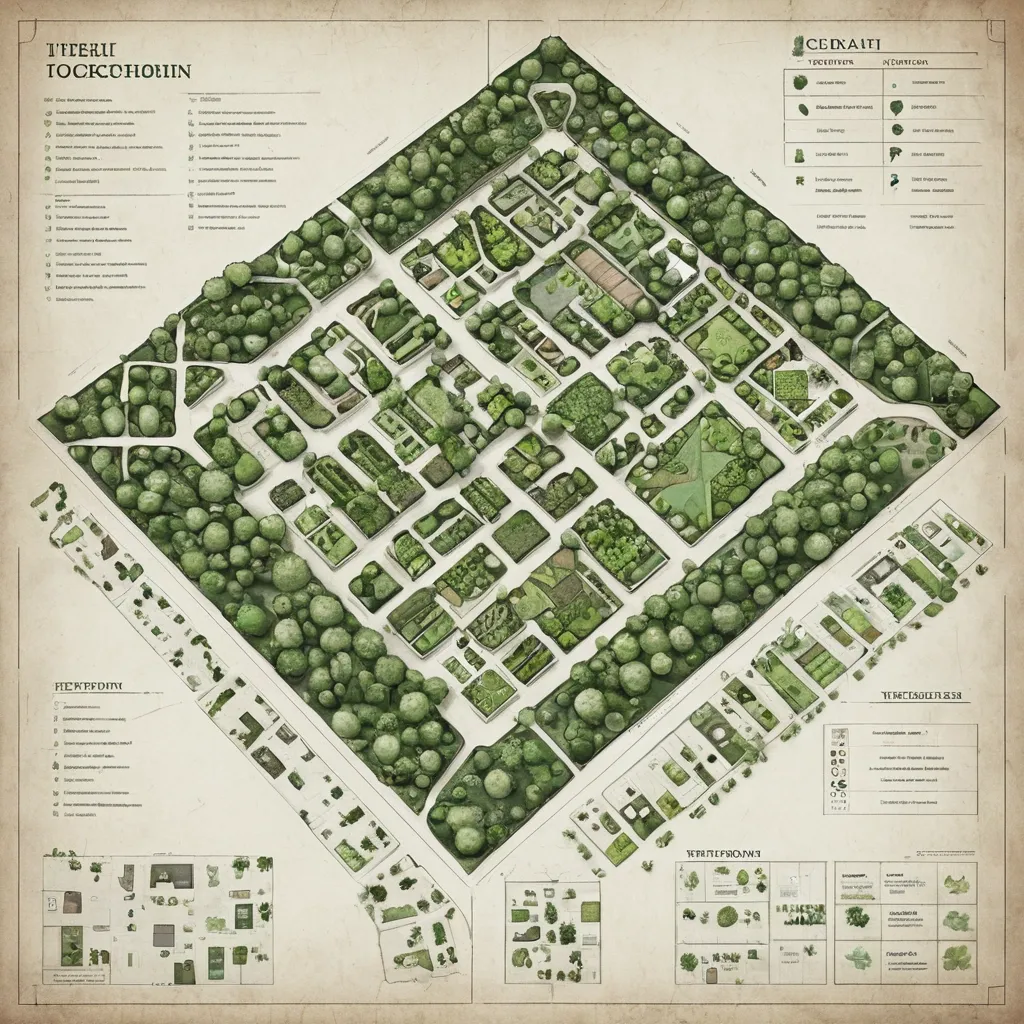
Here’s the **complete top-down layout and floor organization** of the Unsilenced Clocktower — integrating your new **Herbalist Greenhouse** and **Training Chamber** while keeping visual , architectural , and thematic consistency. It’s structured for easy translation into a map or illustration prompt. --- # 🕰 **The Unsilenced Clocktower – Structural Blueprint** ### **Architectural Style** Black-iron framework with brass support columns , gear-driven lifts , crystal illumination , and alchemic energy conduits linking all levels. Vertical balance: **industrial base → residential middle → arcane summit.** All spaces connected via a central spiral stair and a teleport-lift running on the Eye of Hours’ pulse. --- ## **LEVEL 1 – Ground Floor: Reception & Archives** * **Purpose:** Guild entry , civilian interface , recordkeeping. * **Design:** * Tall iron-framed doors leading to **Butler’s reception desk**. * **Civic archives** in brass filing cabinets , stamped with the seal of the Unsilenced. * Elevator cage and spiral stairs in the center. * Discreet door to **vault access** beneath the floor. * **Ambience:** Lamplit , orderly , faint hum of machinery underfoot. --- ## **LEVEL 2 – Guild Quarters & Workshop** * **Purpose:** Living space , repair , everyday operations. * **Features:** * **Workbenches** with open runic blueprints. * **Dorm alcoves** curtained with embroidered sigils for privacy. * Compact **kitchen and communal table** for late-night work sessions. * Tool racks , gears , pulleys , and mechanical prosthetics in progress. * **Lighting:** Warm brass sconces and crystal lamps. --- ## **LEVEL 3 – Training Chamber (Arcane Defense Hall)** * **Purpose:** Testing and tempering of artifacts and spells. * **Features:** * **Circular containment arena** with concentric obsidian runes. * Pivoting mirrors and magic-absorption conduits in walls. * Elevated **balcony** for observers and Orwen’s control console. * Equipment racks with enchanted weapons , armor , and focus tools. * Side alcove with **first aid and spell dampeners.** * **Lighting:** Alternating blue-white flashes , residual sparks , energy hum. --- ## **LEVEL 4 – Greenhouse Conservatory** * **Purpose:** Potioncraft , herb cultivation , magical flora study. * **Design:** * Glass dome roof with brass ribs , filled with lush plants glowing in warm mist. * **Alchemy benches** , hanging glass terrariums , and self-watering copper pipes. * Spiral stair leading to upper deck catwalks. * Containment terrarium for volatile plants under runic seals. * Connection door to the laboratory above via runic elevator. * **Lighting:** Natural light filtered through golden-tinted glass; ambient mist sparkle. --- ## **LEVEL 5 – Research Deck / Teleportation Dock** * **Purpose:** Central hub for Disc resonance studies. * **Features:** * **Resonator Table** at center (Disc analysis). * Floating quills and holographic projectors. * Side alcoves with teleport pads and sigil calibrators. * Window ring providing view of Trielta skyline. * Ladder access to observatory above. * **Lighting:** Cold white magical glow , subtle runic shimmer. --- ## **LEVEL 6 – Eye of Hours Observatory** * **Purpose:** Observation , navigation , and planar alignment. * **Design:** * Vast **crystal lens** suspended in clock-armature overhead. * Star charts , orreries , and arcane instruments scattered across floor. * A narrow catwalk circles the chamber , open to the skyline. * Viewport allows visual connection to distant ley-line convergence points. * **Lighting:** Moonlight refracted through rotating crystal , cool blues and golds. --- ### **STRUCTURAL EXTRAS** * **Vault (Sublevel):** Secure storage for Discs and relics , protected by Silence Ward. * **Exterior Balcony (adjacent to Greenhouse):** Overlooks Oldhut rooftops; used for sky readings and cooling brews. * **Hidden Lift Shaft:** connects levels 1 → 6 , running through the tower’s core , powered by Orwen’s leywheel. --- ### **Image Prompt for Top-Down Cutaway Map** > *A detailed fantasy cutaway illustration of a six-level clocktower headquarters , * blending **arcane architecture and steampunk design.** > Each level distinct: > > * reception hall (desks , ledgers , gears) , > * living workshop (bunks , tools , warmth) , > * training arena (obsidian rings , magical sparks) , > * greenhouse (glass dome , glowing plants , mist) , > * research lab (Resonator Table , runes , floating quills) , > * observatory (rotating crystal lens , starlight). > Include spiral stair and central lift through all floors. > Brass , iron , and crystal dominate the color palette; **golden light below , cool silver above.** > *Style:* semi-realistic digital painting , cinematic , highly detailed , slightly cutaway side view. ,
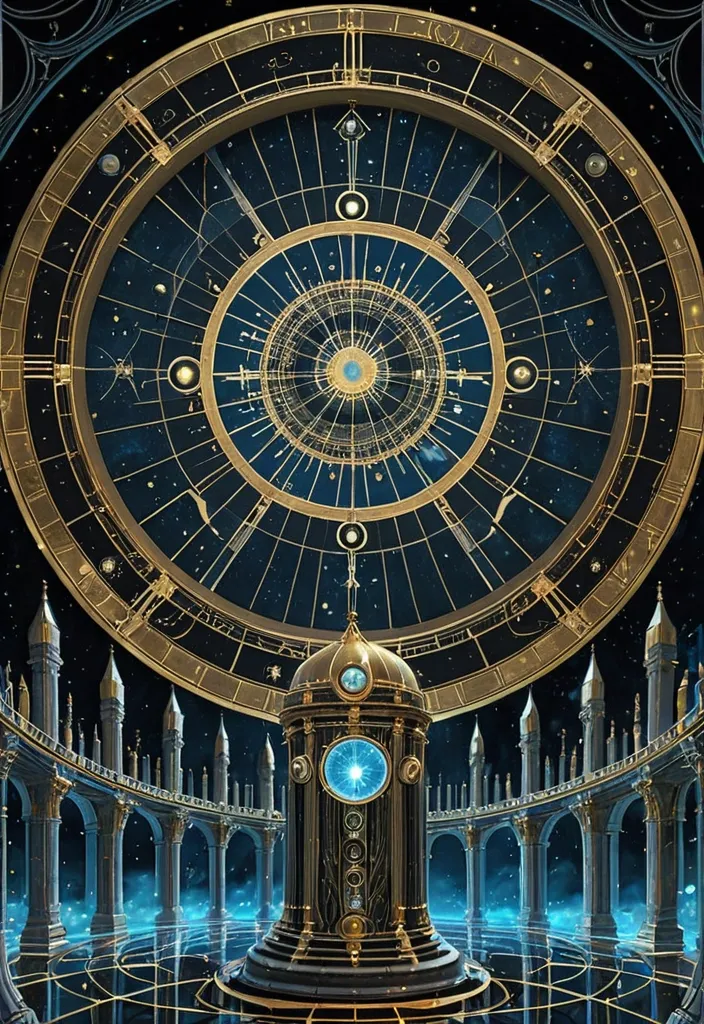
Crowning chamber beneath the great crystal lens of the Eye of Hours. Floor of polished obsidian inlaid with gold lines forming a vast clock face. The rotating crystal lens above refracts moonlight and city glow into shimmering beams. Brass telescopes , star charts , and rotating rings track celestial movement. A magical control dais projects faint holographic maps of the world’s ley lines. Wind from open vents moves robes and scrolls; a feeling of sacred science. Lighting: cool moonlight and crystal reflections , slight mist. Camera: low angle looking upward toward the lens. Style: hyper-detailed digital painting , golden and blue palette , awe-inspiring tone. ,
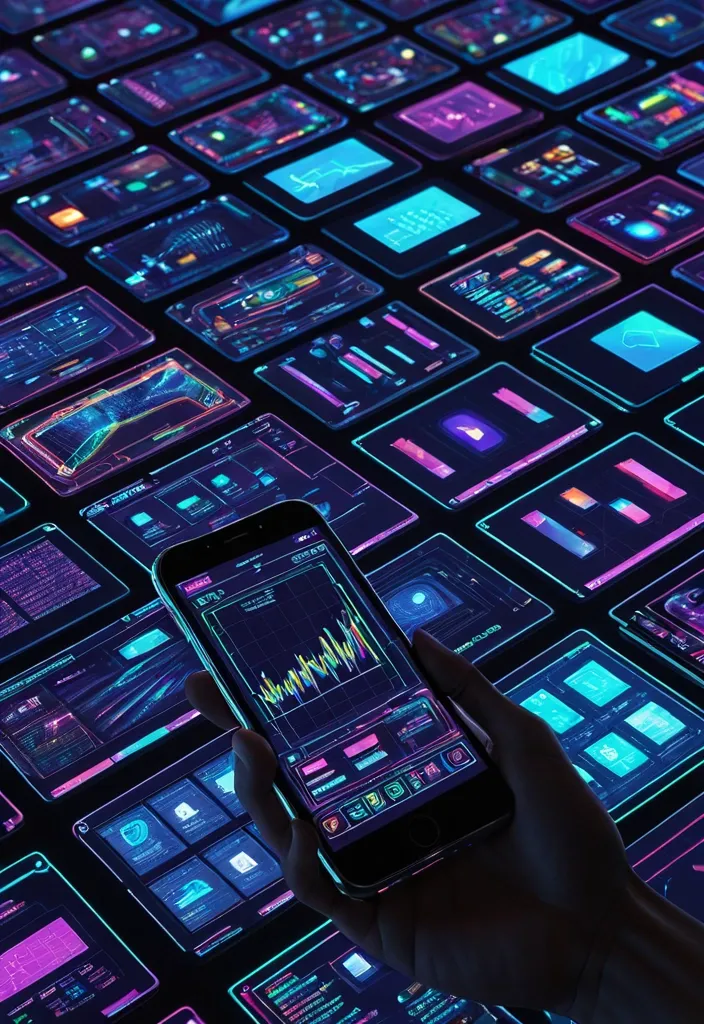
Futuristic realistic image of a next-generation of a human hand forming a decentralized search for a top-down view. The image is a digital interface , with high resolution and vivid colors , featuring intricate digital displays representing smartphone prices and electronic charts. The dynamic , neon colourful screens display an array of data and charts and information , with the coloured smartphones adding to the futuristic presentation. As the devices evolve towards the screen , they are enveloped in digital darkness. ,

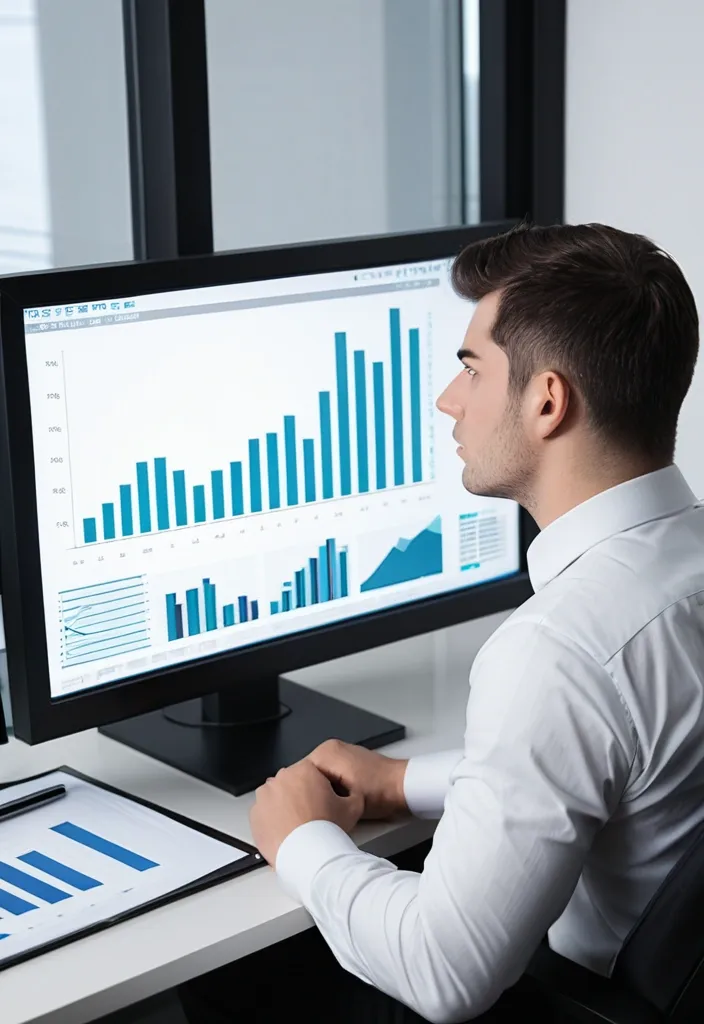
A futuristic digital workspace with floating screens displaying Email automation: Emails analyze performance metrics with charts and dashboards. A young man is sitting at the center , typing on a laptop with holographic Email automation rising around him , motion speed , symbolizing success and growth. ,