Search Results for readable
Explore AI generated designs, images, art and prompts by top community artists and designers.
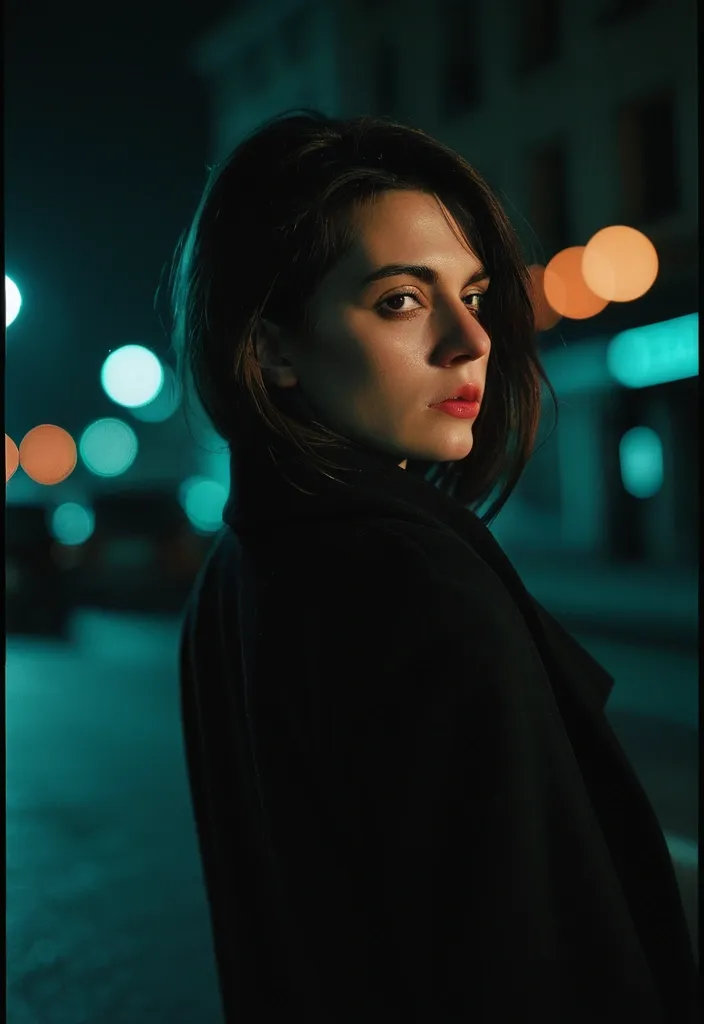

Photorealistic nocturnal fashion portrait of exactly one striking adult European woman , chest-up composition , body turned slightly away while she looks calmly back into the camera. Dark brunette hair with soft natural movement , refined individual features , closed lips , direct expressive eyes and authentic visible skin texture. She wears a voluminous black wool coat with a narrow glimpse of scarlet satin lining near the collar. Her face remains clearly readable while one side of the frame falls into deep foreground shadow. Behind her , the night city dissolves into oversized teal , amber and muted coral bokeh circles. Intimate 50mm perspective , extremely shallow depth of field , subtle focus falloff around the edges , rich blacks , warm skin highlights , restrained bloom , organic 35mm grain , slight color halation , atmospheric yet modern fashion photography --chaos 1 --ar 4:5 --raw --profile f7ca75c --stylize 75 --weird 1 --hd --preview ,
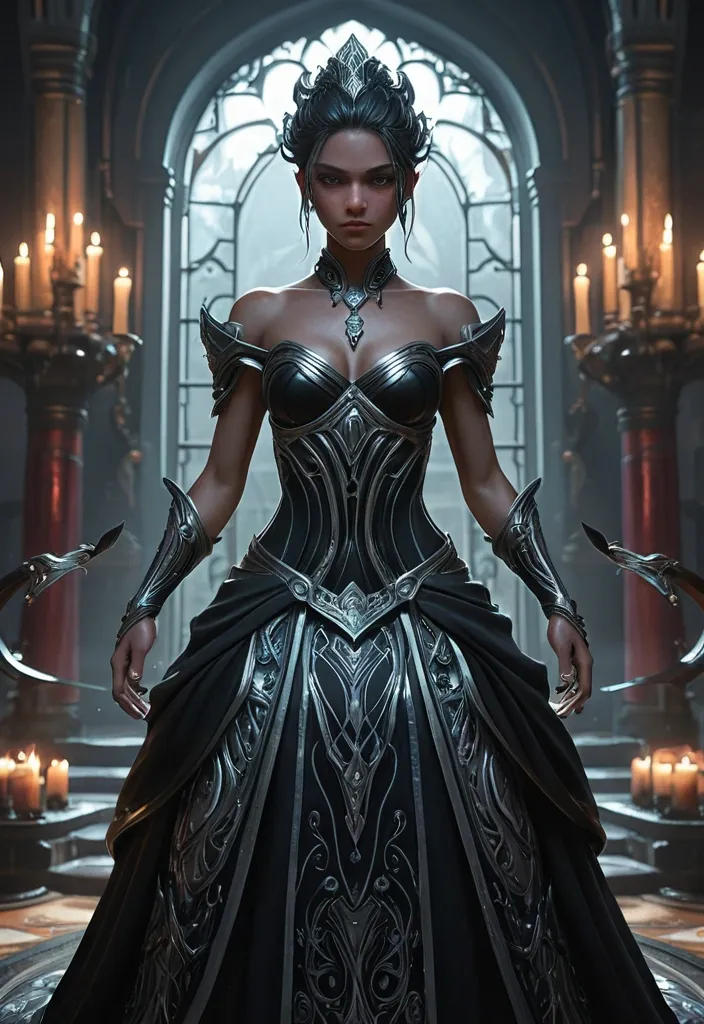
A strikingly beautiful woman in a black and silver gown stands at a lavish evening function in a noble manor’s ballroom , surrounded by nobles and candlelight. She looks arrogantly at the viewer , as if daring them to approach her. Her dress clings elegantly , cut to reveal her shoulders and collarbone , silver embroidery tracing serpentine designs along the fabric. She wears subtle jewellery — obsidian earrings and a silver choker — and her hair is styled in long , soft dark waves. She holds a delicate and intricate black and silver fan against her chest. Stylised fantasy realism , strong silhouette , grounded natural materials , highly detailed clothing and textures , natural lighting , subtle dramatic shadow , clean rendering , high detail , full-body character portrait , character focus , fantasy roleplaying game character art. heroic fantasy splash art , stylised fantasy realism , Riot Games inspired illustration style , premium League of Legends splash-art aesthetic , clean crisp rendering , polished digital painting , cinematic fantasy composition , dynamic heroic posing , powerful silhouette readability , expressive faces , refined facial structure , elegant semi-realistic anatomy , dramatic action language , flowing hair and fabric motion , layered costume design , ornate but readable detailing , grounded yet idealised material rendering , rich leather , cloth , metal and gemstone textures , luminous magical accents , subtle fantasy-science fusion elements , vibrant controlled colour palette , rich jewel-tone highlights , bold colour separation , cinematic rim lighting , painterly light diffusion , soft atmospheric bloom , dramatic but readable contrast , strong focal clarity , premium AAA game-art finish , high-detail rendering , refined edge control , immersive fantasy atmosphere , lightly abstracted cinematic background , foreground-midground-background separation , visual clarity prioritised over clutter , modern MOBA cinematic key art quality , elegant painterly finish with clean readability , energetic but grounded fantasy illustration. avoid exaggerated anime proportions , avoid cartoon stylisation , avoid hyper-photorealism , avoid muddy colours , avoid excessive visual clutter , avoid oversized eyes , avoid plastic-looking skin , avoid stiff posing , avoid flat lighting , avoid over designed costumes , maintain grounded but heroic anatomy , maintain clean rendering quality and cinematic readability. ,
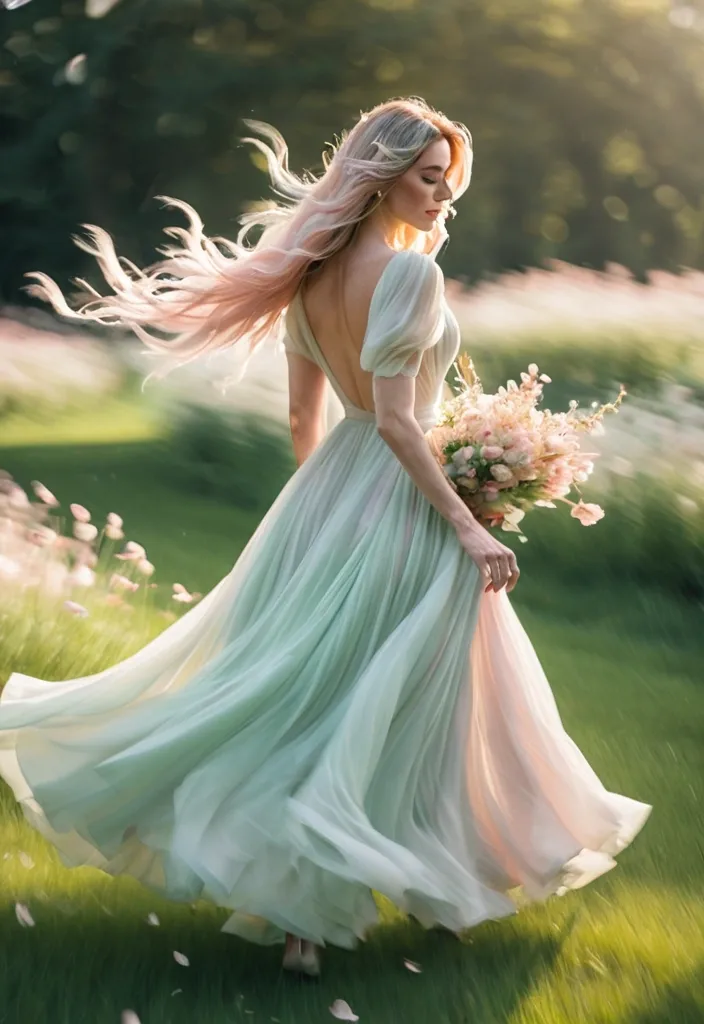
Create a 9:16 vertical dreamy slow-shutter garden portrait photography image titled “Dreamlike Her”. A beautiful young adult woman is running , turning back , or softly spinning through a spring garden / flower field / grassy path , wearing a light white dress / soft pink tulle dress / cream long dress / pale green flowing dress , holding a colorful bouquet. Her hair is lifted naturally by the wind , with loose strands and motion in the dress. Use slow shutter photography , panning motion blur , and intentional camera movement. The background and foreground should stretch into soft horizontal blur , while the subject stays half-clear , half-blurred. Keep one readable visual anchor such as the face outline , bouquet , hair , or dress edge , so the image feels dreamy but not unreadable. Scene should include soft grass , blooming flowers , tree shadows , petals in the air , glowing natural light , and a light filmic atmosphere. Color palette: cream white , soft green , blush pink , sky blue , warm golden light. Add subtle film grain , soft focus , airy depth , and slight highlight bloom. The final image should feel like a half-remembered dream — not a clean portrait , but a fleeting moment. Avoid: commercial studio look , overly sharp face , plastic skin , influencer pose , CGI feel , cartoon style , stiff body , anatomy errors , deformed hands , distorted bouquet , warped dress , text , watermark , logo , ultra-HD --v 6.1 --ar 3:4 --style raw , ,
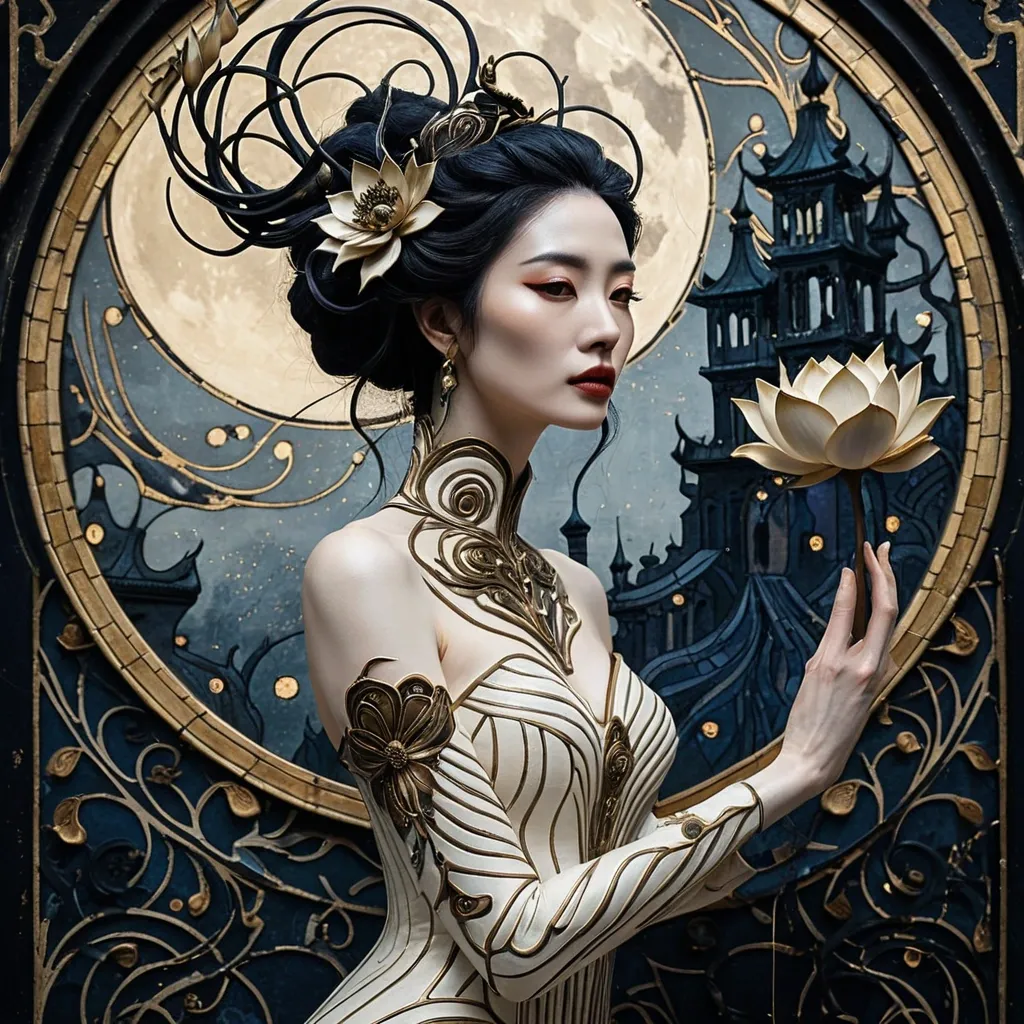
Full body image of [[Liu Yi Fei]] wearing a long dress with a form fitting high neck , flowing through the torso and sleeves. More like a wearable artwork than clothing. Her body is completely in profile but her face is turned toward us. Her face is tilted slightly up but her eyes look out and down at the viewer. She has luminous porcelain skin infused with subtle antique gold undertones , more painterly than photograph yet lacking brush lines. She has lush full lips that part slightly. Her eyes are deep , dark and sultry. Her eyebrows are thick and dark matching her hair. On the one ear exposed to us , she wears a filigreed dusty golden metallic earing resembling an abstracted filigreed representation of a lotus flower bud. She holds one hand up slightly holding in her palm a glimmering lotus flower. It is a bioluminescent anomaly to the rest of the art. Her hair is black messy curls pulled loosely to the back of her head. Her hair is adorned with a hairpiece made of 3 flowers in an art nouveau style , one open lotus inspired decorative motif directly above that 2 unopened lotus buds nested into her hair close to her head. The three flowers are as one hairpiece. They matched the geometric symmetry and the Art Nouveau style of the rest of the piece. They have layered pointed petals , rendered in dusty ivory , parchment cream and antique gold with tarnished metallics , resembling gilded botanical ornaments rather than natural flowers. Her body and her head are held in a natural , comfortable pose but she has an air of haughty contempt for the viewer. Both the woman’s dress and the background are made up of intricate mosaic background composed of small irregular gold and indigo tesserae , asymmetrical distribution of color and pattern density , embedded spirals and celestial circular motifs emerging from the mosaic , organic Art Nouveau flow , weathered gilded surfaces and aged fresco textures The entire piece is set upon a background of dusty abstract art deco stylized garden decorated wall. Muted antique gold , aged indigo and muted lavender palette interspersed with tarnished metallics. Asymmetrical distribution of color Cracked plaster and aged fresco texture Elegant Art Nouveau linework clean readable composition with controlled negative space and restrained background detail , Masterpiece , highly detailed Tim Burton style portrait , whimsical gothic character with pale skin , large expressive eyes , dark dramatic makeup , quirky exaggerated features , messy black hair with white streaks , striped clothing , Victorian gothic fashion , subtle stitches and buttons , blended with eerie yet magical background of twisted trees , foggy graveyard , crooked houses , glowing pumpkins , swirling mist and dramatic moon , intricate double exposure elements , dark fairy tale atmosphere , macabre whimsy , high contrast , theatrical lighting , cinematic composition.Edward Scissorhands and Nightmare Before Christmas aesthetic perfect composition , cinematic , macabre yet charming , high contrast shadows , moody atmospheric lighting ,
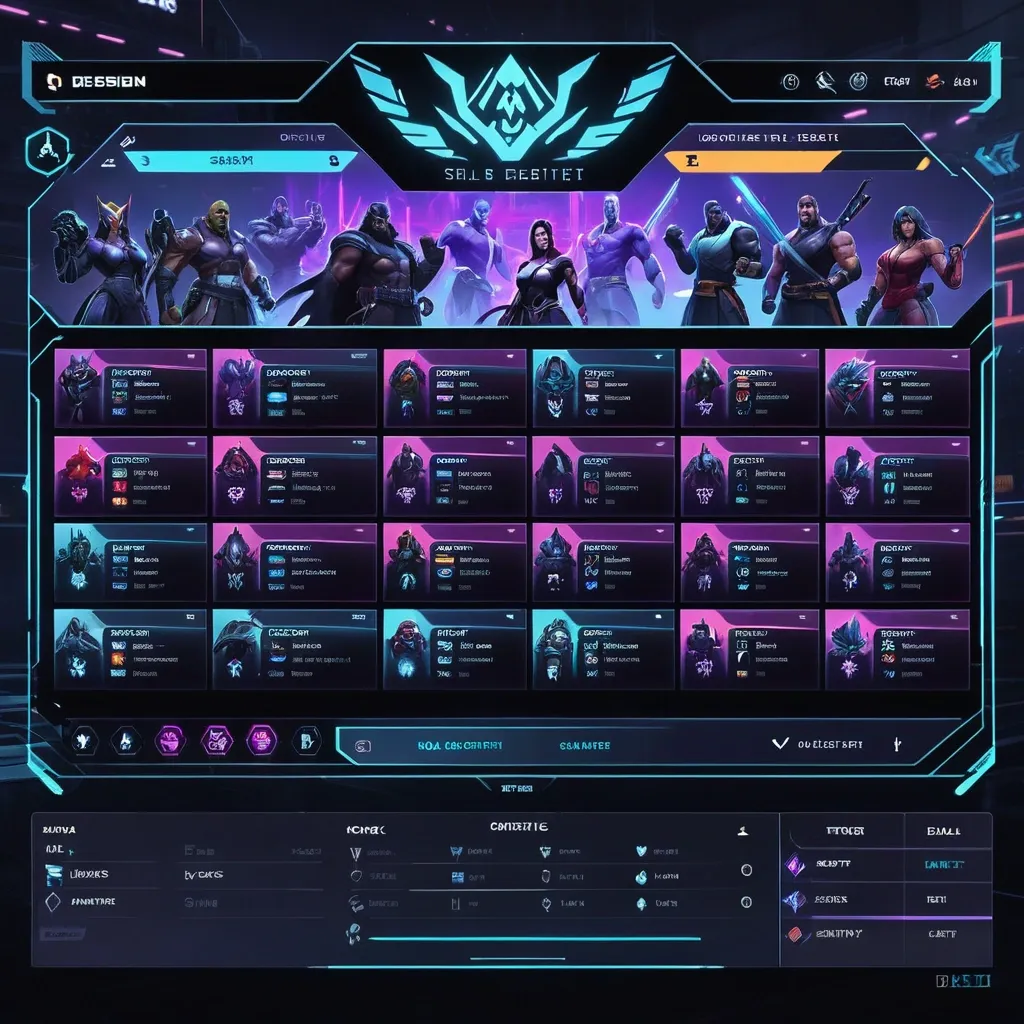
Create a premium , highly believable Character Select Screen for an imaginary game called NIGHT CIRCUIT. The goal is to make the interface feel like a real playable roster screen from a major game: visually addictive , commercially polished , instantly readable , and full of personality. It should feel like a screen players would pause on , screenshot , and obsess over before choosing their main. Game details: - Game title: NIGHT CIRCUIT - Genre: competitive fighting game - Core concept: a neon-noir 2D fighter where underground icons , assassins , idols , and synthetic rebels battle for control of a city-sized entertainment grid - Roster type: small elite cast - Main fantasy: choosing a stylish , dangerous fighter with a very specific attitude and mastering them completely - Audience: fighting-game fans , anime-game lovers , esports audiences , design-conscious gamers - Tone: stylish , competitive , electric , cinematic - Cultural vibe: anime fighter , arcade prestige , cyber-street fashion , esports polish - Reality level: believable AAA Screen structure: Build the interface like a real character selection menu. Include sections such as: - game logo or mode title - character grid or lineup - highlighted selected character - full character portrait or hero pose - character name - class / role / faction - stats or attributes - signature ability or move - optional difficulty rating - optional lock / unlock state - optional alternate skins or color variants - optional player cursor or selection frame For the roster , include: - 12 believable character slots - distinct silhouettes and identities - a coherent roster ecosystem - varied classes , archetypes , or playstyles - names that feel genre-appropriate and memorable Include: - a strong selected-character focus - premium UI hierarchy - readable roster logic - believable stat or role indicators - polished iconography - clear class/faction differentiation - strong "pick your main" energy - instantly shareable game-interface appeal Visual direction: - Make the screen feel like a real game menu players would see before a match or campaign start - Emphasize identity , hype , choice , and roster fantasy - Balance clean UX structure with strong character-worldbuilding - Make it suitable for social sharing , fake game concepts , fan-worldbuilding , gaming mockups , or launch materials - The result should look like a genuine roster screen from a popular game Art direction: - Style: premium anime-fighter character select UI with esports-ready polish - Color palette: black , electric violet , cyan , crimson , silver-grey - Typography feel: sharp arcade-sci-fi type with clean stat labels - Material feel: console match-lobby screen and tournament-ready roster interface - Lighting or image mood: neon glow , competitive energy , polished dark-mode interface - Background: abstract digital arena with city-grid light trails Composition: - Show the screen as one cohesive character-select interface - Make the selected character , roster , and key stats instantly readable - Use real game-menu hierarchy and interaction logic - Make the cast feel iconic , varied , and mechanically real - Make the final output feel like a premium fake game UI with viral potential Output quality: - ultra-detailed - visually structured - commercially believable - culturally fluent - polished gaming UI design - strong hierarchy and spacing - premium character-roster composition - instantly shareable visual concept Optional content blocks: - player 1 marker - random select slot - difficulty stars - alternate skin selector - faction icon - season character lock Avoid: - generic character poses - weak roster variety - fake-looking stat systems - cluttered interface - random icons without gameplay logic - amateur game-menu aesthetics - inconsistent character style across the roster - too much text fighting the UI ,
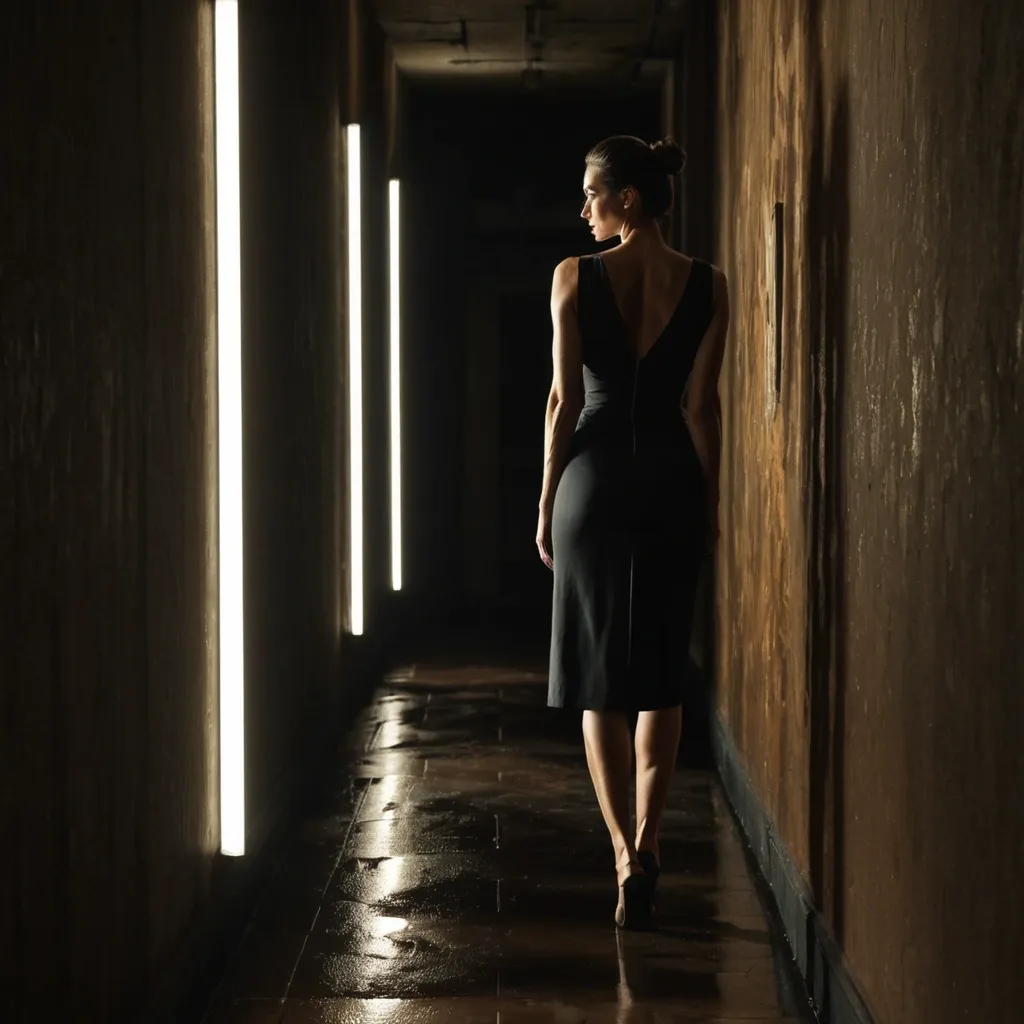
A narrow , dimly lit hallway stretches forward with stained , aged walls and a reflective , slightly wet-looking floor. The lighting is harsh and directional , coming from a bright source at the far end , casting long , distorted shadows along the left wall. A young woman stands in profile on the right side of the frame , facing the wall. She wears a dark sleeveless dress that falls to her ankles , her posture upright and still , her hair pulled back into a loose bun. Her expression is unreadable , focused on something unseen ahead. ,
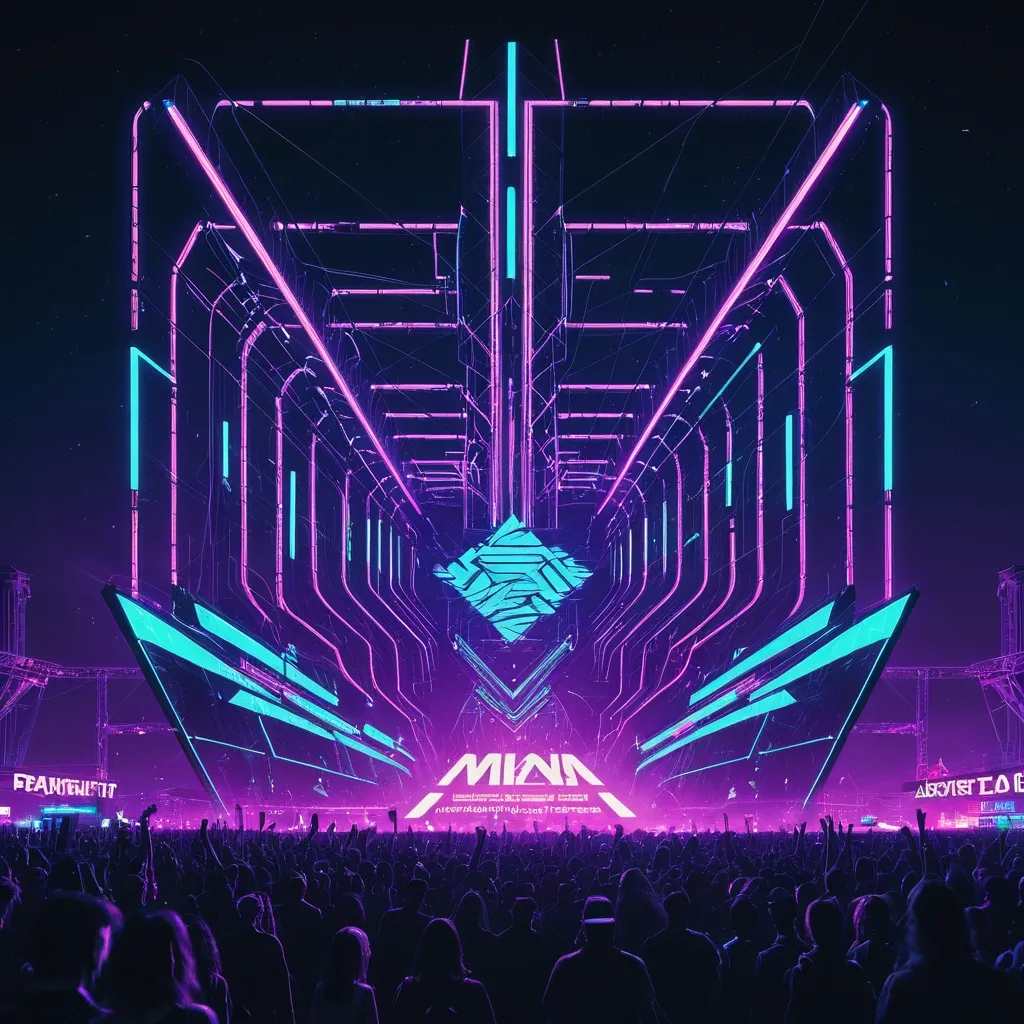
Affiche de festival de musique électronique en plein air , ambiance futuriste immersive , scène monumentale avec structures métalliques géométriques , écrans LED géants , lasers cyan et violet traversant la nuit , foule en contre-jour , brume lumineuse et glow néon intense. Atmosphère énergique , sensation de puissance sonore , ciel nocturne profond noir. Palette dominante violet électrique , cyan lumineux et noir profond , contraste fort , éclairage cinématographique , reflets néon , effet lumineux vibrant. Typographie bold massive sans-serif , moderne et impactante , intégrée à la composition avec effet néon lumineux. Texte à intégrer dans l’affiche : HIGH BPM Open Air Experience 2 mars 2026 — Toulouse Line-up : Bitrate Zola Alicia Ableton Hevan Trigger Bouncing Pierre Clipping Loane Beatmatching Laureline Composition verticale dynamique , hiérarchie typographique claire , design contemporain premium , style digital art ultra détaillé , rendu haute résolution , format portrait 1080x1350 px. clean readable typography , professional poster layout , sharp text , no distorted letters ,
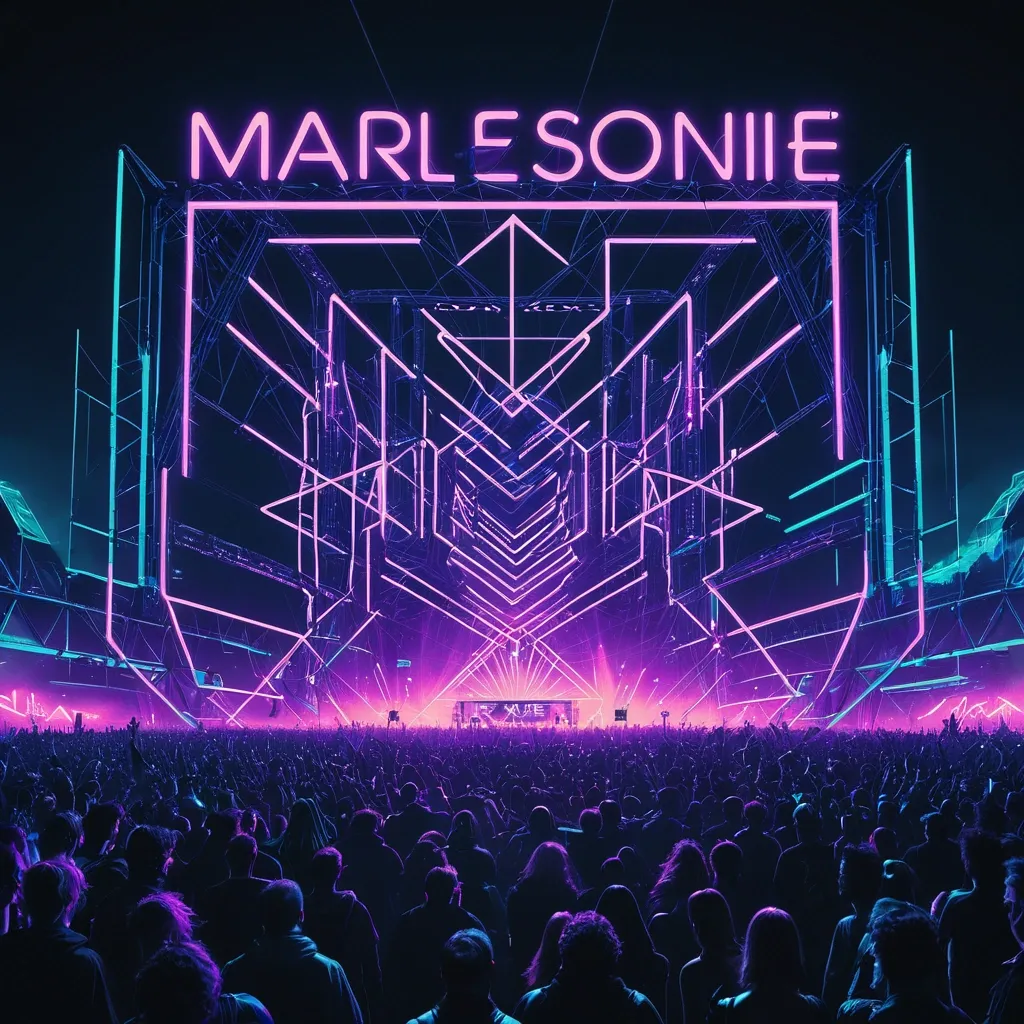
Affiche de festival de musique électronique en plein air , ambiance futuriste immersive , scène monumentale avec structures métalliques géométriques , écrans LED géants , lasers cyan et violet traversant la nuit , foule en contre-jour , brume lumineuse et glow néon intense. Atmosphère énergique , sensation de puissance sonore , ciel nocturne profond noir. Palette dominante violet électrique , cyan lumineux et noir profond , contraste fort , éclairage cinématographique , reflets néon , effet lumineux vibrant. Typographie bold massive sans-serif , moderne et impactante , intégrée à la composition avec effet néon lumineux. Texte à intégrer dans l’affiche : HIGH BPM Open Air Experience 2 mars 2026 — Toulouse Line-up : Bitrate Zola Alicia Ableton Hevan Trigger Bouncing Pierre Clipping Loane Beatmatching Laureline Composition verticale dynamique , hiérarchie typographique claire , design contemporain premium , style digital art ultra détaillé , rendu haute résolution , format portrait 1080x1350 px. clean readable typography , professional poster layout , sharp text , no distorted letters ,
text , letters , words , writing , script , readable , calligraphy , format 1080×1920 Ancient weathered parchment document , vertical rectangle , warm sepia and faded brown color. Highly irregular torn and ragged edges all around , uneven tears , slightly curled corners. Old crinkled texture , subtle creases , lighter and darker patches. No text , no writing , blank parchment surface. At bottom center: single ornate circular metallic seal , gold and bronze tones , dark reddish-brown accents. Seal has raised central rounded part with stylized letter or symbol , polished metallic gradient. Around it twelve sharp spiky sunburst rays , alternating sizes , metallic raised texture , subtle shadows. Wax seal or metal medallion pressed onto parchment , 3D effect. Dark subtly textured background , soft lighting on parchment. Fantasy document , no letters no words ,
blurry , low quality , ugly , deformed , bad anatomy , extra fingers , photorealistic , hyperrealistic , anime , cartoon , modern objects , text , watermark , logo , oversaturated. Prologue background - parchment , Aged parchment texture , old paper , dark edges and corners , subtle candlelight warm glow at borders , fantasy book style , minimal , low contrast , background for readable text overlay. stylized realism , digital painting , high-fantasy mobile game art , dark palette with warm orange and gold accents , no text , no watermark , premium 2D illustration ,
A cinematic Sci-fi concept art , a vast planet in deep space , left side dominated by a dark swirling enormous planet with a faint accretion blast in single lines , gravitational lending distorting the stars. on the right , a celestial spacecraft navigating a dark , churning void. Its gossamer wings are translucent , filled with captured solar panels and shimmering golden dust , strong perspective with the code surface sweeping from lower right to upper left , leading into the vortex. high contrast , cool blue-black space tones with subtle warm orange highlights near the black hole rim , sharp readable code texture in foreground , background stars softened by depth , subtle volumetric haze and motion streaks implying pull , ultra-detailed , crisp , 24mm wide cinematic lens look , no text , no logo , no watermark. ,
A cinematic Sci-fi concept art , a vast planet in deep space , left side dominated by a dark swirling enormous planet with a faint accretion glow , gravitational lending distorting the stars. on the right , a celestial spacecraft navigating a dark , churning void. Its gossamer wings are translucent , filled with captured solar panels and shimmering golden dust , strong perspective with the code surface sweeping from lower right to upper left , leading into the vortex. high contrast , cool blue-black space tones with subtle warm orange highlights near the black hole rim , sharp readable code texture in foreground , background stars softened by depth , subtle volumetric haze and motion streaks implying pull , ultra-detailed , crisp , 24mm wide cinematic lens look , no text , no logo , no watermark. ,
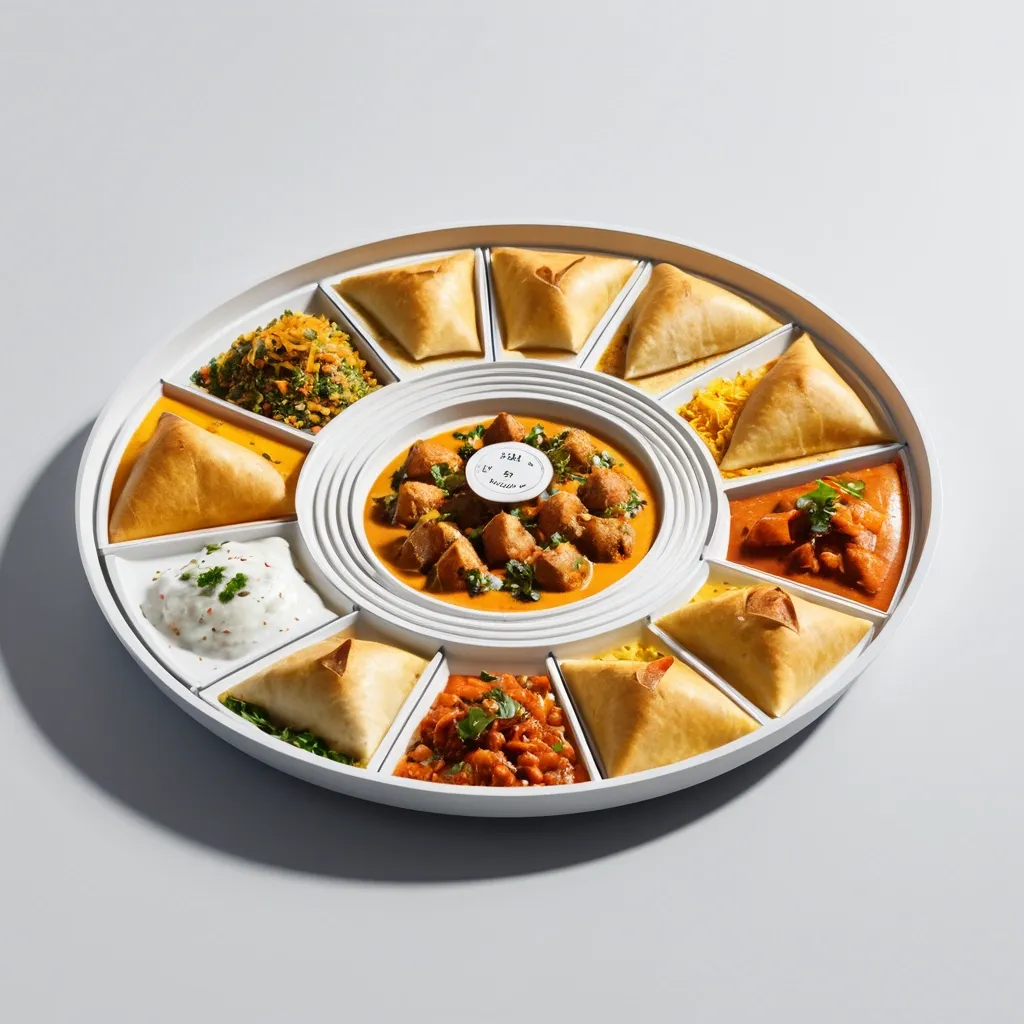
Ultra-clean modern recipe infographic. Showcase Samosa (Indian street food) in a visually appealing finished form—sliced , plated , or portioned—floating slightly in perspective or angled view. Arrange ingredients , steps , and tips around the dish in a dynamic editorial layout , not restricted to top-down. Ingredients Section: Include icons or mini illustrations for each ingredient with quantities. Arrange them in clusters , lists , or circular flows connected visually to the dish. Steps Section: Show preparation steps with numbered panels , arrows , or lines , forming a logical flow around the main dish. Include small cooking icons (knife , pan , oven , timer) where helpful. Additional Info (optional): Total calories , prep/cook time , servings , spice level—displayed as clean bubbles or badges near the dish. Visual Style: Editorial infographic meets lifestyle food photography. Vibrant , natural food colors , subtle drop shadows , clean vector icons , modern typography , soft gradients or glassmorphism for step panels. Accent colors can highlight key info (calories , prep time). Composition Guidelines: Finished meal as hero visual (perspective or angled). Ingredients and steps flow dynamically around the dish. Clear visual hierarchy: dish > steps > ingredients > optional stats. Enough negative space to keep design airy and readable. Lighting & Background: Soft , natural studio lighting. Minimal textured or gradient background for premium editorial feel. ,
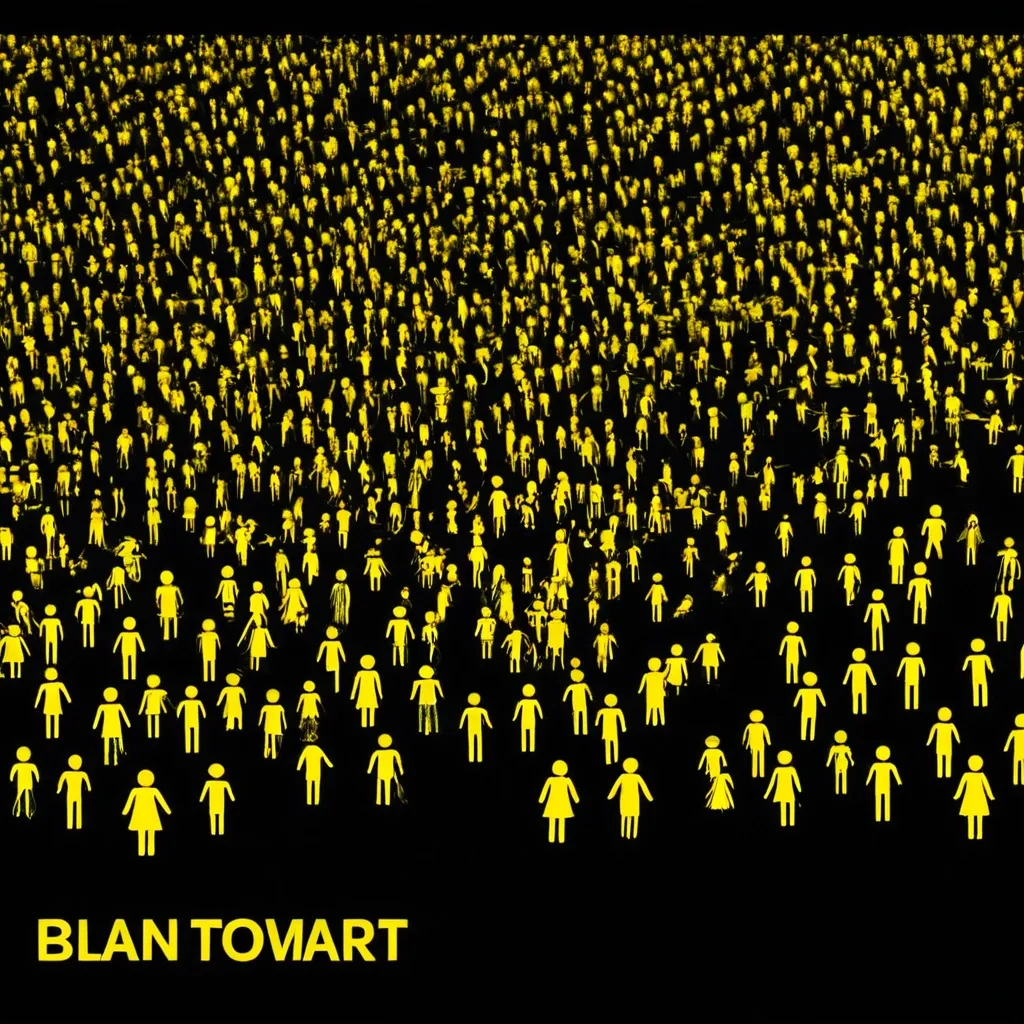
Background: Black background , creating contrast with the yellow text and figures. The black color should be clean and clear without any patterns or textures.Text "HUNTFARM": Large , bold yellow "HUNTFARM" text at the top of the image. The text should be simple , highly readable , without any additional effects. It should be placed centered at the top part of the banner.Line: Below the text , a thin yellow horizontal line separates the text from the rest of the image.Crowd of Stick Figures: Below the line with text , a dense crowd of yellow stick figures (stylized figures with round heads and wings , resembling the logo) should fill the lower part of the image. The figures should be arranged to create the sense of a packed crowd. The figures should gradually become smaller and blurrier as they recede into the distance , creating a sense of depth. The stick figures should be simple and schematic with wings.Style: Bright contrast of yellow on a black background with sharp lines. The style should be simple , without excessive detail , emphasizing the figures and text.Size: The image should be 1128x191 pixels , suitable for use as a banner on LinkedIn. ,
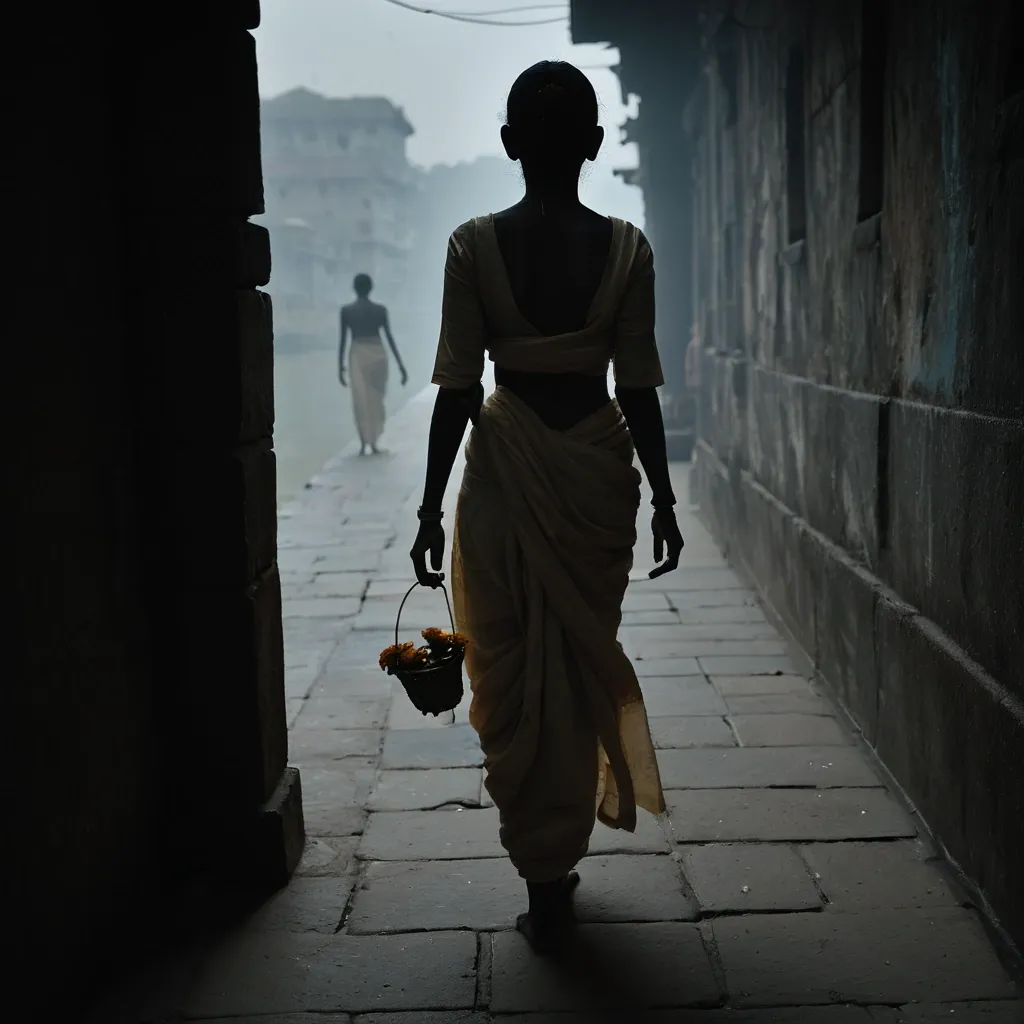
A lone woman stands centered on a wodden boat at ganga river at banaras , holding a flowers basket , viewed from behind , her body fully exposed to the open space before her yet visually isolated from it. She wears a wite saree with a low , the fabric gathered lightly at the waist. Matching blue ankle straps circle her heels , adding a fragile elegance to her stance. Her posture is upright but restrained , feet close together , arms relaxed at her sides , as if she is waiting or listening. In front of her , several human figures linger in a darkened doorway or alley. They are indistinct , blurred , and partially swallowed by shadow , their faces unreadable and their bodies softened into ghostlike silhouettes. Some appear dressed in monk-style clothing , safron and shirts barely emerging from the gloom. The contrast between her sharply defined form and their obscured presence creates a sense of imbalance , as though she is fully seen while they remain hidden. The surrounding architecture is urban and weathered , with textured stone walls and a narrow pavement beneath her feet. Light falls selectively , illuminating her pale dress and skin while leaving the background figures suspended in darkness. The atmosphere feels tense and quiet , charged with the awareness of being observed without acknowledgment , a moment stretched between exposure and anonymity. ,

Clean minimalist ebook cover background , vertical format. Soft gradient background in light blue , lavender and white tones. Modern flat or soft 3D illustration of a laptop on a desk. On the laptop screen: abstract shapes suggesting templates , checklists and digital pages (no readable text). Simple elements: notebook , coffee cup , small plant. Calm , friendly , beginner-focused mood. Professional digital product style. No text , no letters , no words. High quality , clean composition , plenty of empty space at the top and center. Isolated illustration , perfect for Canva overlay. PNG style , smooth lighting. Modern ebook cover mockup displayed on a tablet and laptop. Clean digital workspace , soft lighting. Minimalist design , professional look. No readable text , just layout and visual balance. Minimal flat icons related to digital products: checklist , document page , layout template , simple UI cards. Soft pastel colors , blue and purple tones. Clean vector style , isolated icons on transparent background. No text , no numbers. ,

Clean minimalist ebook cover background , vertical format. Soft gradient background in light blue , lavender and white tones. Modern flat or soft 3D illustration of a laptop on a desk. On the laptop screen: abstract shapes suggesting templates , checklists and digital pages (no readable text). Simple elements: notebook , coffee cup , small plant. Calm , friendly , beginner-focused mood. Professional digital product style. No text , no letters , no words. High quality , clean composition , plenty of empty space at the top and center. Isolated illustration , perfect for Canva overlay. PNG style , smooth lighting. ,

Clean minimalist ebook cover background , vertical format. Soft gradient background in light blue , lavender and white tones. Modern flat or soft 3D illustration of a laptop on a desk. On the laptop screen: abstract shapes suggesting templates , checklists and digital pages (no readable text). Simple elements: notebook , coffee cup , small plant. Calm , friendly , beginner-focused mood. Professional digital product style. No text , no letters , no words. High quality , clean composition , plenty of empty space at the top and center. Isolated illustration , perfect for Canva overlay. PNG style , smooth lighting. ,
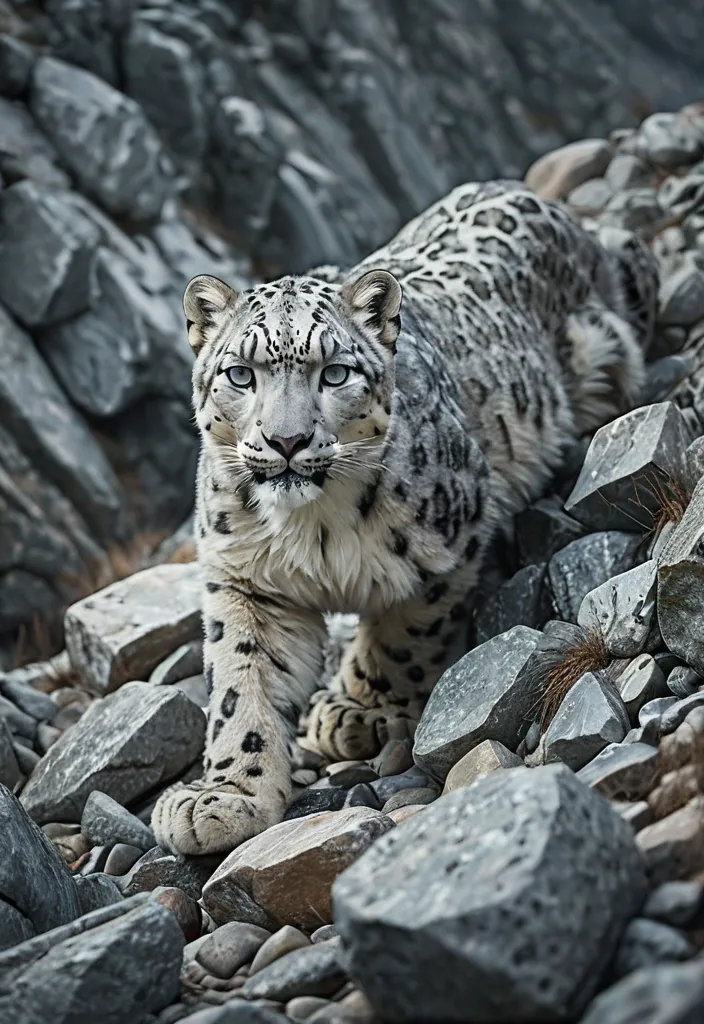
A high-resolution nature scene where a snow leopard is hidden in rocky terrain through near-perfect camouflage. The illusion type is “search image”: at first glance it’s just rocks; after a moment the leopard’s face and body become clear. Lighting: overcast mountain light , muted colors , high detail. Ensure the leopard’s edges blend naturally with rocks , but eyes remain subtly readable. Use realistic depth , slight atmospheric perspective , sharp textures. No humans , no text , no arrows , no circles , no hints , just the hidden subject ,
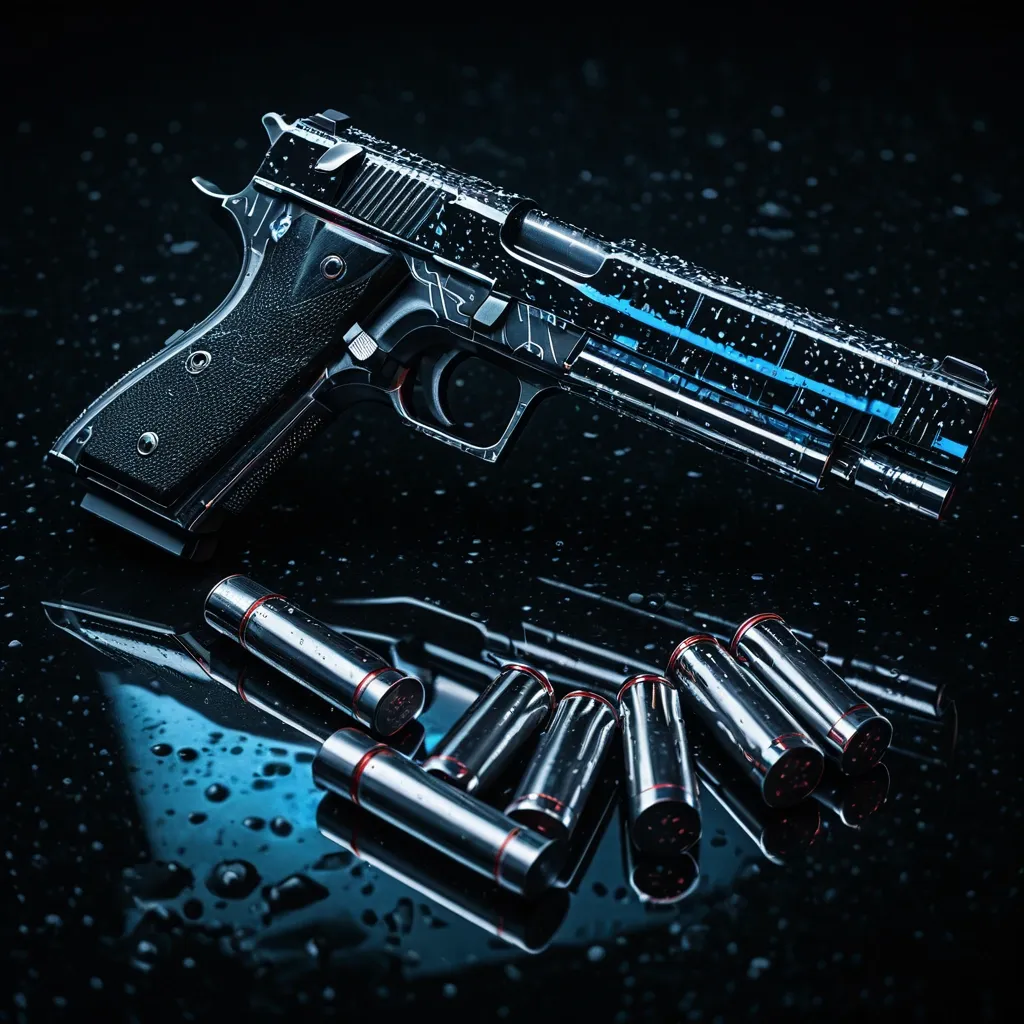
Square format , 1:1 aspect ratio , 2048x2048 px , glossy deep-black background with subtle reflections. Centered bold "081" (include leading zero) in sharp , angular modern typeface , metallic chrome finish with slight bevel , drop shadow , and thin neon outline glow (blue or red). Surrounding elements: a matte 9mm pistol angled subtly , scattered US dollar bills and 9mm bullets with small reflective highlights. Fresh rain droplets on the gun , bills , bullets , and surface , creating wet reflections. Small hints of smoke or mist near the gun for dramatic effect. Rim lighting and soft glow from top-left and back-right to emphasize contours. High-contrast cinematic lighting , photorealistic , ultra-detailed textures: metal scratches on the gun , faint carbon fiber texture , crisp details even when scaled down. Moody cinematic color grading: deep blacks , cool blue/gray highlights , minimal but effective neon reflections. Perfect for profile icon: central focus on "081" , readable at small size , edges clean , dramatic , stylish , and striking. No people , no logos , no blood , minimal clutter. ,
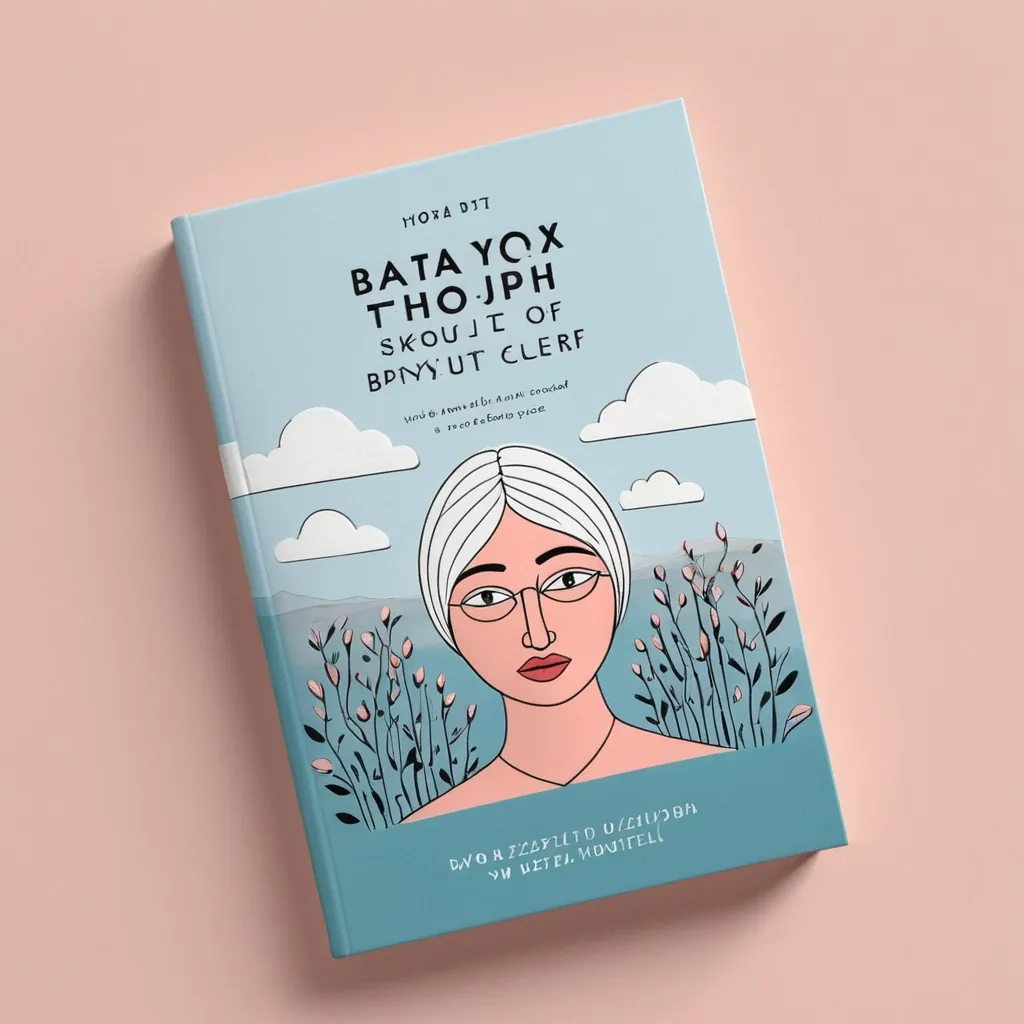
Create several cover design options for a book titled “Как быть , когда быть уже тяжело” by Котельникова Лаура. Here’s a bit about the book: it is made for teenagers and young people who feel anxious in an ever-changing world. It includes CBT self-help practices — this is the main goal of the book (to give people the opportunity for competent self-help). The book design should be gentle , in soft pink or soft blue tones. Choose a beautiful , unusual , but easily readable font. Do not place images of people on the cover — make it minimalistic , yet heartfelt and pleasant. ,
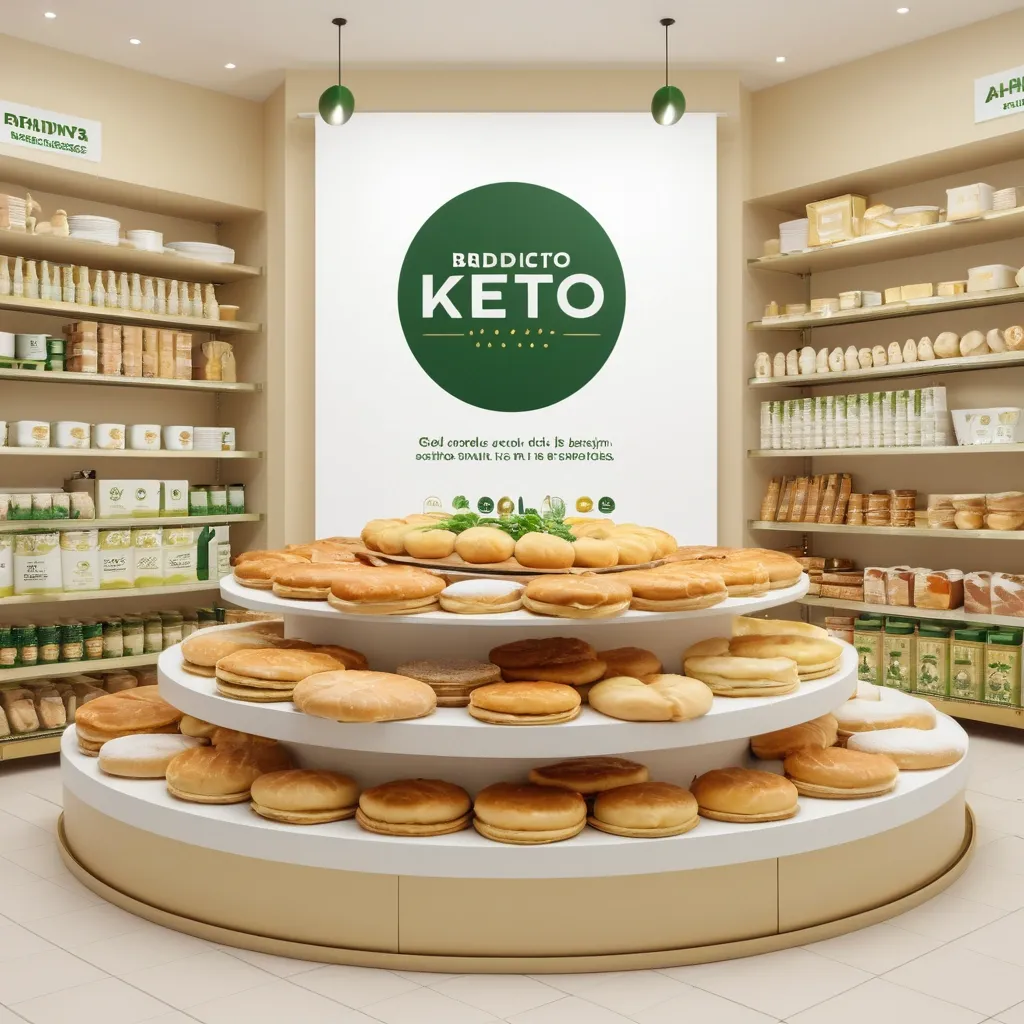
Vertical banner for large-format printing , dimensions 1 meter tall x 0.50 meters wide , for a store selling keto products. At the top , a minimalist circular logo in green and gold. Below , a very large and centered main text in one single line: PRODUCTOS KETO. Below that , a list of products in ALL CAPS , clear and readable typography: SORRENTINOS , TALLARINES , TAPAS DE EMPANADAS Y PASCUALINA , BUDINES , TORTAS DULCES INDIVIDUALES , ALFAJORES , PANES KETO. Include realistic , appetizing photos of the mentioned products arranged neatly around the text , with warm lighting. Background in light tones (white or soft beige) with fresh green accents. Modern , clean style in high resolution , suitable for printing. ,
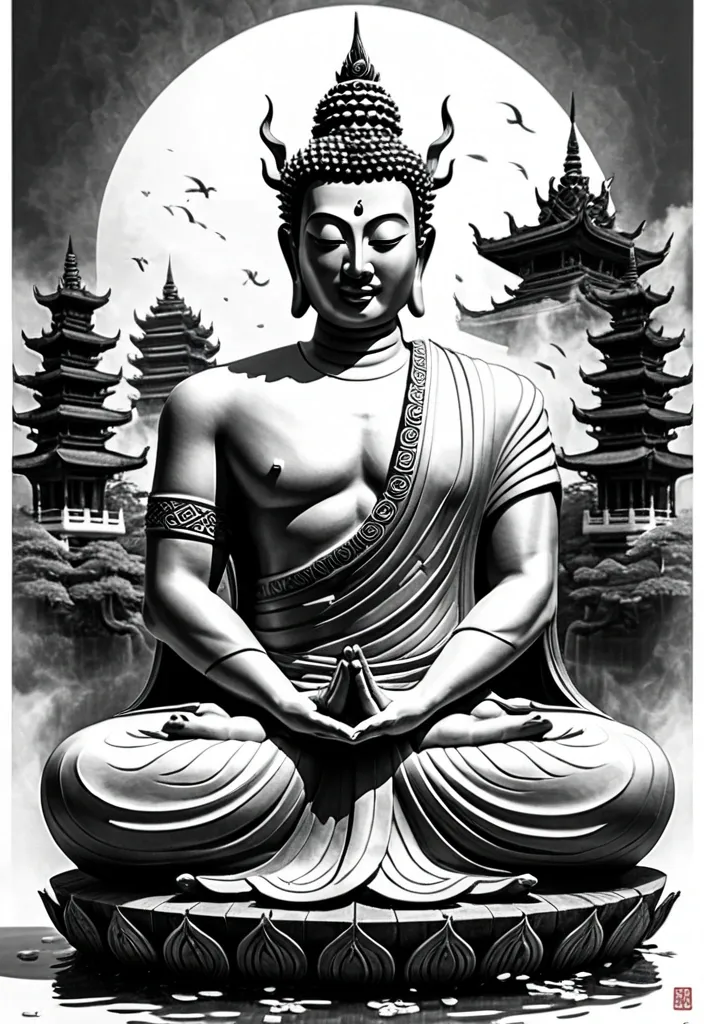
> Black and grey high-resolution drawing , highly detailed and semi-realistic — not a tattoo render but a clean , refined artwork for preparatory tattoo design. No color , pure pencil or ink style. Scene composed for outer bicep and shoulder , flowing naturally with muscle curvature. Central figure: traditional Thai Buddha sitting in a relaxed pose , head leaning into his hand , one knee raised , calm and compassionate expression. Classic Thai features: elongated earlobes , stylized spiral hair curls , soft smile , gentle downcast eyes. His robe drapes in realistic folds with soft shading , suggesting silk texture and weight. Behind and around the Buddha , a majestic Thai Naga coils in a dynamic upward S-shape. The Naga is a serpentine mythical creature from Thai Buddhist tradition , combining the grace of a snake with the divine power of a dragon. Its head is large , with a wide open mouth revealing sharp fangs , and flaming , arched eyebrows above intense eyes. It wears a multi-pointed crown or crest , adorned like a deity , with multiple ornate horns rising symmetrically. Two long , fin-like ears flow backwards from the sides of the head , resembling river currents. Its whiskers extend in thin , flowing arcs , adding sacred elegance. The body is long and muscular , covered in highly detailed , overlapping fish-like scales , shaded for volume and realism. As it coils behind the Buddha , its movement suggests both protection and spiritual energy , never overpowering the scene. In the background , above and to the shoulder side , a refined three-tier Thai pagoda or temple rises with gently curved rooflines and fine architectural details. The temple is small in scale to respect depth and balance , like a sacred silhouette above the scene. Floating across the composition: delicate Japanese cherry blossom petals , drifting through the air , adding spiritual poetry and motion. Style: hand-drawn ink or pencil illustration , black and grey only. Clean composition with anatomical logic , deep texture , and light atmospheric background. Emphasis on texture and balance: Buddha’s face: soft stone or skin-like texture Naga’s body: dense , glossy scaled pattern with high contrast Pagoda: wood and stone shading Cherry petals: soft , semi-translucent Composition must remain readable , elegant , and harmonious — suitable as a sacred and artistic foundation for a future tattoo design. ,

A digital illustration of a young woman from the chest up , looking directly at the viewer with a neutral expression. She has long , straight black hair that falls over her shoulders and light skin. She is wearing round , silver-rimmed glasses , a purple hooded sweatshirt with a white horizontal stripe and a dark symbol. A gray laptop is angled away from the viewer on the left. The background is an abstract digital wallpaper , predominantly blue , with light blue and white interconnected circular icons resembling a network or circuit board on the left , including a gear , globe , handprint , and human head silhouette. White and light blue lines resembling circuit board traces are scattered across the background. In the upper right corner , a large white curved shape contains dark blue text "UNEMI" followed by smaller , unreadable text. The art style is clean and sharp , with defined lines and vibrant colors , giving it a modern , almost anime-like aesthetic. ,

A digital illustration of a young woman from the chest up , looking directly at the viewer with a neutral expression. She has long , straight black hair that falls over her shoulders and light skin. She is wearing round , silver-rimmed glasses , a purple hooded sweatshirt with a white horizontal stripe and a dark symbol. A gray laptop is angled away from the viewer on the left. The background is an abstract digital wallpaper , predominantly blue , with light blue and white interconnected circular icons resembling a network or circuit board on the left , including a gear , globe , handprint , and human head silhouette. White and light blue lines resembling circuit board traces are scattered across the background. In the upper right corner , a large white curved shape contains dark blue text "UNEMI" followed by smaller , unreadable text. The art style is clean and sharp , with defined lines and vibrant colors , giving it a modern , almost anime-like aesthetic. ,
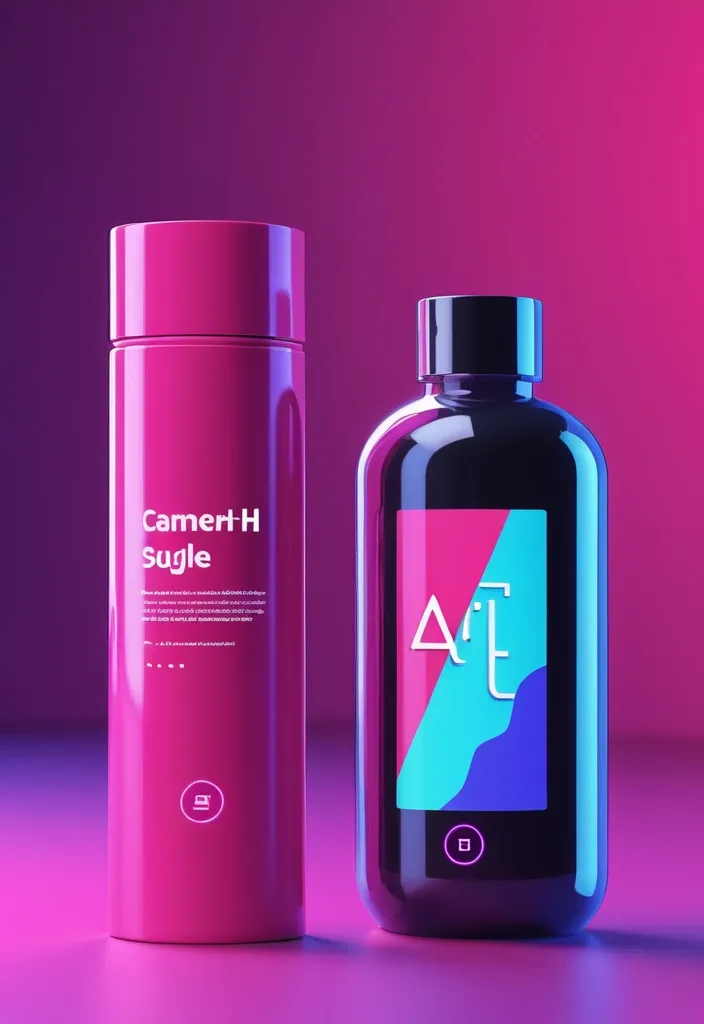
"Fiverr gig thumbnail design for an AI-generated art service — clean layout , modern and professional. Left side has bold readable text: 'AI Art Expert' , right side shows realistic product mockup (e.g. , cosmetic bottle or tech device) , stylized book cover , and abstract concept art. Bright , creative color scheme: purple and neon blue or black and hot pink. 3D lighting , minimal background , high contrast , futuristic vibe. Fiverr-optimized dimensions , sharp composition , digital art style —v 6 --ar 16:9 --stylize 750" ,
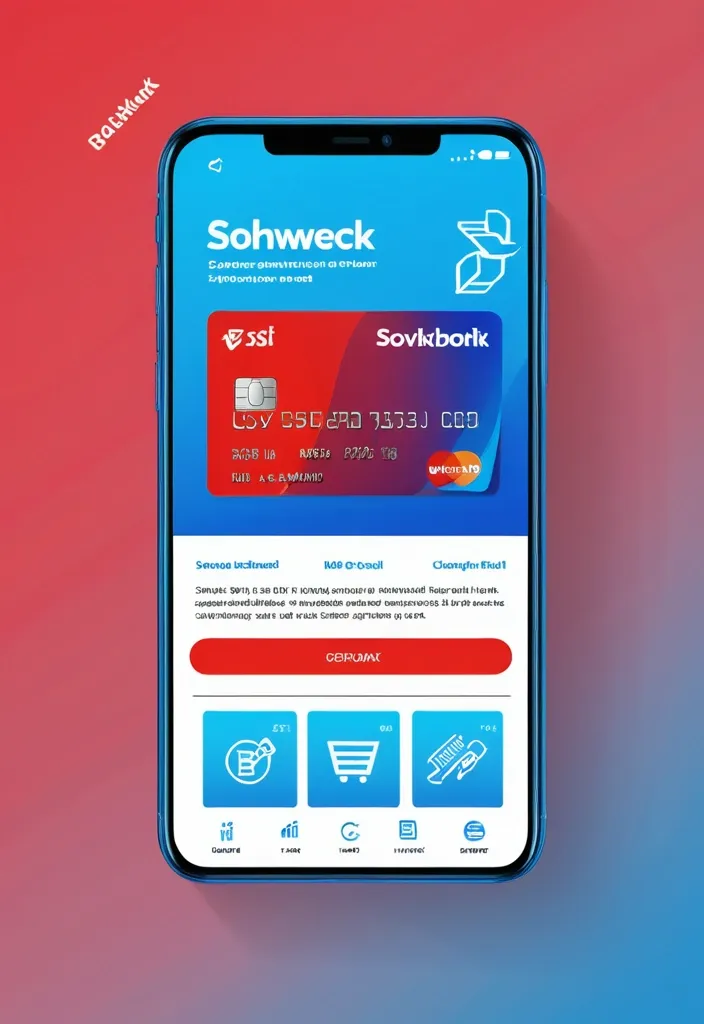
"Design a modern , trendy social media post (1080x1080 pixels) for Sovkombank's new cashback debit card for Telegram channel. Main visual: stylized smartphone mockup showing banking app interface with the new card design prominently displayed on screen. Use Sovkombank's digital color palette - bright blue (#2F5CE6) , vibrant red (#FE5155) , light blue (#2797FF) with white backgrounds and subtle gradients. Composition: diagonal layout with smartphone positioned at engaging angle , surrounding elements include floating icons representing cashback (percentage symbols , money symbols , shopping icons) in brand colors. Typography: modern , mobile-optimized font with clear hierarchy - main benefit '10% кэшбэк' as large accent text , supporting benefits 'бесплатное обслуживание' and 'моментальное оформление' in smaller , readable fonts. Background: clean gradient from light blue to white with subtle geometric patterns. Include Sovkombank logo in corner. Style: contemporary social media aesthetic following 2025 design trends - clean minimalism , bold colors , engaging visual hierarchy , optimized for mobile viewing. Add subtle shadow effects and modern UI elements. Format: RGB color space , 72 DPI , optimized for digital display." ,
Design a modern and visually attractive logo for a mobile app for sale of artisanal products from Ayacucho , known as "The city of the 33 churches." The logo must include the name "ñawi" , Quechua word that means "eye" or "vision" , and also represents traditional Andean tissue patterns. The design must integrate cultural symbols such as colonial churches , Ayacuchan flowers , Andean looms or artisanal ceramics , with an aesthetic , clean and professional approach. Use a warm palette (red , terracotta , beige , gold) , artisanal or pictographic seal style , combining tradition with modernity. The logo should be readable in small size , ideal for apps icons , with typography inspired by Andean manuscripts or textile crafts. Clear or neutral background , square or rounded format. It transmits fair trade values , living culture and handmade art. ,

Design a clean , modern iOS-style mobile app icon for a Canadian corporate tax software called ‘SimpleTax’. Use a rounded square shape with flat colors and a minimalistic layout. Feature a maple leaf as the central element to reflect Canadian identity , and include green accents (such as a stripe , badge , or border) to suggest finance. Add a small version tag like ‘2024.1’ in a subtle but readable position. Avoid any glassy , glossy , or 3D effects — the style should be flat , balanced , professional , and App Store-ready. ,