Search Results for LED screens
Explore AI generated designs, images, art and prompts by top community artists and designers.
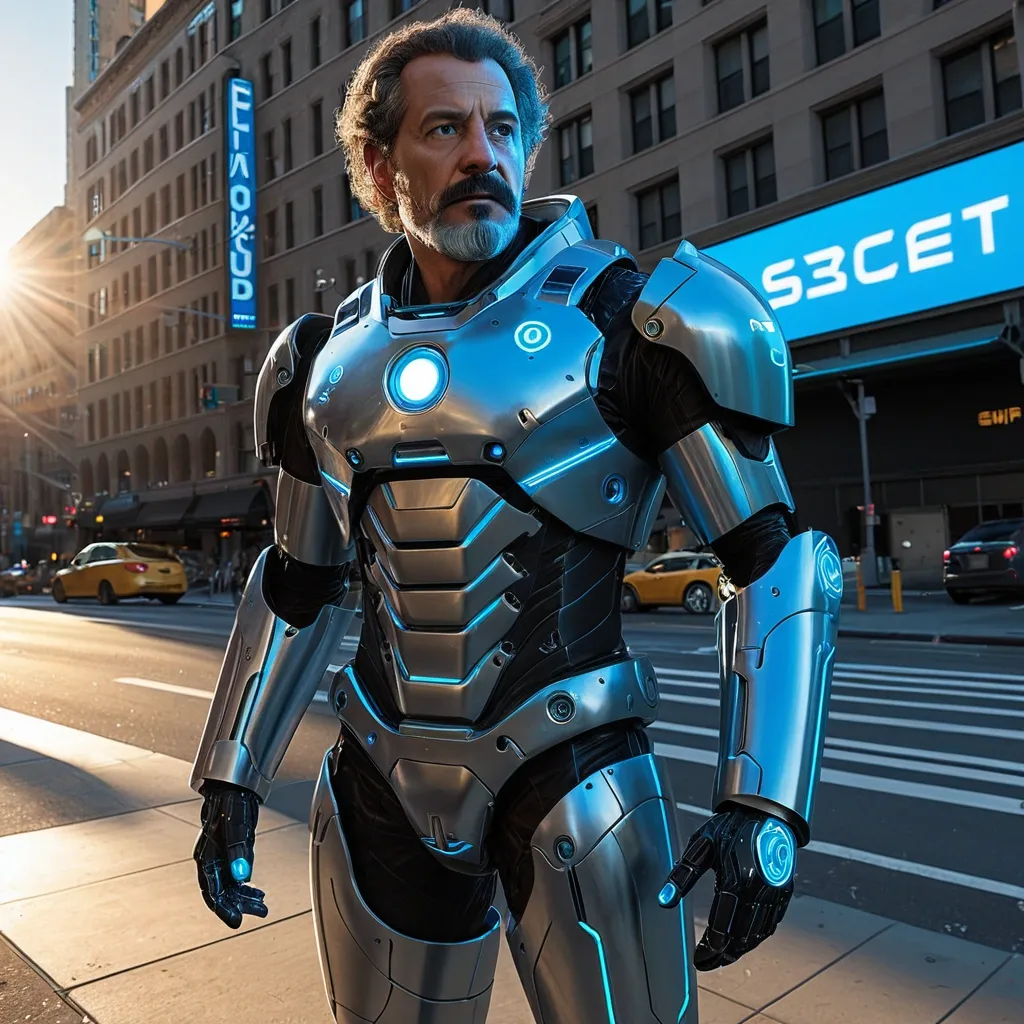

Transform the provided reference photo into a dense urban street scene , golden hour warm sunlight , clear sky , Every advertising surface belongs to SpaceX — building facade wraps , rooftop signs , full bus and taxi wraps , subway entrance tunnels , LED screens , street furniture , crosswalk markings , scaffolding hoardings. Preserve the landscape exactly as it is , with one hundred percent expressions , and natural details. Do not alter , enhance , beautify , or modify any physical characteristics. insert into portrait a hauntingly man in a realistic manner. He is wearing a life-size holographic armored exosuit beside him with curly white mustache , detailed blue hologram UI with technical schematics , labels and data overlays floating around him , advanced AR interface , sci-fi technology concept , warm indoor lighting mixed with cool neon blue glow from hologram , rich detailing --ar 9:16 --raw --stylize 200 ,
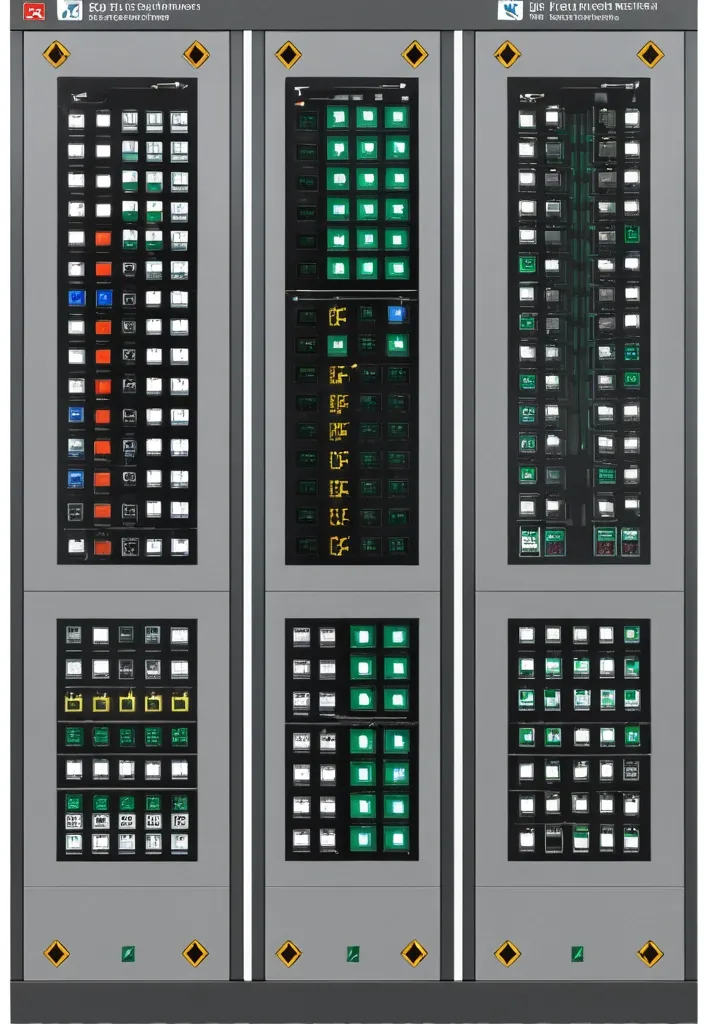
Description of the visualization and control system of the automation complex The purpose of the system is to provide the operator with a single , intuitive interface for monitoring and managing all subsystems of the complex in real time. Architecture of the main window (Generalized Status Panel): The main screen is designed according to the principle of "from general to private". The center contains critical information about the power supply system , on which all other systems depend. The remaining subsystems are grouped logically around the center. 1. Central unit: Power supply system It is visualized as a circle divided into three sectors. Large left sector (≈45%): Transformer substations (TP) 5 blocks are displayed , one for each TP. Each block contains: TP number/name (for example , TP-1 , TP-2). The indicator of the active power line: The "Network" icon with backlight (green - main , yellow - backup). Transformer status: "Main" / "Standby" (or icons). Key parameters from accounting nodes: Current (I) , Voltage (U) , Power (P). The values are output for the active line. General TP status: Color indication (Green - Normal , Yellow - Warning , Red - Emergency). Large right sector (≈45%): Main switchboards 5 blocks are displayed , one for each storage unit. Each block contains: The number/name of the GRSH (for example , GRSH-1). Active power line indicator: Similar to TP. Key parameters from accounting nodes: I , U , P. The general status of the GRS: Color indication. Lower small sector (≈10%): Uninterruptible power supply (UPS) Large text or pictogram status indicator: "Mains operation" (Green) "Battery operation" (Yellow/Orange) Battery level indicator: Percentage scale (from 0% to 100%). The color varies depending on the level (green >50% , yellow 20-50% , red <20%). 2. Peripheral blocks around the center They are arranged around a central circle , forming a "rim". Upper and lower parts of the rim: Ventilation of the web blowing Upper part: 9 installations on top. The lower part: 9 installations from the bottom. There are 18 icons/blocks in total. Each icon represents one installation and has a color indication of the status.: Green: Enabled Gray: Turned off Red: An accident (for example , the differential pressure sensor on the filter went off , an error in the drive) Black/Blue: No power supply When hovering over the cursor , a tooltip appears with details (the condition of the fan , valve , filter blockage). Left and right sides of the rim: Indoor ventilation The left and right sides are divided equally to display the 12 settings on each side. There are 24 icons/blocks in total. The same color status indication for each installation. 3. Corner blocks: Other subsystems They are located in the four corners of the screen for easy and fast perception. Upper left corner: Roller shutters (48 pcs.) Summary information is displayed as an information block.: "Closed: XX / Open: XX" (numeric values). A graphical indicator (for example , a stripe divided into green and blue parts , proportional to the number). General status: Green icon "OK" or Red icon "Emergency" (if at least one roller shutter has an emergency status). Upper right corner: Elevators (2 pcs.) Two vertical blocks , one for each elevator. Each block contains: Elevator number (Elevator 1 , Elevator 2). Floor indicator: A large number (for example , 3). Motion indicator: Up/down arrow or Stop icon. General status: The background color of the block (Green - normal , Gray - power off , Red - emergency , Blue - no connection). Lower left corner: EVIL Lights (Roof lamps) A large indicator in the form of a stylized lamp or icon. Color status indication: Bright Yellow/White: Included Gray: Off Red: Crash Black/Blue: No power supply Lower right corner: Heated storm drains Similar in style to the "Fires of EVIL" block. Color status indication: Orange/Red: Enabled Gray: Off Red (flashing): Crash Black/Blue: No power supply Navigation and management: Main Screen: It is an overview map. All the elements on it are clickable. Details: Clicking on any sector (TP , GRS , ventilation group , roller shutter unit) opens a new window with detailed information: TP/GRS: Single-line network diagram , status of all feeders and sectional switches , detailed power parameters. Ventilation: Detailed status of each piece of equipment in the selected group (fan , valve , filter condition) , possibility of manual control. Roller shutters: A table or plan of the building with the condition of each of the 48 roller shutters , group and individual control buttons. Control: The control buttons (Start , Stop , Open , Close) are located on the detailed screens. On the main screen , quick action buttons ("Emergency activation") can be displayed for critical systems (for example , EVIL lights). Visual style: Color scheme: An intuitive color palette is used (Green is the norm , Yellow/Orange is a warning , Red is an accident , Gray/Blue - disabled/no data). Fonts: Clear , easy-to-read fonts. Critical information is displayed larger. Animation: Minimal and informative (for example , smooth change of values , flashing for emergency states). ,
photo of a gorgeous female with short gray hair in the style of stefan kostic , large commercial led screens , hyper realistic art by artgerm and greg rutkowski and alphonse mucha , dark shadows , collective civilization tree , heavily gothic ornamental , pillars of creation , Pittsburg , white metal ,
hyper realistic brain skull , a single scale fills the entire table , lolitafashion , masterpice , grid , forest | | fantasy , freakshow , radial color dispersion , art by artgerm - in the style of final fantasy and studio ghibli , mystical colors , modelling , trending on artstation. supersonic trains and passengers. large led screens. octane render , ghost) , beautiful eyes! , pollution , epic fight scene , turkish and russian , chocolate chocolate chooclate chocolate ,
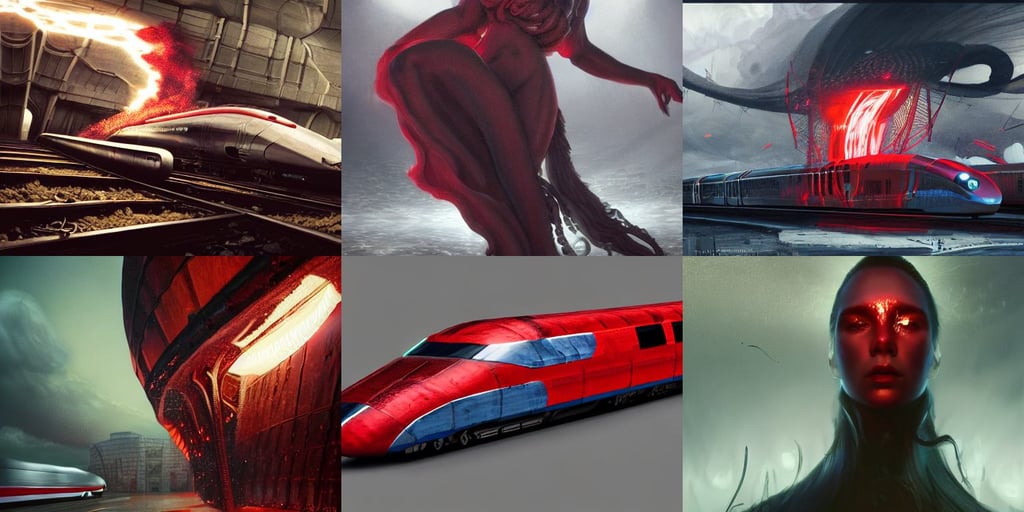
kraken by christian dimitrov and titian and eddie mendoza , small and thick red lips , long fabric flowing no the background , trending on artstation. supersonic trains and passengers. large led screens. octane render , hres , in the style of Christoher Nolan , bones , shattered , flame sparks , white cyborg clothes by andrew thomas huang , photorealistic symmetrical beautiful teenage face , art by da vinci , lotus , behrens style , wears a bright red longcoat , degenerate content , wide angle arri alfa anamorphic lens ; sharp focus , porcelain skin. BY ZDIZISLAW BEKSINSKI Cinematic concept art Greg Rutkowski. , f 8 , 8 k w 1 0 2 4 , art by artgem ,
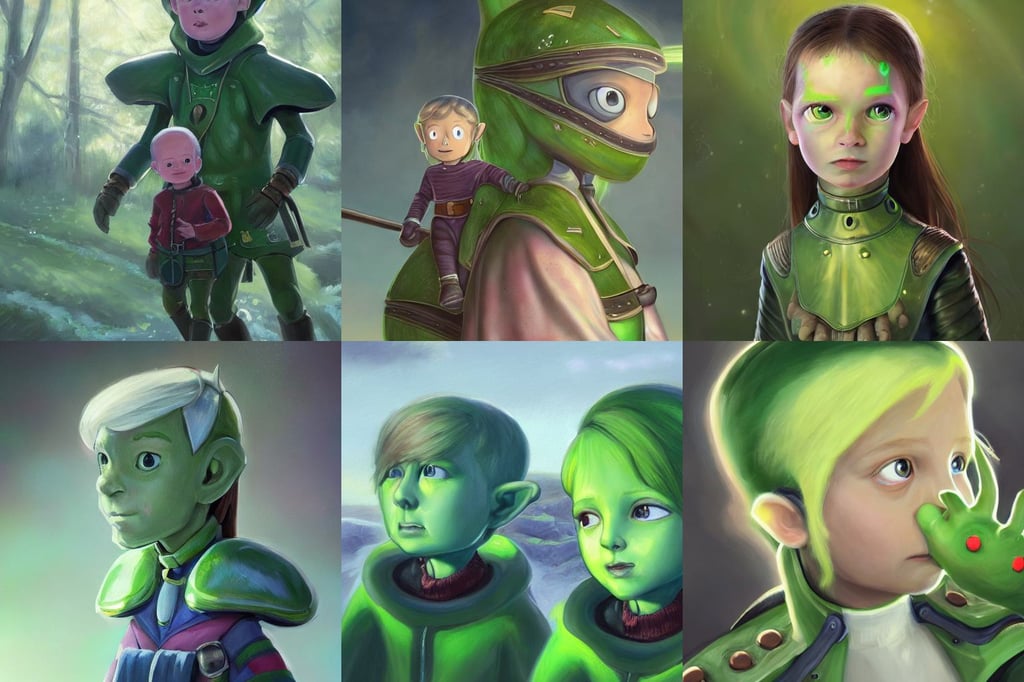
portrait painting of green skinned children of woolpit , Occult , smooth pixiv , feminine portrait , trending on artstation. supersonic trains and passengers. large led screens. octane render , turtle shell collar!!l , eye , charles schulz , chalked , riding a majestic horse through The lost woods of Hyrule , soft light. trending on artstation. 4 k , a hairless , Justin Gerard and Greg Rutkowski , stage lighting , immersed within a network , perseids meteor shower , standing in the rain with an umbrella , flexing ,