Search Results for platform
Explore AI generated designs, images, art and prompts by top community artists and designers.
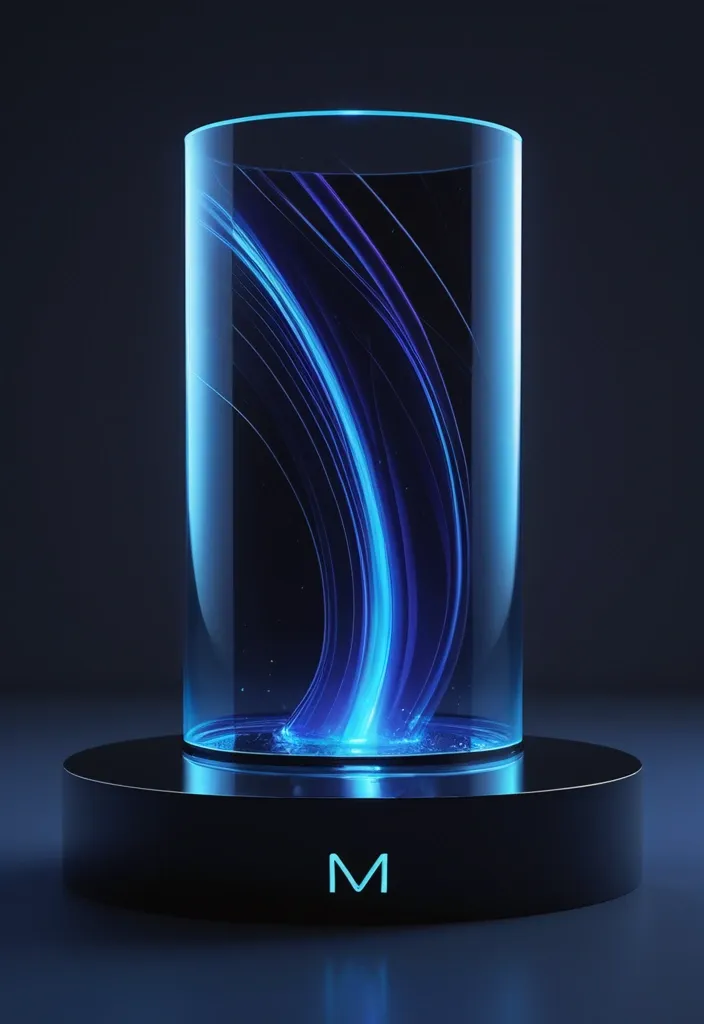

"A high-end , cinematic cover design for a marathon titled 'Time Leak'. The background is a deep yet luminous gradient transitioning from rich black at the edges to vibrant dark purple and indigo in the center , softly illuminated with a subtle radial glow to create depth and brightness. In the center , a sleek , modern hourglass stands on a reflective dark platform , crafted from polished black glass and brushed steel. Inside , the sand flows upward in a smooth , glowing stream of bright electric blue and soft cyan light — vibrant but not cartoonish , symbolizing time escaping. The flow creates a gentle distortion in the air , like a ripple in spacetime , with faint light trails and floating micro-particles glowing in blue and violet. The title 'Утечка времени' is displayed in bold , clean Cyrillic font — bright white with a soft electric blue outer glow and a thin silver outline , ensuring high readability. Positioned directly beneath , the word 'Марафон' appears in a modern sans-serif font , light gray with a subtle shine , perfectly integrated into the composition. The overall atmosphere is elegant and professional: balanced contrast , refined lighting , luminous accents , and a sense of motion and focus. Style: modern conceptual design , cinematic realism , high-end digital art , 8K resolution , ultra-detailed , vibrant yet sophisticated color palette of black , deep purple , electric blue , and cyan — bright enough for digital use , serious in tone , no cartoonish or playful elements." ,
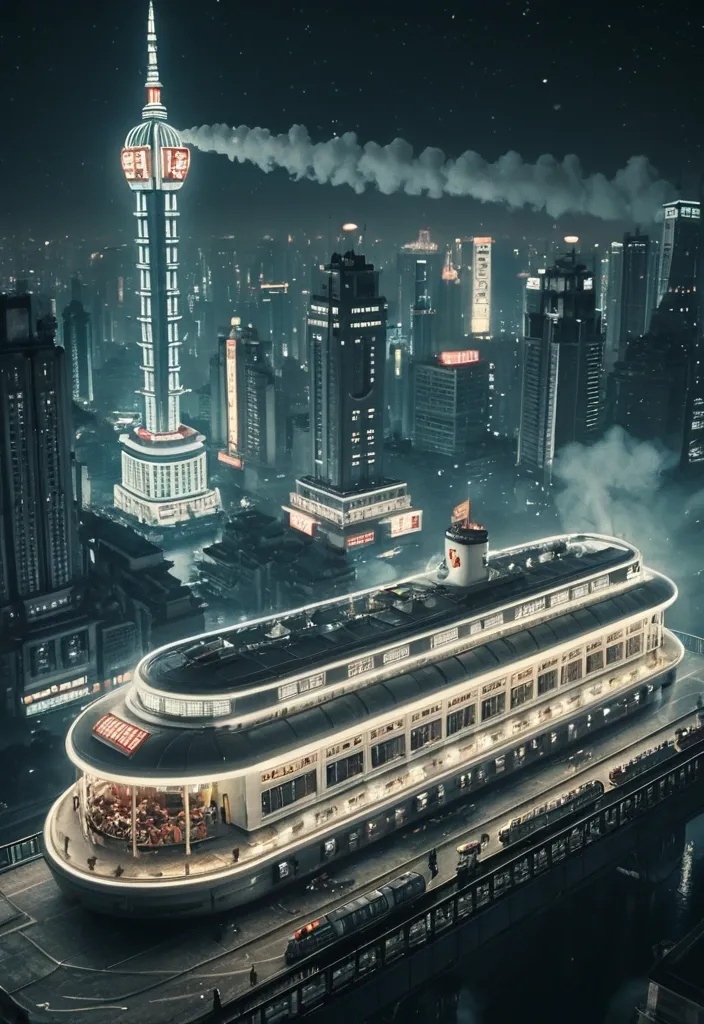
4K HD. In the retro style of Shanghai in the 1950s , a huge rectangular metal spaceship , shaped like a cruise ship with white smoke and many hanging windows , flies over the city. Hundreds of people on the platform overlook the city's night scenery , like a floating city trip. Low-saturation colors , ,
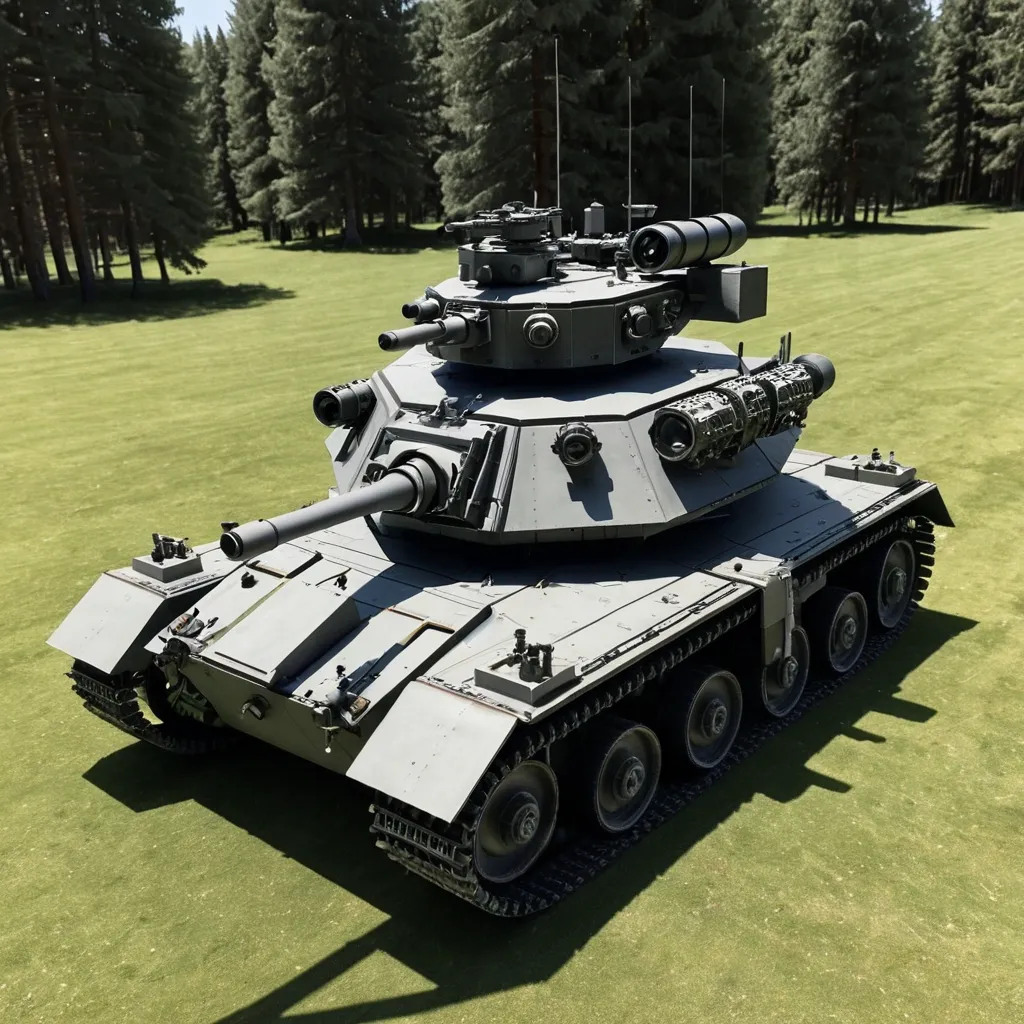
low six-wheeled platform with 3 wheels on each side , armored body , segmented into four parts. Four turrets in the form of machine guns , which have a belt with cartridges instead of a magazine. The first turret is directed forward to the right and up , the second turret is directed forward to the left and the horizon , the third turret is directed back slightly to the right and up , the fourth turret is directed back to the left and slightly up. Increased detail of the mechanisms Miniature video cameras with protective glazing are located on each turret There are guidance mechanisms Environment (forest-steppe) Multi-level grass Individual trees and small groves Compressed grass under equipment , natural shadows Technical details: Soft daylight Shadows from equipment Light glare on metal Perspective Top-down view at an angle Foreground detailing Additional elements Wheel tracks Small landscape details ,
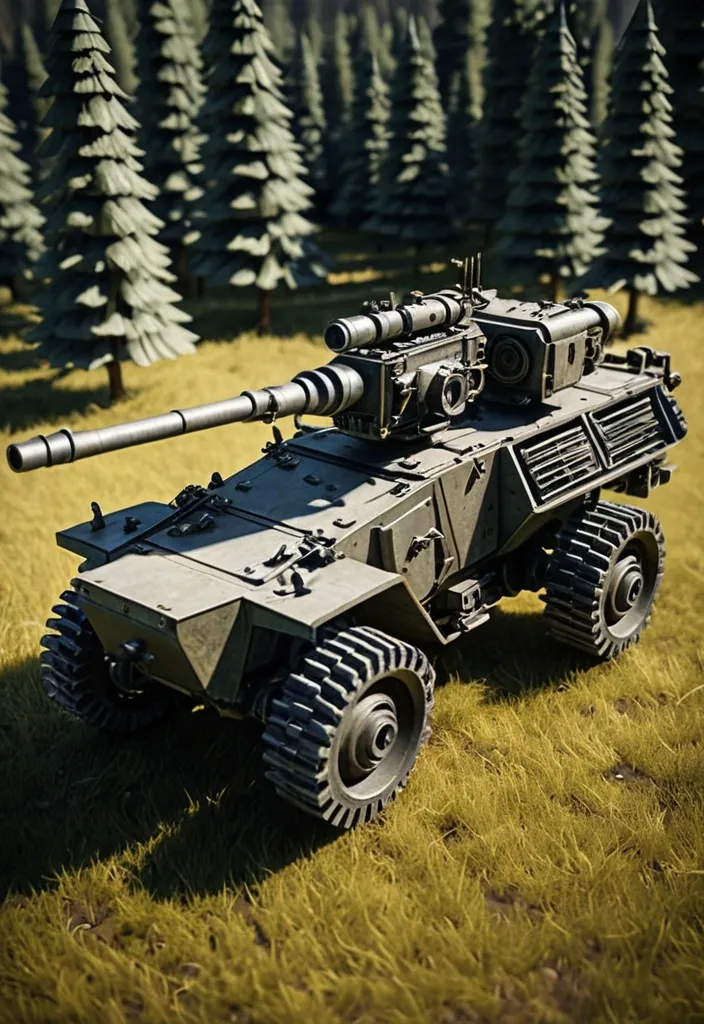
Six-wheeled platform with 3 wheels on each side , armored hullFour turrets in the form of belt machine guns , directed in different directionsRealistic armor textureDetailing of mechanismsMiniature video cameras with protective glass on each turretGuidance mechanismsEnvironment (forest-steppe)Grass of different levelsIndividual trees and small grovesCompressed grass under equipment , natural shadowsTechnical details:Soft daylightShadows from equipmentLight glare on metalPerspectiveTop-down view at an angleDetailing of the foregroundAdditional elementsTreads from wheelsSmall landscape details ,
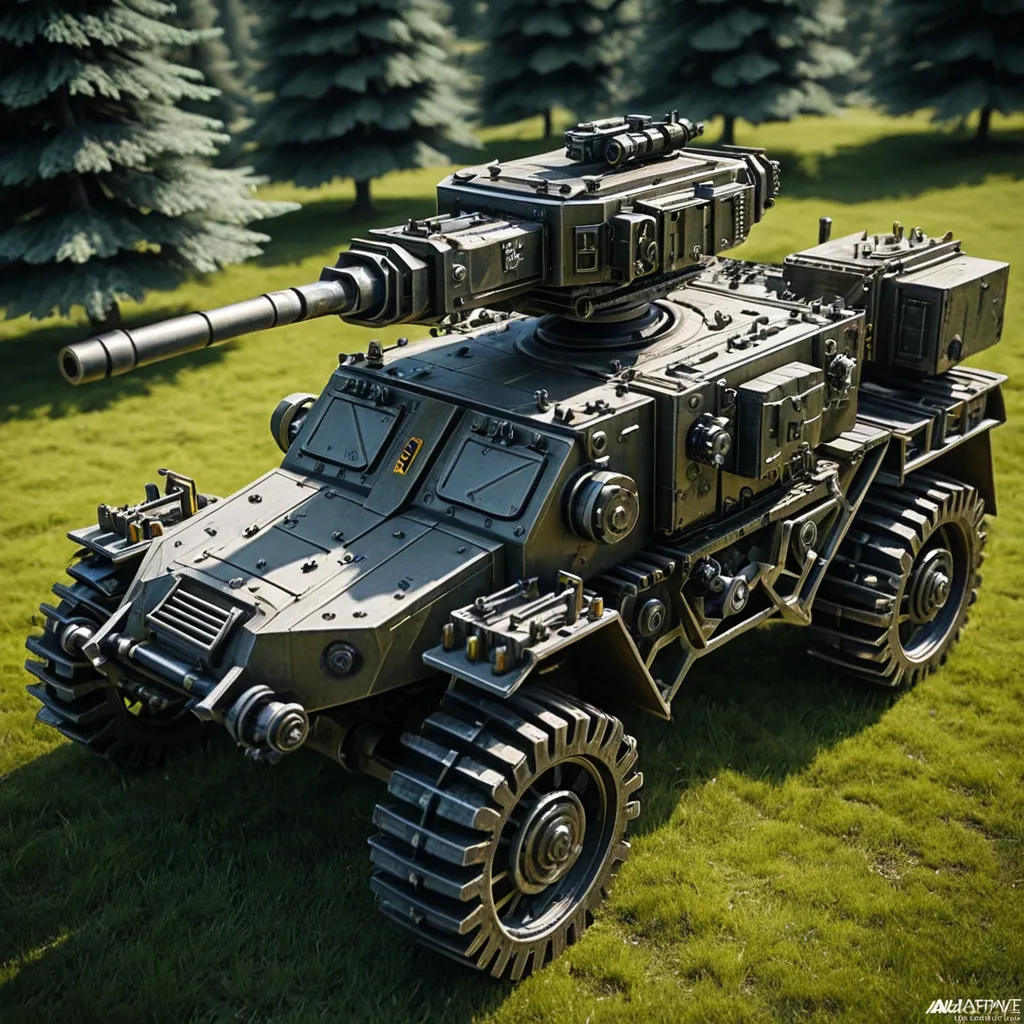
Six-wheeled platform with 3 wheels on each side , armored hull Four turrets in the form of belt machine guns , directed in different directions Realistic armor texture Detailing of mechanisms Miniature video cameras with protective glass on each turret Guidance mechanisms Environment (forest-steppe) Grass of different levels Individual trees and small groves Compressed grass under equipment , natural shadows Technical details: Soft daylight Shadows from equipment Light glare on metal Perspective Top-down view at an angle Detailing of the foreground Additional elements Treads from wheels Small landscape details ,
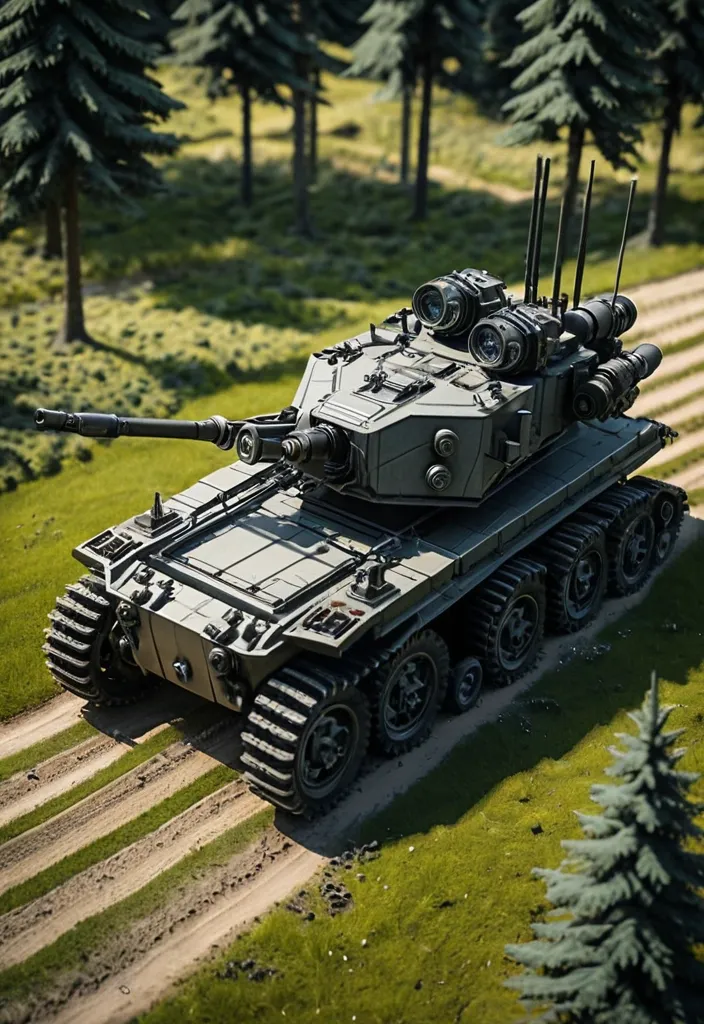
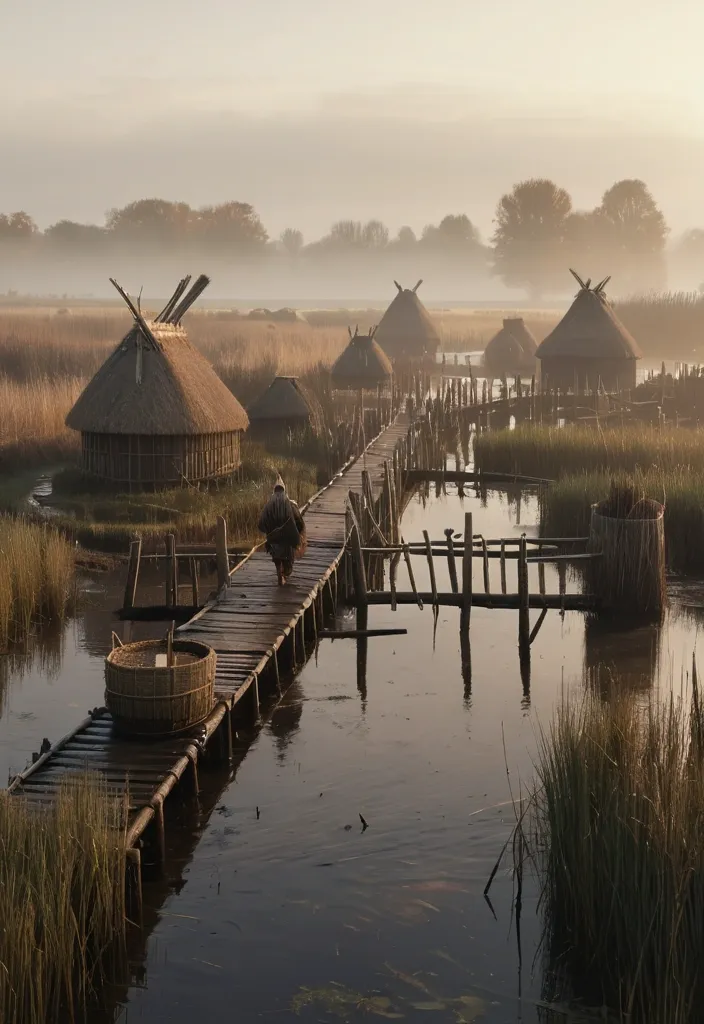
wooden causeway over marshy fenland , tall water reeds and shallow pools , timber posts jutting from water , thatched roundhouses on raised platforms , Bronze Age people carrying baskets and tools , mist rising from wetland , ceremonial offerings along walkways , dawn , foggy , autumn , Concept Art , 4K ,
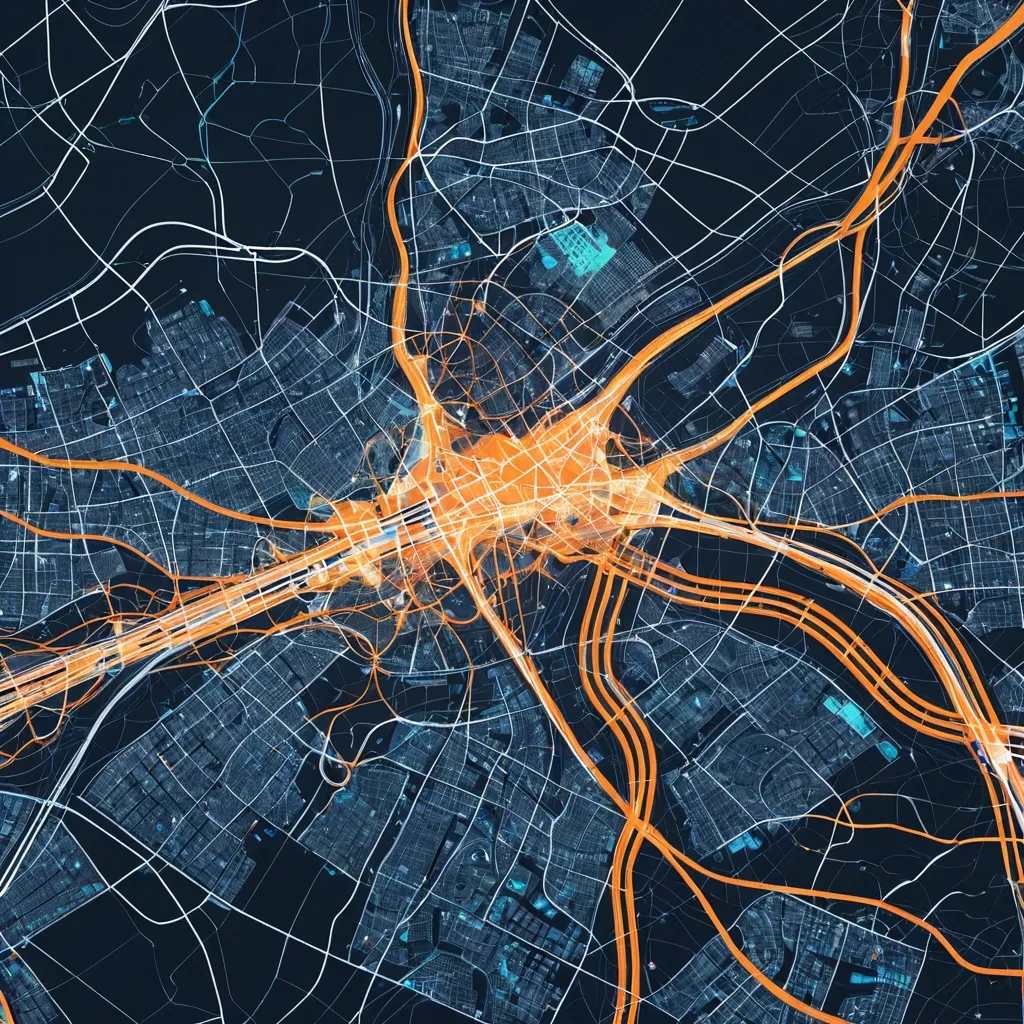
Create an abstract image representing the nervous system in the context of digital urban planning. Depict a map of Russia from Kaliningrad to Kamchatka , where data flows are visualized as bright connecting lines and nerve endings. Include elements of technology such as servers , cloud computing , and geometric shapes to emphasize the connection between cities and the digital data flowing through the Geometa platform. The colors should be bright and modern , creating a sense of dynamism and interconnectedness. ,

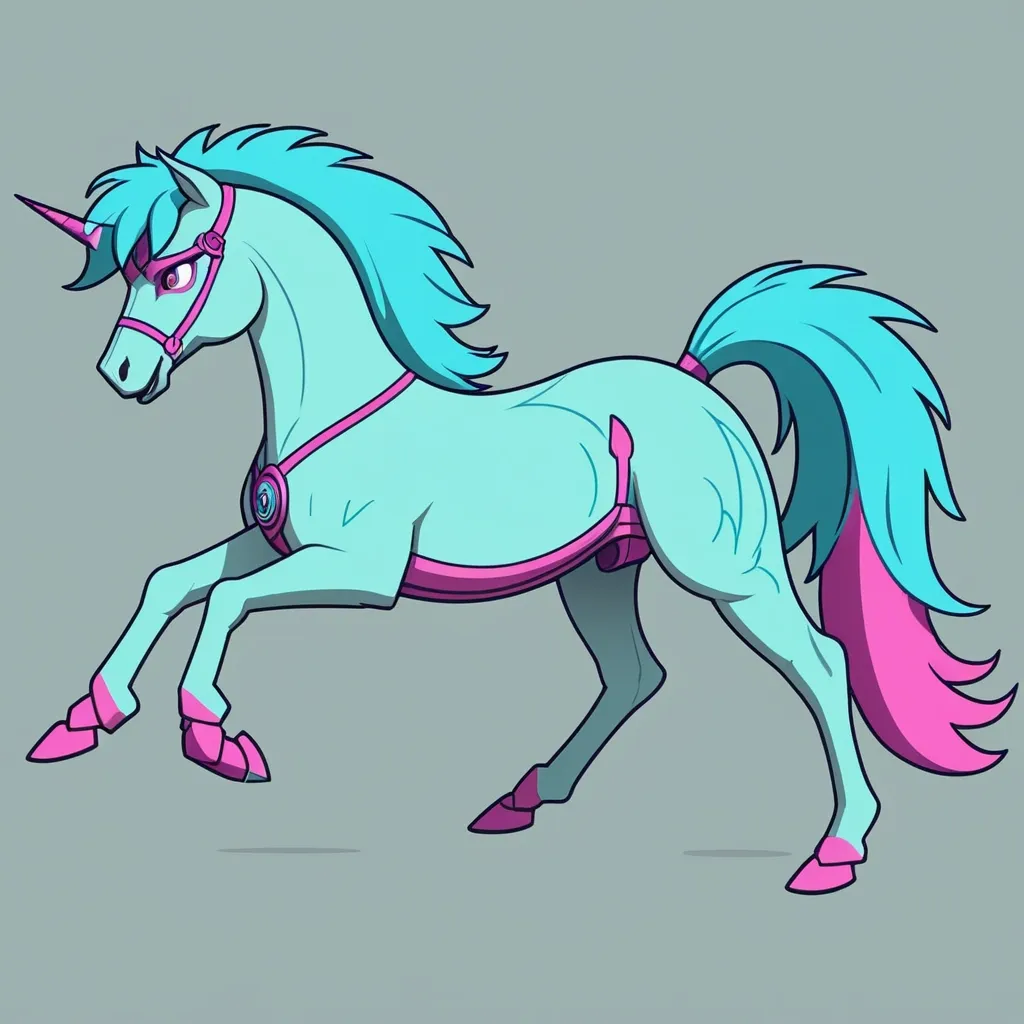
I am looking to create a 4 to 6 frame animation sprite sheet in the My Little Pony: Friendship is Magic vector art style. The sprite sheet should depict a small turquoise earth pony with a bright magenta mane and tail performing a charging ram attack. The animation sequence must include the following frames: Anticipation: The pony should be crouching with tensed legs , ready to spring into action. Launch: The pony should be depicted pushing off with its rear hooves , showcasing the moment of takeoff. Sprinting: The pony should have its head lowered , displaying a determined expression , with its body stretched forward as it charges. Impact-ready Pose: The final frame should show the pony with its head down , bracing with its hooves , while its mane and tail flow back , indicating the force of the charge. Please ensure that the animation features clean linework , bold outlines , and flat pastel colors. The background should be either transparent or simple to maintain focus on the character , making it ideal for use in a 2D Metroidvania platformer game. Any additional tips on how to effectively animate this sequence would also be appreciated. ,
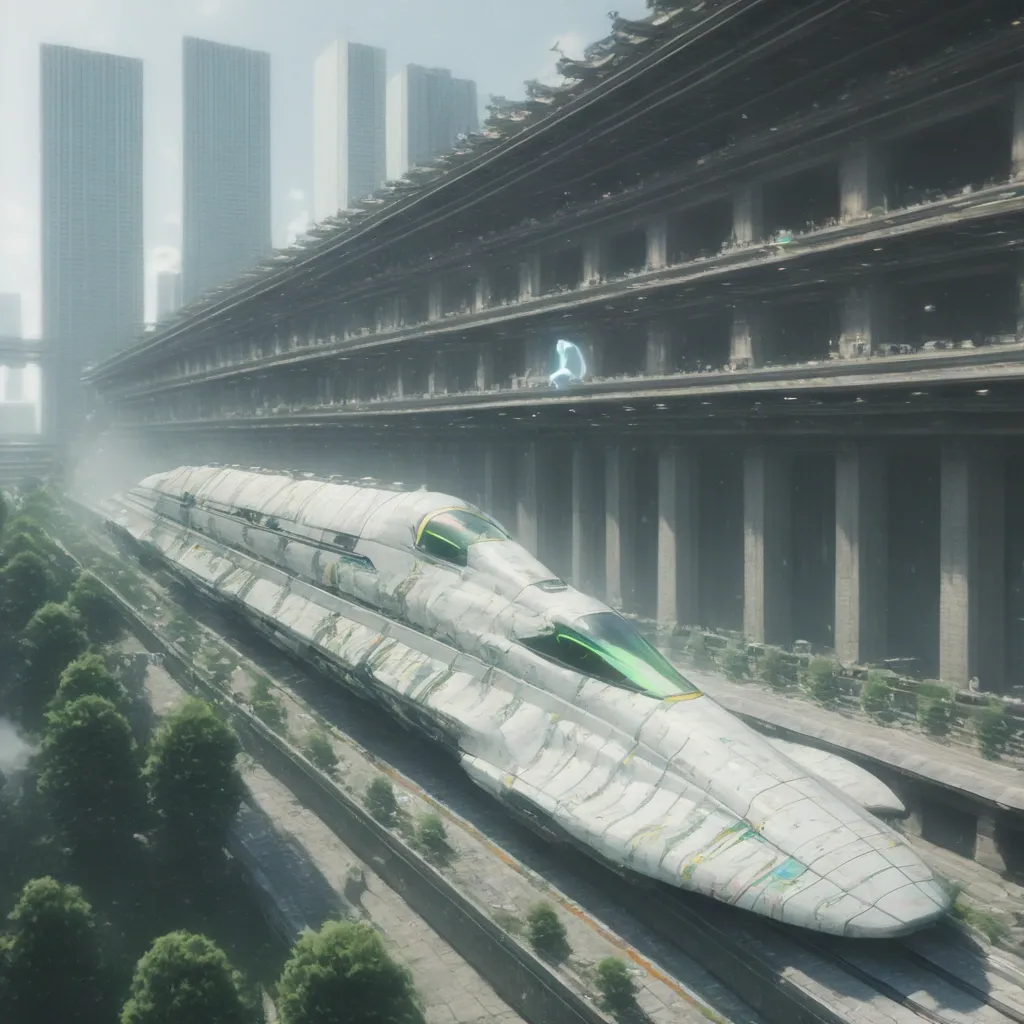
A breathtaking view of a futuristic space colony , designed as a massive platform structure floating in the cosmos. The interior of the platform reveals a meticulously planned cityscape with lush green areas , shimmering lakes , and agricultural zones. waterfalls should be seamlessly integrated into the platform structure. Think of them flowing down the sides of skyscrapers , cascading from rooftops , or even emerging from the walls of old , abandoned buildings. (A bullet train performs warp travel.:2.0) , (A streamlined spaceship resembling the bullet train:2.0) , emphasizing the scale and grandeur of the structure , with high dynamic range to balance the bright interior with the dark vacuum of space. ,
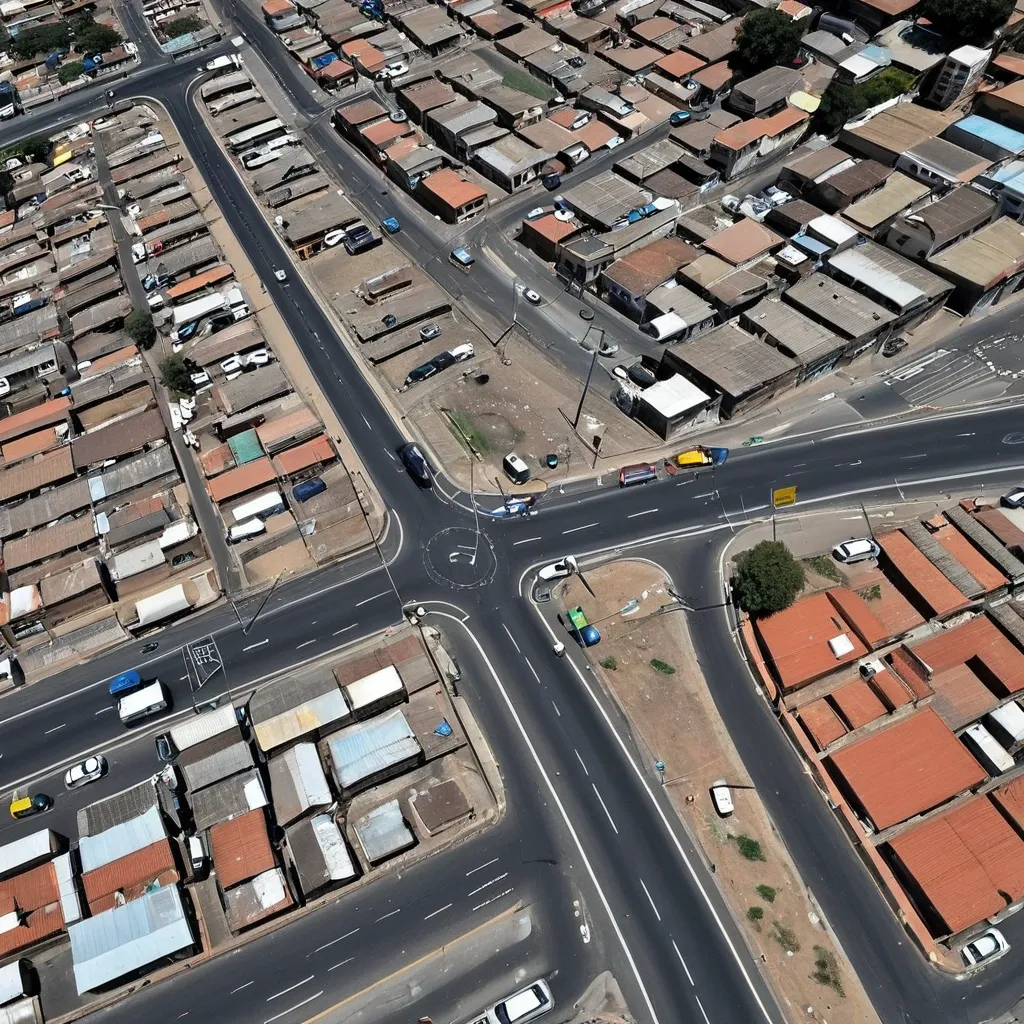
QuickFixSA is a cross-platform Progressive Web App (PWA) built to empower South African citizens to report and track municipal issues — The goal is to empower residents to report and track municipal service delivery issues (e.g. , infrastructure faults , utility disruptions , public safety concerns , potholes , broken streetlights , illegal dumping , sewer blockages and water leaks). Designed to function seamlessly on low-bandwidth connections and across devices , QuickFixSA aims to improve civic responsiveness and transparency. ,
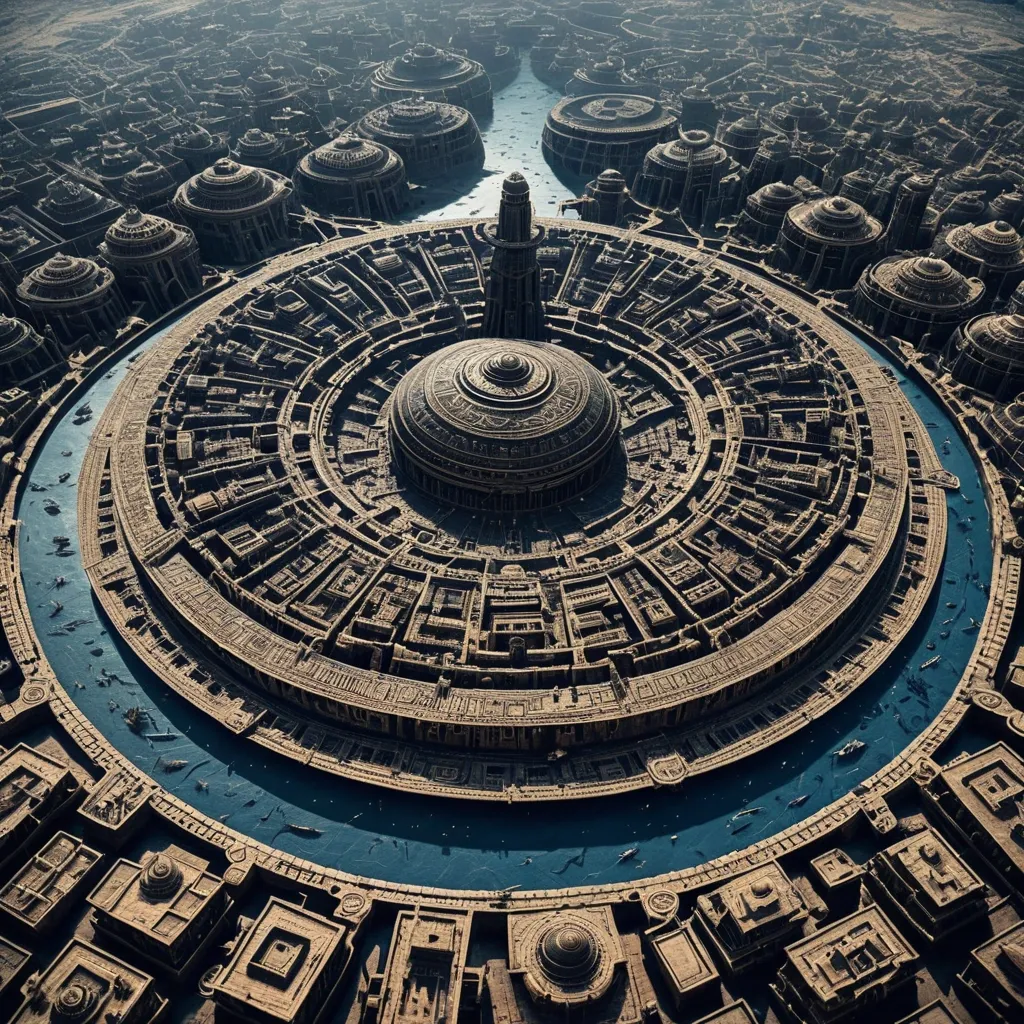
A nostalgic Naturalism style , a desolate dark fantasy , ((Aerial view)) , a colossal flying fort , UFO flying in air , its surface etched with intricate , Egyptians-inspired carvings. In ufo's surface are densely populated with a sprawling , featuring countless tiny houses , mansions , and fortifications , all connected by a network of elaborate , curved bridges and platforms that spiral upwards towards the summit , in the style of intricate over skyscrapers , flowing fabrics , navy blue and gold , light sky-blue and bronze , realistic hyper-detail , engraved line-work ,
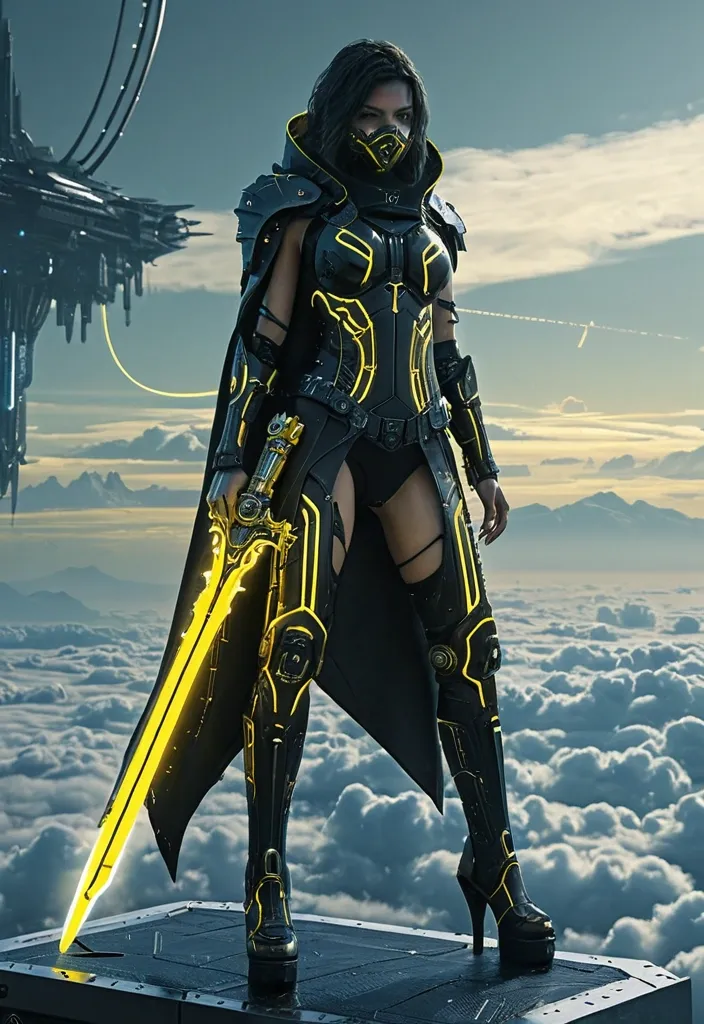
A photorealistic cinematic illustration of a futuristic Female standing alone on a cyberpunk sky platform above the clouds , gripping a colossal , hyper-detailed sword. The sword is over ten times the female’s height , made from bio-mechanical alloys with sharp black-metal edges , glowing plasma veins , and yellow neon engravings running along the blade’s curve. The sword pulses with sacred energy and hums with power. The female wears a black and neon yellow armored cloak with tech-circuit patterns , a hood partially hiding their face. ,
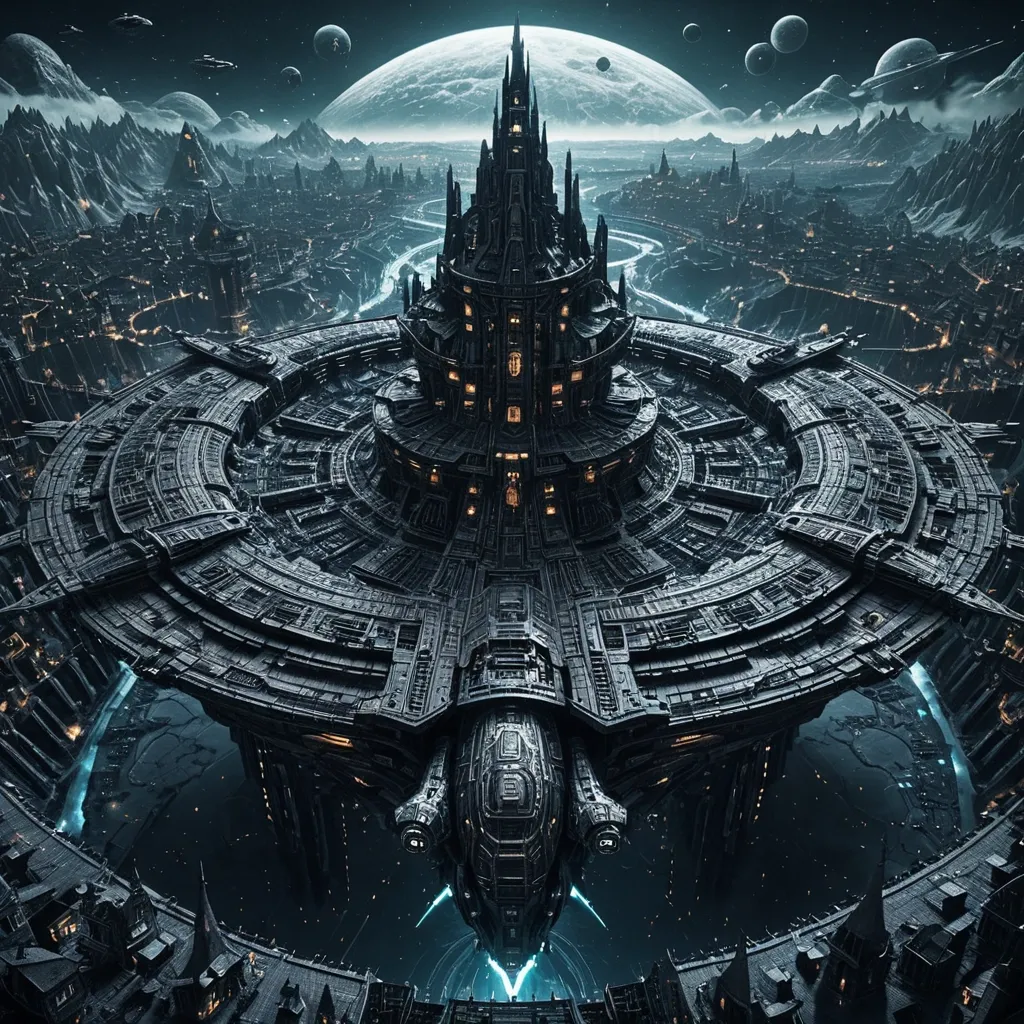
In a desolate , dark fantasy , ((down view)) , a colossal flying fort , UFO flying in air , its surface etched with intricate , socialist-inspired carvings. In ufo's surface are densely populated with a sprawling , mecha vehicle , featuring countless tiny houses , mansions , and fortifications , all connected by a network of elaborate , curved bridges and platforms that spiral upwards towards the summit. space background. The overall effect is a stunning , 8k resolution , concept art masterpiece , worthy of a splash screen on Art-station ,
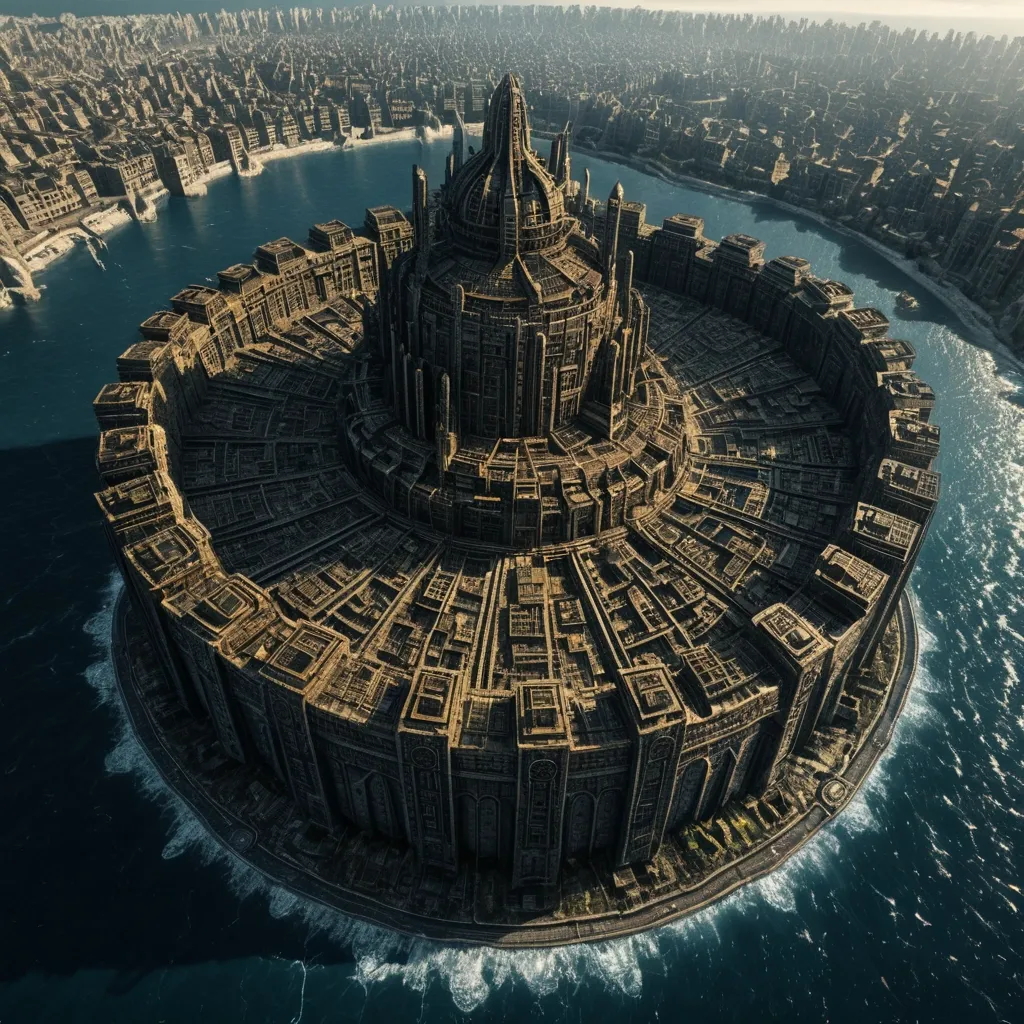
In a desolate , dark fantasy , ((Aerial view)) , a colossal fort , cuboid Sunflower rises , its surface etched with intricate , socialist-inspired carvings. In Sunflower's surface are densely populated with a sprawling , mecha town , featuring countless tiny houses , mansions , and fortifications , all connected by a network of elaborate , curved bridges and platforms that spiral upwards towards the summit. ocean background. The overall effect is a stunning , 8k resolution , concept art masterpiece , worthy of a splash screen on Art-station ,